1 2 3 4
9
5 6 7 8
Steam
Adding:
It
will
have
steam
in
the
washing
if
the
salt
indicator
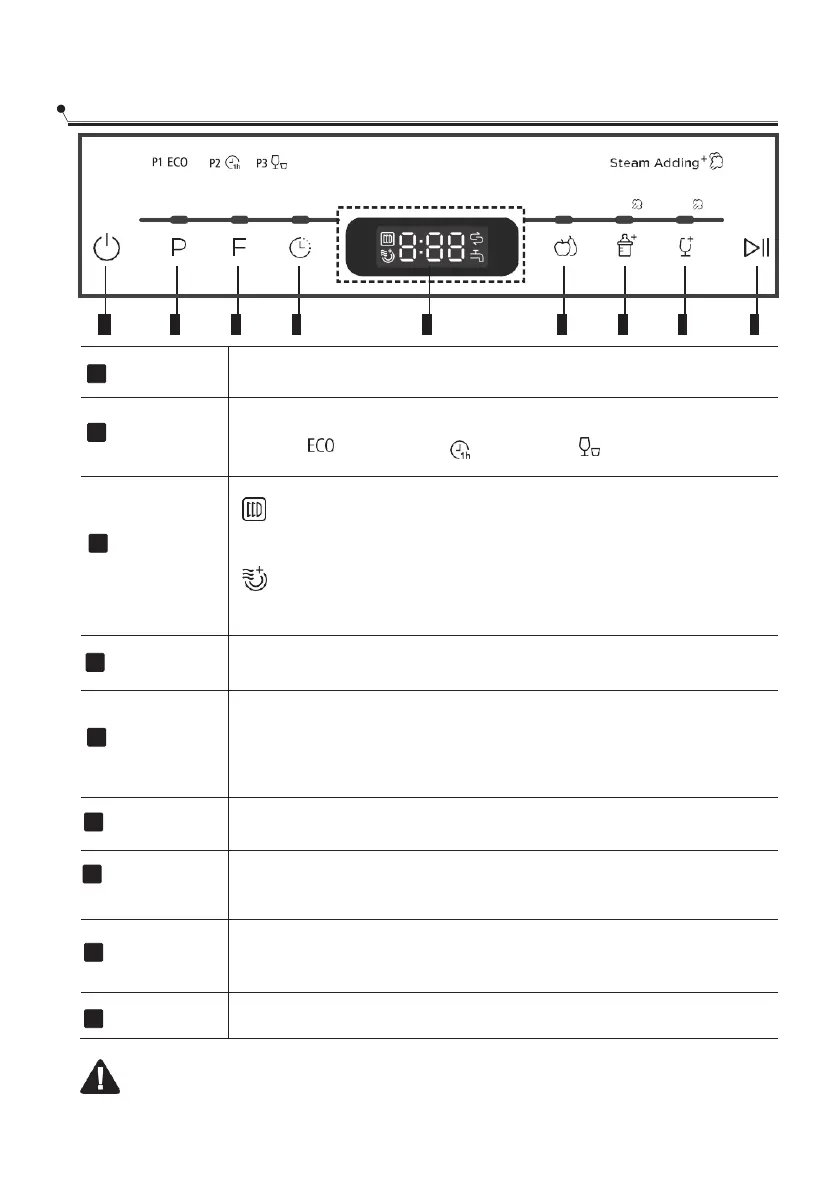
Program
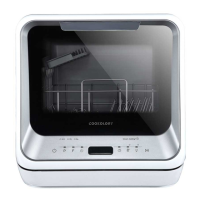
Program Button: Press the button to select wash cycles
P1(ECO ) -P2 (1 hour ) -P3 (rapid ). ECO (Steam Add in
Storage
Get rid of the smell, damp and mildew proofing.
Extra dry
To select the extra dry function.
To show the delay time 00~24h.
Hot water: Suitable for washing fruit surfaces of a certain size,
such as apple, grape, jujube.
Cold water: Suitable for fruits with a weak surface, such
as strawberries.
Suitable for washing baby bottles. (Steam Adding)
For lightly soiled loads, such as glasses, crystal and fine china.
(Steam Adding)
Press this button to start or pause the dishwasher, the process
pilot lamp will be blinking when starting.
Display the time, function and so on.
1
2
3
4
5
6
7
8
9
is not light.


 To Next Page