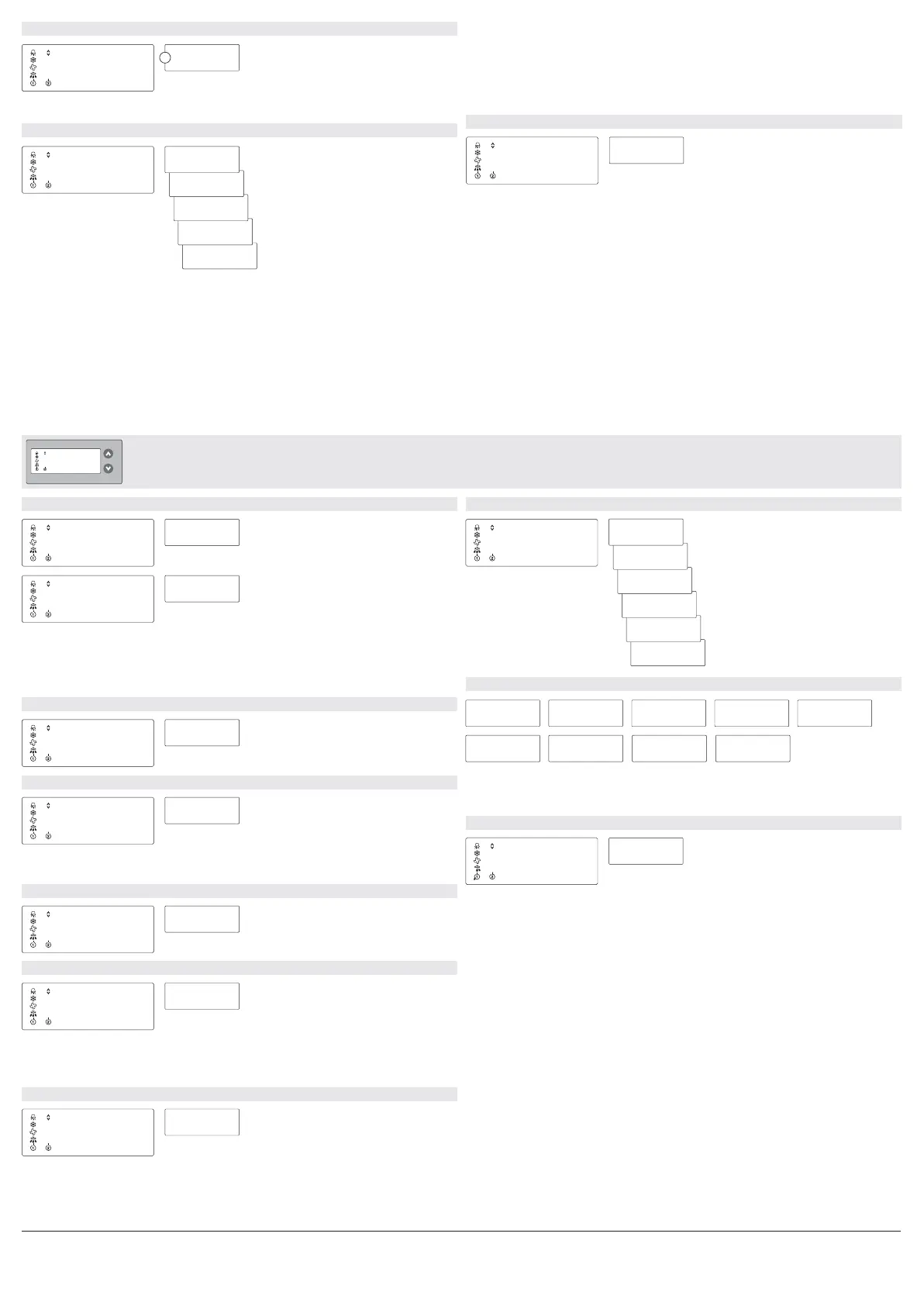
The statistics level
tHI
: 0.5
Maximum room temperature ”tL1”
(Temperature High)
Display max. & min. room temperature
tLO
: 7.3
Minimum room temperature ”tL1”
(Temperature Low)
dFn
1
The number of defrosting processes
Display defrost count (Defrost Number)
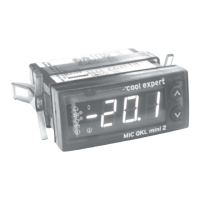
MIC QKL mini 2
-3-
-°cool expert
dCn
18
Number of door openings
Display number of door openings (Door Contact Number)
ECn
3
Number of “ECO” alerts
Display number of alerts “ECO” (ECO Number)
Operating level 3
Note:
The number of “ECO” alerts is recorded even if sytem monitoring is deactivated (Operating level 2
“cEE”, “OFF”) .
PFn
2
Number of power failures
Number of power failures (Pfn Number)
Note:
In the event of power failure and restoration of power the counter under “PFN” is increased by one.
Note:
After the first start-up of the controller or after resetting the statistic values, it can last up to 15 minutes
until a value is visible.
The maximum and minimum room temperature is evaluated by sensor TL1 and is therefore only
possible in the case of the two-sensor control.
Note:
Only in conjunction with configured door contact "dC" under “cI1” or “cI2”
Edn
2
Number of “Edo” alerts
Display number of alerts “Edo” (ECO Number)
Idn
Version number
(Ident Number)
Note:
The values above are needed for diagnosis in the case of service by Cool Expert and are
insignificant for the normal operation.
Diagnostic values (Cool Expert internal)
d_1
d_6
d_2
d_7 d_8 d_9
d_3 d_4 d_5
tL1
The first menu item after changing to the
operating level (operating level 1)
-1-
Back to operating level (operating level 1)
Note:
All statistical values can be reset in operating level 2 (configuration level) under the menu item "rST, rtd".
Show support group (SUG)
When pressing the lower button “<” all controllers within the same support group will signal their
group membership by winking*.
Show defrost communication group (SdG)
When pressing the lower button “<” all controllers within the same defrost communication group will
signal their group membership by winking*.
Show temperature communication group (StG)
When pressing the lower button “<” all controllers within the same temperature communication
group will signal their group membership by winking*.
Show network identification (SId)
When pressing the lower button “<” all controllers within the same network identification will signal
their group membership by winking*.
cS
The first menu item after changing to the
configuration level (operating level 2)
-2-
Back to the configuration level (operating level 2)
.1
r19
cE3
Displays software subversion
Displays control version
Displays device name
.38
Displays software version
i3.0
i_0
Displays Network interface version
“i_0”: no network interface registered
“i_1”: network interface registered
9
Network service message (nSP)
When pressing the lower button “<” a network service message is send.
Note:
“-A-” is shown if a message is sent successfully. The blinking Alarm-LED indicates an error when
trying to send a message (e.g. no network module present, communication deactivated).
*winking: a winking controller shows a rotating “° ” in the display for aprox. 5 seconds and can
SId
nSP
ntS
StG
SdG
SUG
Show temperature communication group
(Show temperature group)
Show network identification
(Show network identifikation)
Network service message
(Network servicepin)
Show defrost communication group
(Show defrost group)
Show support group
(Show support group)
Network test
(Network test)
In preparation: this parameter has currently no function!
1
Adjustable value 1 - 100
Hot gas power factor
W
E
(Network support power)
nUP


 To Next Page
 Loading...