CoolBot
6.5 or 6.4 version
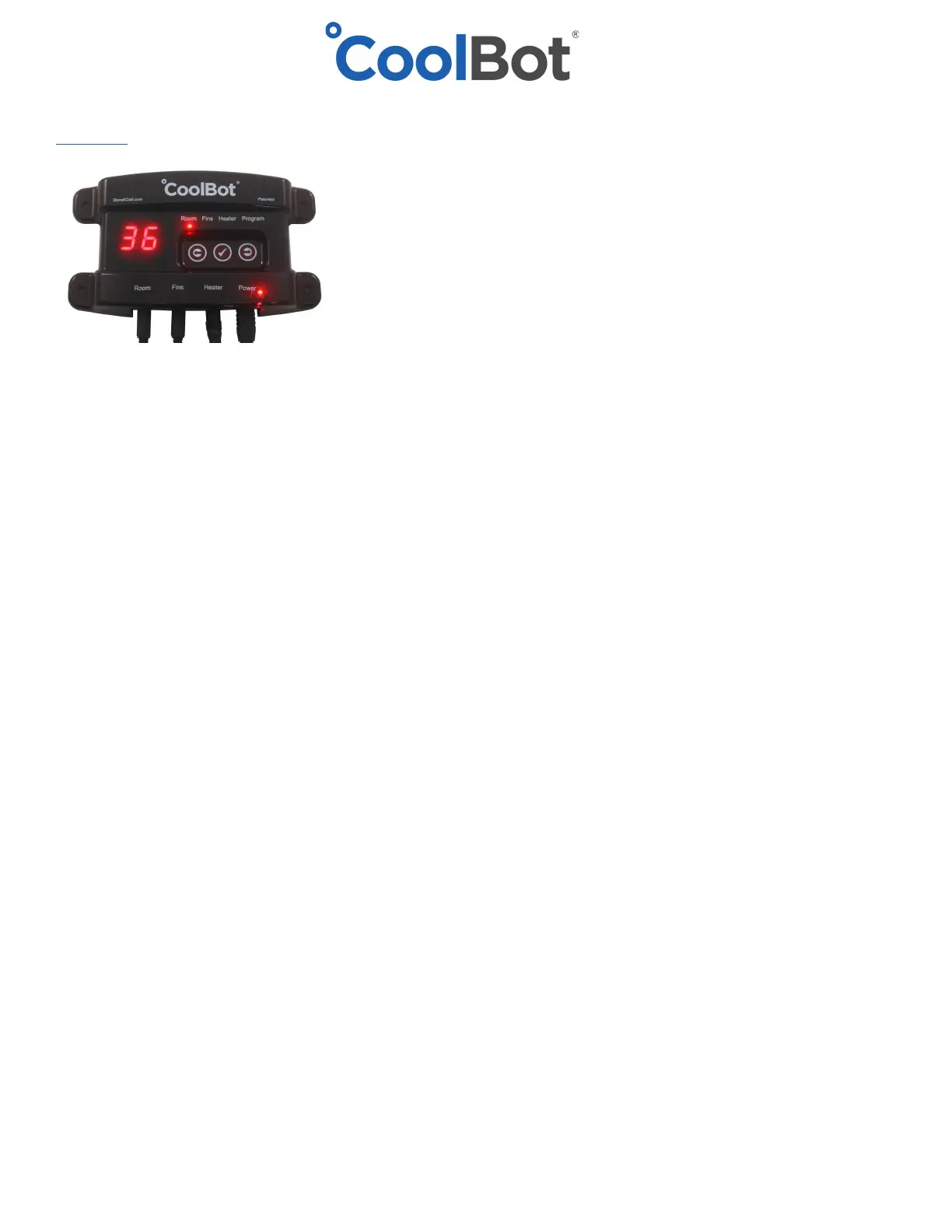
1. Tap the right arrow to move the cursor light over to the “program” mode. Double check that it says
either “6.4 or 6.5” in the display
2. Tap the checkmark (center button) 5 times. You’ll see P-1 in the display
3. Tap the checkmark once to select. You will see a lowercase N (“n”)
4. Tap the right arrow once to change to y. (for no and yes)
5. Tap the check mark once to select and wait 20 seconds without touching any buttons.
6. The CoolBot set temp has been reset to factory setting of 42F, change it to your desired room temp.
6.3 version
1. Tap the right arrow to move the cursor light over to the program mode. Make sure it reads “6.3” in the
display.
2. Tap the check mark 3 times. You will see FC in the display.
3. Tap the left arrow once. You will see rE in the display (for reset) (lowercase r, upper case E)
4. Tap the checkmark once. You will see “no” in the display
5. Tap the right arrow once. You will see 60 in the display.
6. Tap the checkmark once and wait 20 seconds of the CoolBot to completely reset itself.
7. The CoolBot set temp has been reset to factory setting of 42F, change it to your desired room temp.
6.1 version
1. Tap the right arrow to move the cursor light over to the program mode. Double check that it says “6.1”
in the display.
2. Tap the checkmark once. You will see FC in the display.
3. Tap the left arrow once. You will see rE in the display (for reset) (lowercase r, upper case E)
4. Tap the checkmark once. You will see “no” in the display
5. Tap the right arrow once. You will see 60 in the display.
6. Tap the checkmark once and wait 20 seconds of the CoolBot to completely reset itself.
7. The CoolBot set temp has been reset to factory setting of 42F, change it to your desired room temp.
© 2018-12A Store It Cold, LLC


 To Previous Page
 Loading...