Copyright 2015 © Cooler Master Corporation. All Rights Reserved.
On-the-Fly: How to record a macro
1. Select the profile in which to record the Macro.
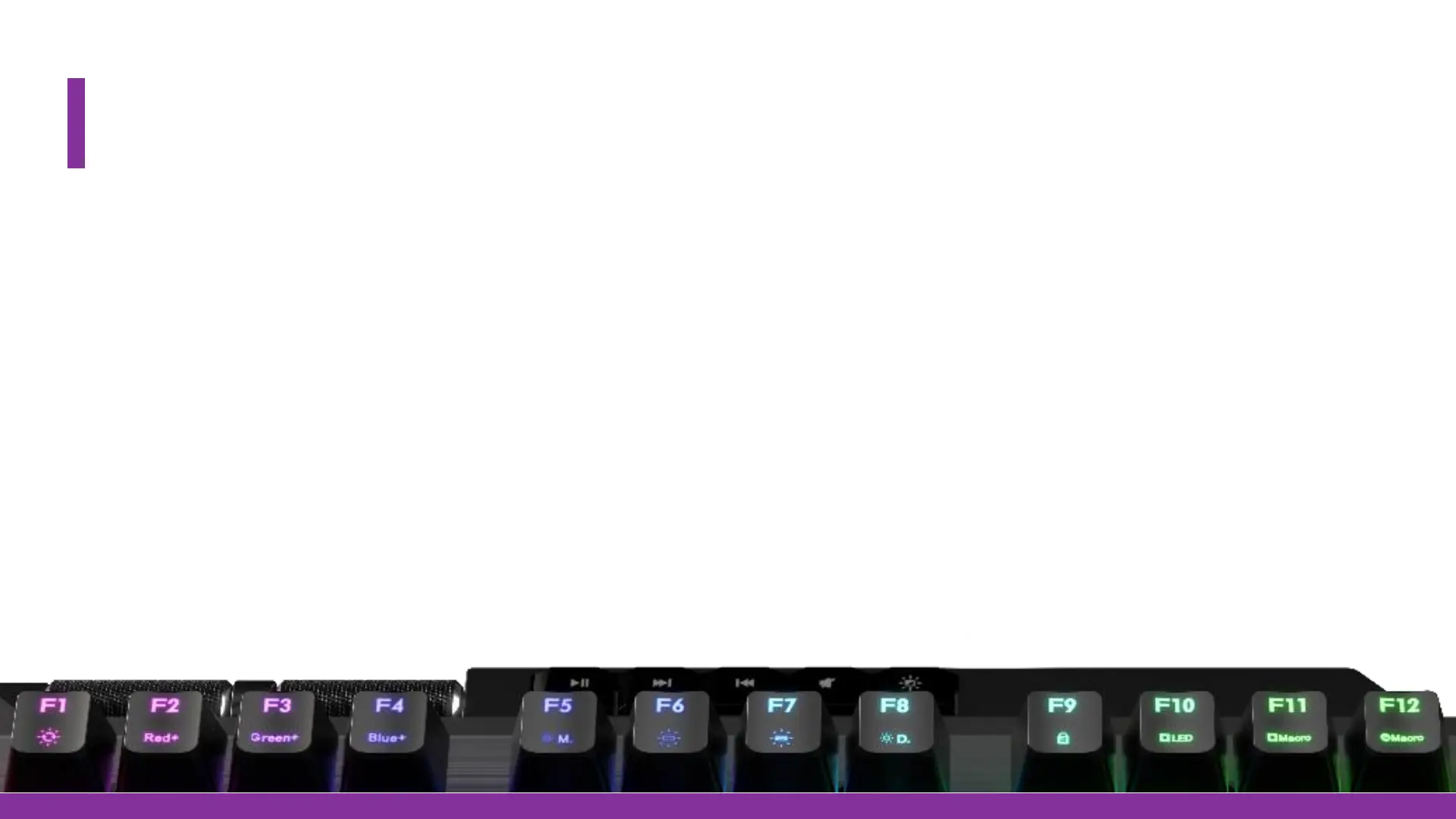
2. FN+F11 to start recording the Macro.
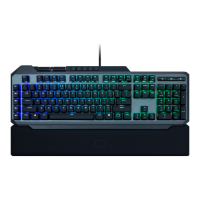
- All keys available as “Macro Key” will light up Blue (Incl. the four Multi-Media keys.)
3. Select the Key requested to be the “Macro Key” by pressing it.
- The key selected for the Macro will now flash Red
4. Now the Macro can be keyed in.
5. When finished select the mode (Single, Repeat Loop and Infinate Loop).
6. After that is done press FN+ESC to save and exit. Your Macro is now ready!


 To Next Page