Copyright 2015 © Cooler Master Corporation. All Rights Reserved.
On-the-Fly: How to delete a macro
1. Select the profile in which the to-be-deleted Macro is in.
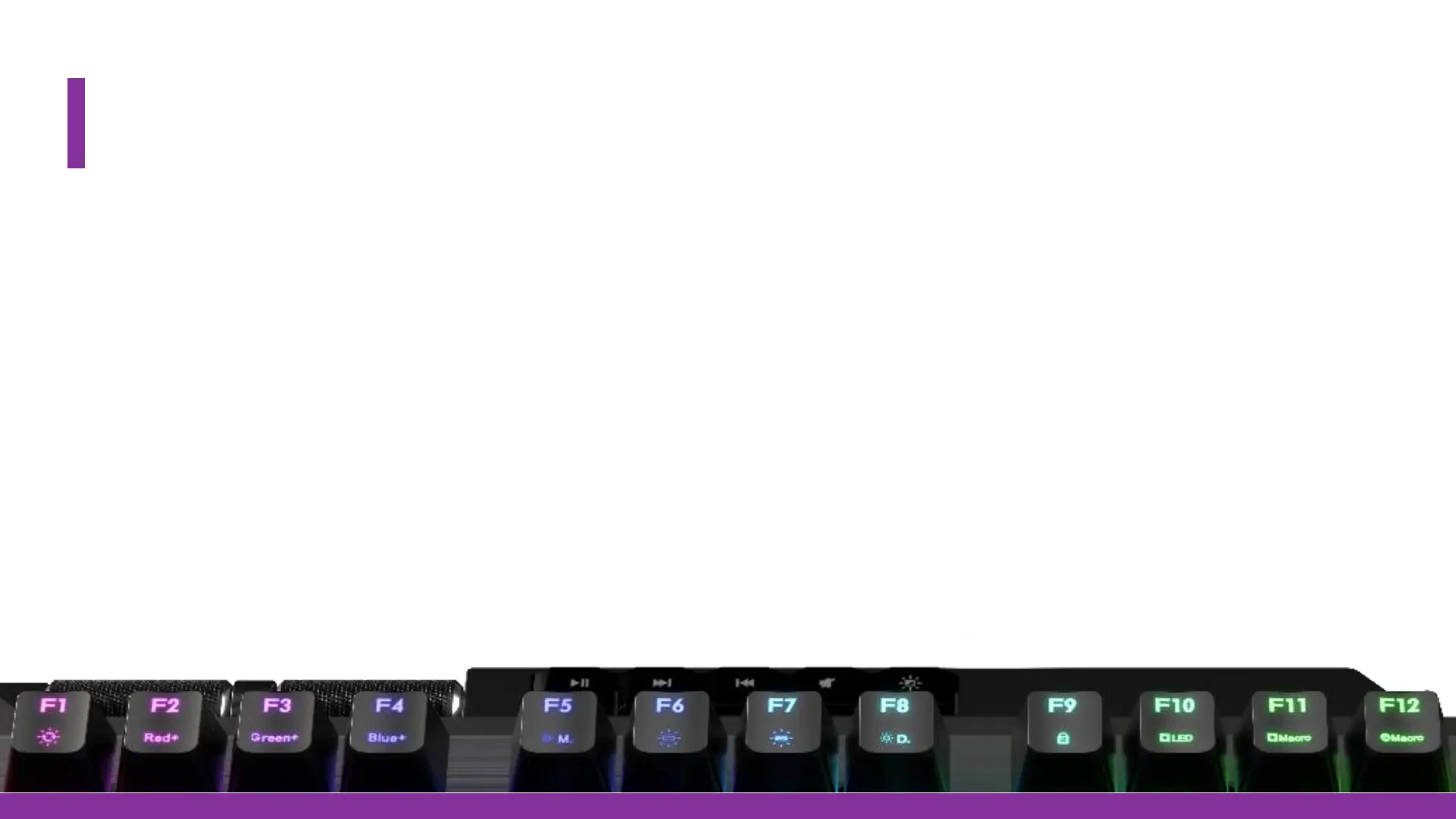
2. FN+F12 to start deleting the Macro.
- All keys that have a Macro binded will light up Red
3. Select the Key requested to be the deleted
- The key backlight will then turn off
4. When finished press FN+ESC to save and exit.
- The Macro is now deleted


 To Next Page