Copyright 2015 © Cooler Master Corporation. All Rights Reserved.
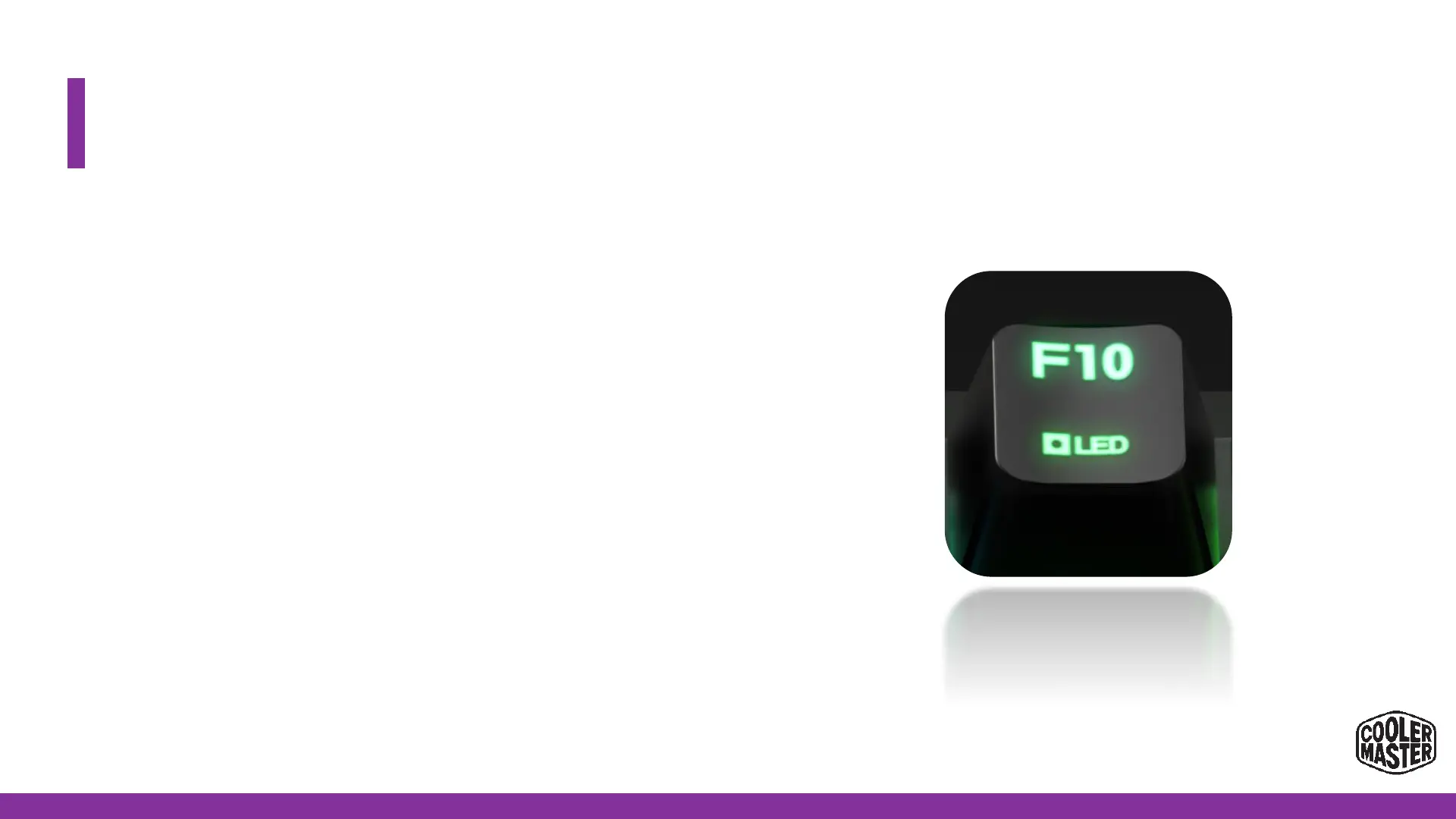
On-the-Fly: How to record custom LED (F10)
1. FN+F10 to start recording the Custom LED effect*
2. With FN+F2/F3/F4 the colors can be mixed and chosen. 9
levels per color.
- The color will change and display on the FN key’s LED.
3. After the requested color is achieved, press the key(s) that
you want in this color.
-Repeat step 2 & 3 as many times as requested for other keys
4. Press FN+ P1/P2/P3/P4 to Save it to the requested profile.


 To Next Page