Need help?
Do you have a question about the COOLIFE H953 940NM and is the answer not in the manual?
Provides contact details and information regarding customer support and product services.
Explains how the infrared sensor triggers photo and video capture upon detecting movement.
Lists essential safety precautions and potential issues during operation and installation.
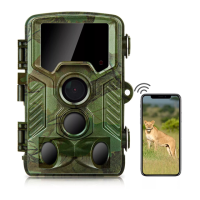
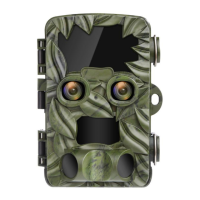
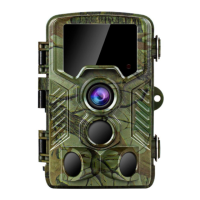
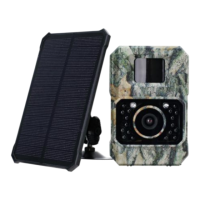
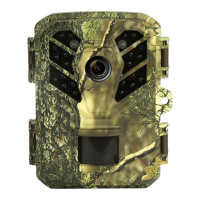
Identifies and labels all external components and interfaces of the trail camera.
Step-by-step guide on installing batteries, SD card, and basic camera setup.
Details the meaning of icons and information displayed on the camera's LCD screen.
Presents detailed technical specifications of the trail camera's hardware and features.
Instructions for opening the camera and correctly inserting batteries.
Steps for inserting and removing a Micro SD/TF memory card for data storage.
Details on connecting external power, using straps, and wall mounts for installation.
Recommendations for placement, angle, and distance for effective detection.
Instructions for connecting via USB cable and using a card reader for file transfer.
Steps to connect the camera to a television for playback using an AV cable.
Explanation of operating modes (ON, TEST, OFF) and aligning the camera in Test mode.
Configuration options for photo/video modes, resolution, and video clip duration.
Adjusting shot lag and motion sensor sensitivity for optimal performance.
Configuration for target recording times and time-lapse photo/video capture.
Setting date, time, and selecting the menu language.
Formatting memory cards and resetting camera settings to factory defaults.
Provides answers to common questions and directs users to the official website for more support.
 General
| Model | H953 940NM |
|---|---|
| Category | Scouting Camera |
| IR Flash | Yes |
| Infrared Wavelength | 940NM |
| Waterproof | IP66 |
| Night Vision | Yes |
| Memory Card Support | Up to 32GB |
| Detection Distance | 20m |
| Battery Life | 6 months |
| Trigger Speed | 0.2 seconds |

 To Next Page