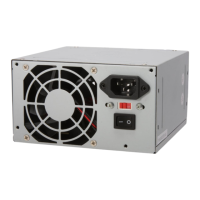
1.FunctionDescription
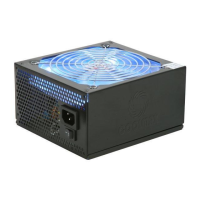
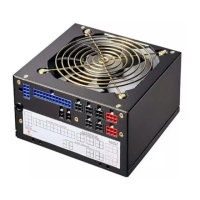
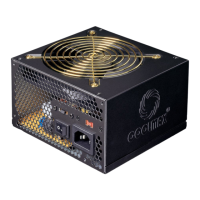
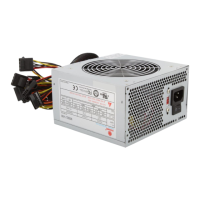
Thispowersupplyisdesignedforpersonalcomputer.TherearesixDCoutputs:
+5V,-5V,+12V,-12V,+3.3V+5V,anditprovidespowertoallcomputer
systemsandperipheralswithmaximumprotection.
Herearesomeofthekeyfeatures:
&
SB
S-ATAready
FullysupportsallIntel&AMDsystemdemands
Tube-tidedesigntotidywires
Allkindsofprotectioncircuits(OVP/OPP/SCP)
20-24Pin/4-8Pinconnectorsavailabletosupportboth20Pinand
24Pinsocketmotherboards
Anti-corrosivenickelplatedchassis
Itisrathersimpletoinstallthispowersupplytoyourpreciouscomputer
tower.Followthestepsbelowtofinishthesetup.
Step1:Openthecomputertowercover;putthepowersupplyintothe
correspondinglocationofthetower,andthenuserightscrewstofixthe
powersupplytotower.
Step2:PuttheMainPowerConnector,ATX12VConnector,S-ATAConnector,
PeripheralConnectorsandFloppyConnectorstothecorrespondingmale
connectorsofmain-board,peripheraldevices(i.e.HDD,CDROMetc.)
andfloppydriversrespectively.Whenyouconnecttheconnectors,please
payattentiontotheorientationofthembecauseofthedifferentholesizes.
Findtheproperorientationandpushdownfirmlymakingsurethatthe
pinsarealigned.
2.HowtoSetup
1
3.Specifications
3.1InputRequirements
Thepowersupplyshalloperateasbelow:


 To Next Page