Coolmay L02 Series PLC Programming Manual
retry twice, each time = (R23814*5)ms.
R23815 is the number of MODBUS sent packets
R23816 is the number of MODBUS received packets.
8.6.1. MITSUBISHI MC protocol
Note: a. MC protocol and cloud configuration background can coexist, even
when MC protocol is used, it can also be connected with Coolamy Cloud background.
b. When the MC protocol is used, the default port is 5556.
c. When the communication is unsuccessful, check whether the IP of the
PLC and HMI is correct (ensure the same network segment), whether the IP of the
HMI remote access is correct, whether the HMI protocol is selected correctly, and
whether the network cable is connected correctly.
1. Set the IP address of the PLC
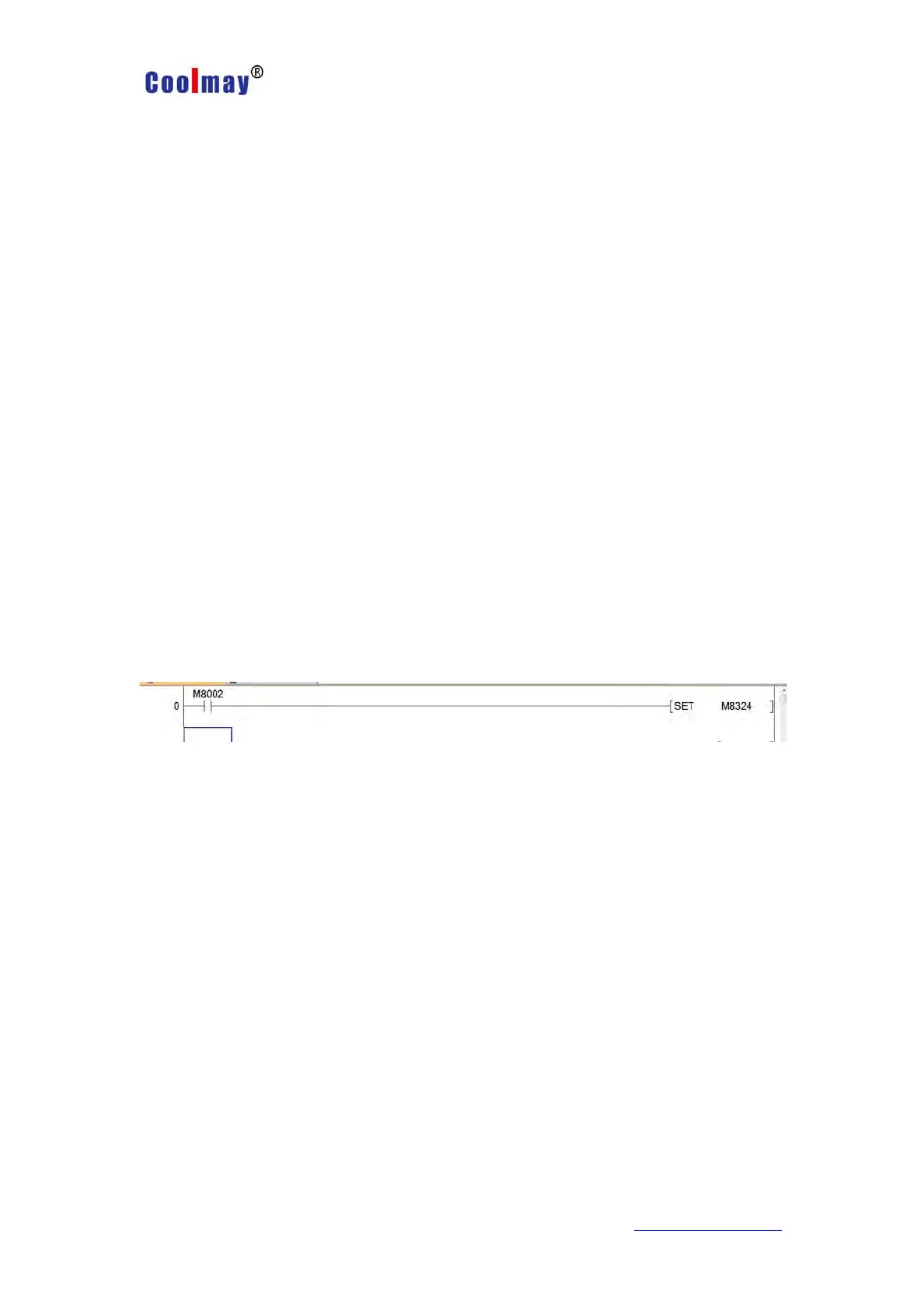
a. Automatic acquisition: M8324 is set when M8002 is powered on
b. Manual settings:
Method 1:
Write directly to the IP register
Router address: R23800 R23801; default 192.168.1.1. That is,
R23800=0XC0A8, R23801=0X0101.
Subnet mask: R23802 R23803; default 0 .0. 0 .0. That is, R23802=0,
R23803=0.
IP address: R23807 R23808; the default is 192.168.1.250, that is,
R23807=0XC0A8, R23808=0X01FA.



 To Next Page