18
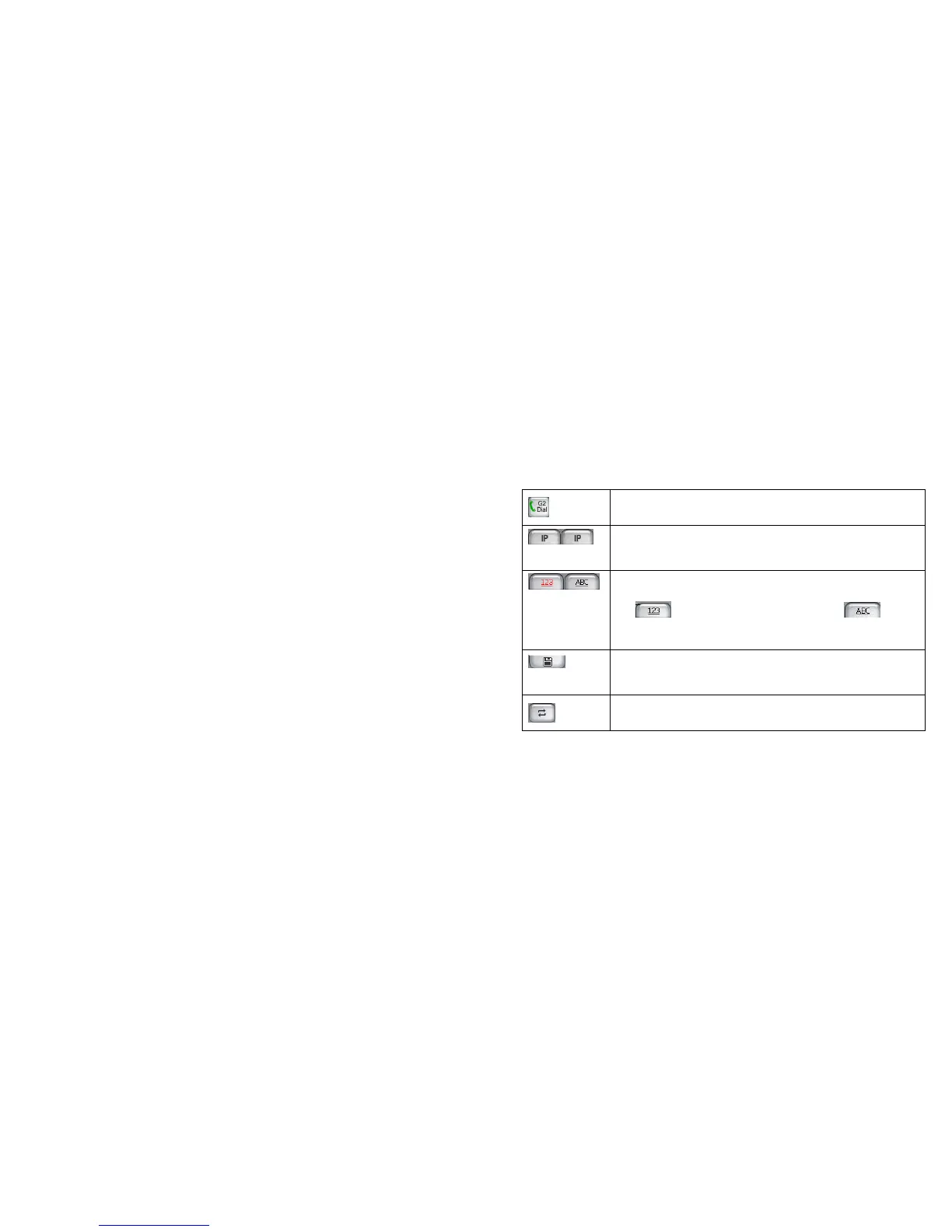
Designed for GSM2 card. You can tap it to dial the number you input.
IP dial: the left button is designed for GSM1 card and the right one for GSM2
card. Tap it and you can dial the number you input with IP number added.
When inputting a number, you can use any of them to find a contact number.
Key
is used for number association find and for letter
association find.
Save the number input in the keypad to Contacts; during the call, save the
number input in the keypad to the temporary numbers of Call Log.
Switch between association keypad and non-association keypad



 To Next Page