46
10 Calendar
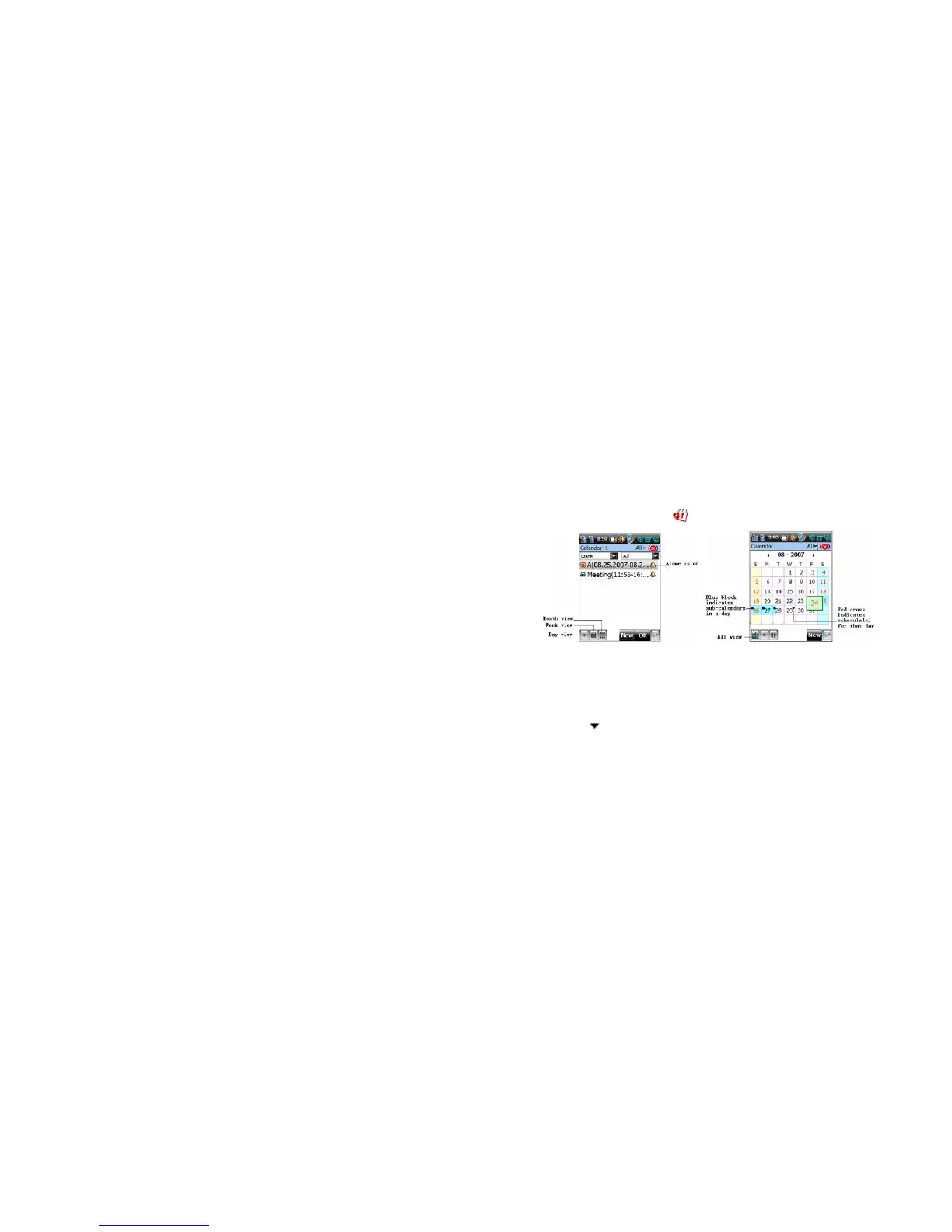
On the PDA home screen, tap to enter the Calendar interface.
Creating a Scheduled Event
Tap New in any view interface to enter the editing interface, or tapping an interval or pressing
and dragging to select an area with the stylus in the day view or week view.
1. In the interface for adding a scheduled event, fill in the event information.
2. Tap
in the title bar, and then select a folder for the event from the drop-down menu



 To Next Page