77
Connect, Delete, Rename and Properties mentioned above are available. Otherwise, they
are in grey color and not available
.
: Start a dial-up connection. : Delete a dial-up connection.
: view the properties of a dial-up connection.
Creating a Connection
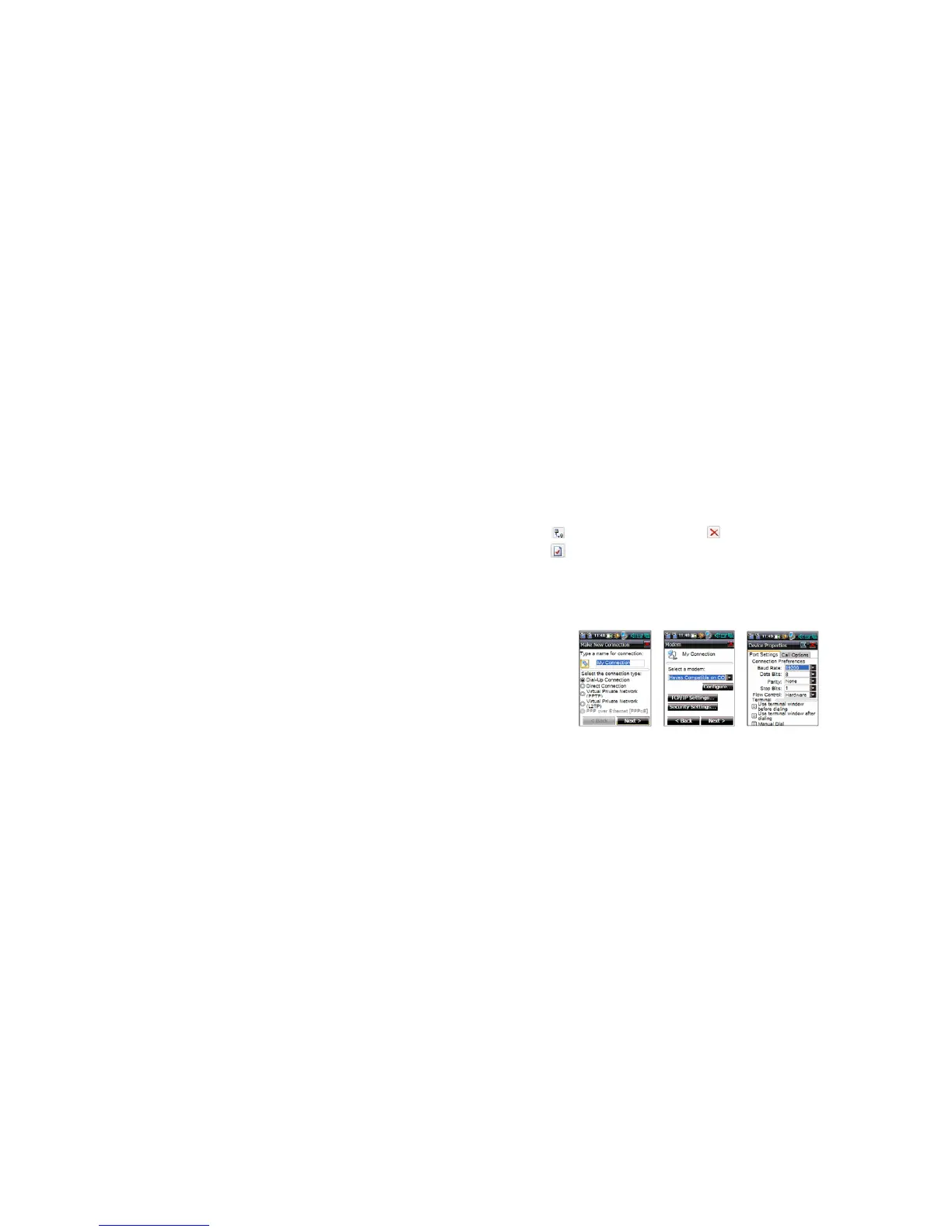
On the Connection interface, tap Connection in the main menu and then select New from
the pop-up menu, to display the interface shown in Fig. 25-1.



 To Next Page