36
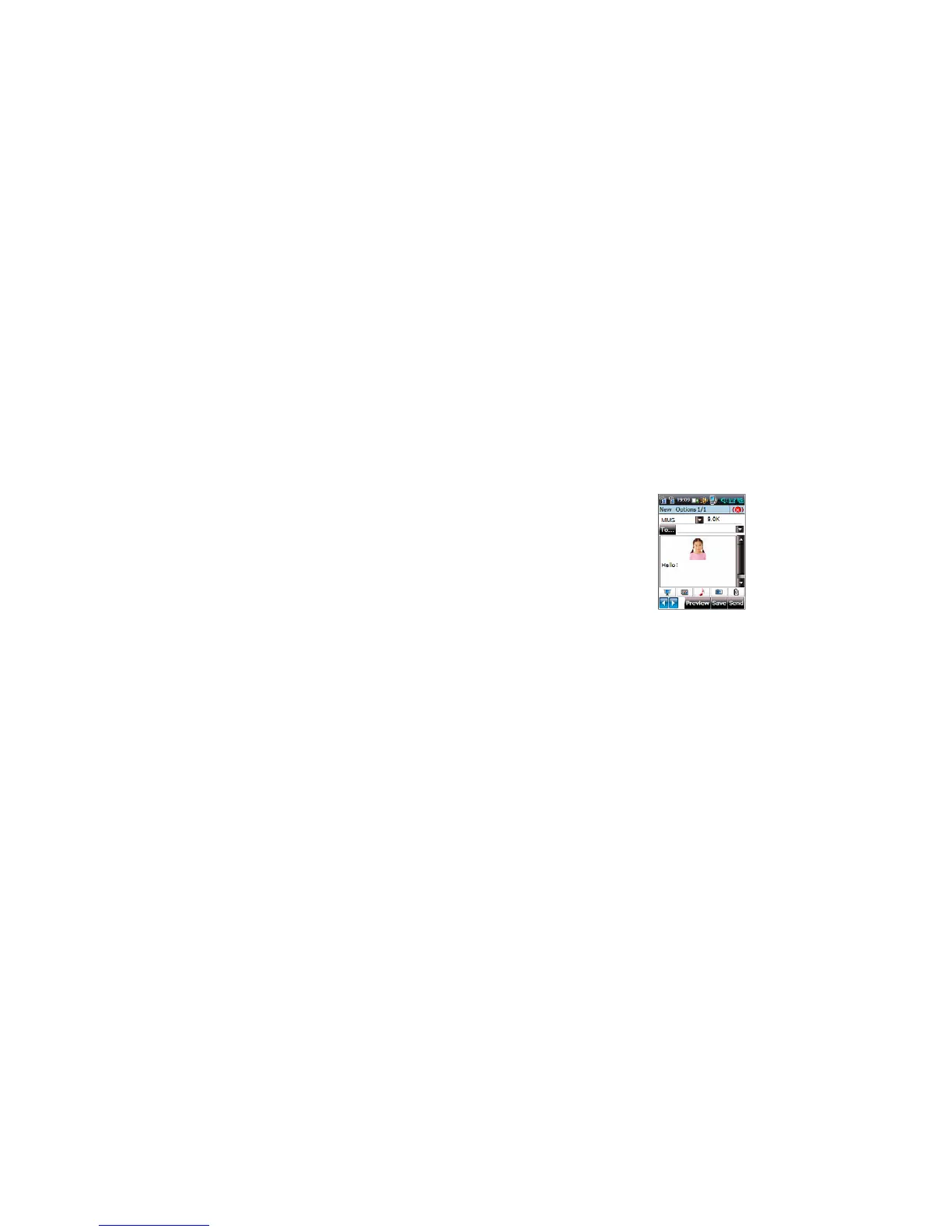
Fig.6-1
1. Directly enter a mobile number or an E-mail address in the input field or tap To to select
a recipient from Contacts;
2. Enter the subject of the MMS message; Insert images, texts or audio files as required;
3. Tap Preview to preview the MMS message; Tap Send to send the MMS message;
4. Tap Save. By default, the message is saved to the Drafts.



 To Next Page