EasyManua.ls Logo

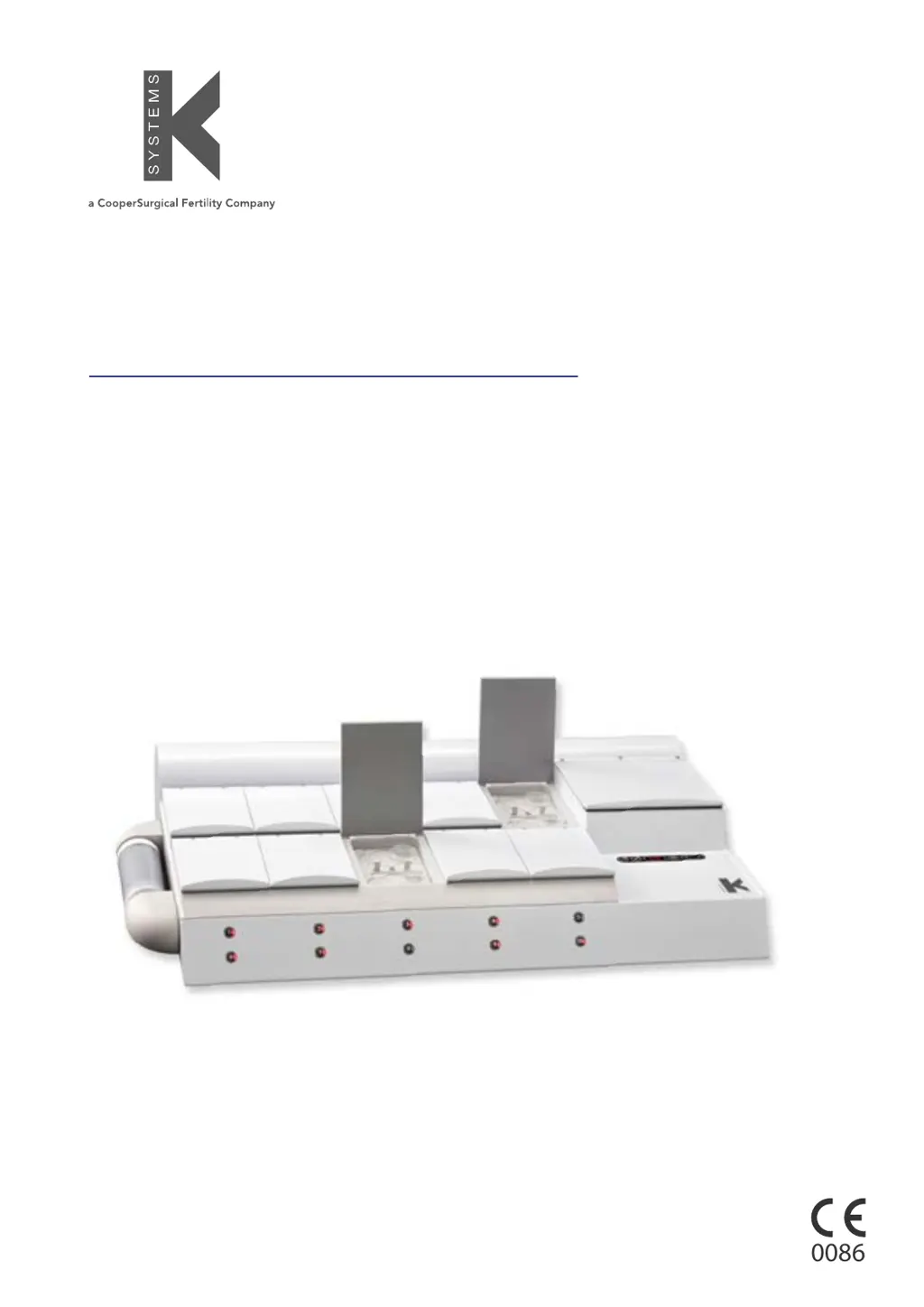
CooperSurgical K-Systems G185 SensorTech - User Manual

Default Icon
55 pages
Print Icon
To Next Page IconTo Next Page
Loading...
Document K33070 | Issue: 10 | Date: July 03, 2018 | DRF: 4578
0086
User Manual
Models: Standard and SensorTech
G185
CO
2
/O
2
Incubator

Table of Contents

Questions and Answers

  • B
    barnesraymondAug 13, 2025
    What to do if CooperSurgical Accessories shows the wrong temperature?
    • J
      Jennifer AbbottAug 14, 2025
      If the CooperSurgical Accessories temperature is more than 0.5°C from the setpoint, the alarm will activate. Wait for the temperature to stabilize. If needed, consider moving samples to a different incubator.
  • J
    Jesse WilsonAug 17, 2025
    Why is the O level wrong on my CooperSurgical K-Systems G185 SensorTech Accessories?
    • D
      debraboydAug 17, 2025
      If the CooperSurgical Accessories measures the wrong O level, first check the mains and main fuse to ensure the system is powered on. If it is, make sure the system isn't on standby or switched off and activate the O gas regulator by setting ‘O2.r’ to on in the menu. Also, verify the gas supply, ensuring that 1.0 bar of N gas is applied. Check the O set point at ‘O2.SP’ in the menu. If the actual gas concentration is still incorrect, calibration of the gas concentration may be needed, and you should contact a service technician for assistance.
  • C
    Cheryl MccarthyAug 21, 2025
    Why is the CO level wrong on my CooperSurgical K-Systems G185 SensorTech?
    • S
      Samuel DawsonAug 21, 2025
      If the CooperSurgical Accessories measures the wrong CO level, check the mains and main fuse to ensure the system is powered on. If it is, make sure the system isn't on standby or switched off and switch the system on. Then, activate the CO gas regulator by setting ‘CO2.r’ to ON in menu. Check the gas supply, ensuring that 1.0 bar of gas pressure is applied. Also, check the CO set point at ‘CO.SP’ in the menu. If the actual gas concentration is still incorrect, calibration of the gas concentration may be needed, and you should contact a service technician for assistance.
  • A
    Amy JimenezAug 26, 2025
    What does ‘CO2.L’ mean on CooperSurgical K-Systems G185 SensorTech?
    • E
      Erin SimonAug 26, 2025
      If ‘CO2.L’ is shown on the CooperSurgical Accessories display, the CO gas concentration is more than ± 1% from the setpoint. Allow the system to stabilize by closing all lids.
  • N
    ndavisAug 28, 2025
    What does ‘O2.L’ mean on CooperSurgical K-Systems G185 SensorTech Accessories?
    • H
      haileydavisAug 28, 2025
      If ‘O2.L’ is shown on the CooperSurgical Accessories display, the O gas concentration is more than ± 1% from the setpoint. Allow the system to stabilize by closing all lids.
  • A
    Angela SalasSep 1, 2025
    What does ‘CO.Pr’ mean on CooperSurgical K-Systems G185 SensorTech Accessories?
    • T
      Tammy SanchezSep 1, 2025
      If ‘CO.Pr’ is shown on the CooperSurgical Accessories display, there is no or wrong CO gas pressure to the system. Check the CO gas supply and make sure the pressure is kept stable at 0.5-1.0 bar.
  • D
    Dawn HopkinsSep 5, 2025
    How to fix poor O gas regulation in CooperSurgical Accessories?
    • W
      wmccoySep 5, 2025
      Poor O gas regulation in CooperSurgical Accessories can be caused by open lids. Ensure all lids are closed. Also, check the grey insulation on every lid for any missing or damaged insulation.
  • A
    Amy GonzalezSep 9, 2025
    How to fix poor CO gas regulation in CooperSurgical K-Systems G185 SensorTech Accessories?
    • L
      Lucas SimsSep 9, 2025
      Poor CO gas regulation in CooperSurgical Accessories can occur if the lids are left open, so ensure that all lids are closed. Another cause can be missing or damaged insulation on the lids, so check the grey insulation on every lid.

Summary

Safety and Operational Guidelines

Critical Safety Warnings

Key warnings about gas usage, unit modification, electrical safety, patient environment, and accessory use.

Operational Cautions

Important cautions for safe operation, including handling, maintenance, and environmental conditions.

Installation Process

Placement Guidelines

Guidelines for physical placement, environmental conditions, ventilation, and electrical safety during installation.

G185 SensorTech Features

External pH Monitoring

Details the setup for external pH monitoring using fiber optic cables and specific dish inserts.

External Temperature and CO₂ Monitoring

Explains the use of external sensors for monitoring temperature and CO₂ levels.

Set-up Procedures

Gas Supply Setup

Instructions for connecting gas supply, including safety warnings and pressure requirements.

Basic Operation

User Interface Overview

Explains the user interface, including key functions and button purposes.

System Standby and Power On

Describes how to put the system into standby mode and how to activate the unit.

System Power Off and Control Activation

Details switching the unit OFF to standby and activating heat and gas controls.

Keyboard Lock and Alarm Overview

Explains keyboard locking and lists initial alarm types with their reasons.

Alarm Details and Temperature Setting

Details remaining alarm types and provides instructions for adjusting the set temperature.

System Settings Configuration

Menu Item Overview

Provides a comprehensive overview of available menu items, their meanings, values, and controls.

Data Logging Functionality

Connecting to PC for Data Logging

Provides instructions for connecting the G185 incubator to a PC using the data cable.

Activating Data Logging

Details how to activate the data logging function by configuring the communications protocol to PC.

Troubleshooting Guide

Heating System Troubleshooting

Addresses common symptoms, causes, and actions for heating system malfunctions.

CO₂ Gas Regulation Troubleshooting

Details issues related to CO₂ levels, pressure, and regulation, with corresponding solutions.

Maintenance Procedures

Service and Maintenance Plan

CooperSurgical K-Systems G185 SensorTech Specifications

General IconGeneral
BrandCooperSurgical
ModelK-Systems G185 SensorTech
CategoryAccessories
LanguageEnglish

Related product manuals