2
User Manual
INS-DVR04V2 INS-DVR08V2 INS-DVR04PV2 INS-DVR08PV2 INS-DVR16PV2
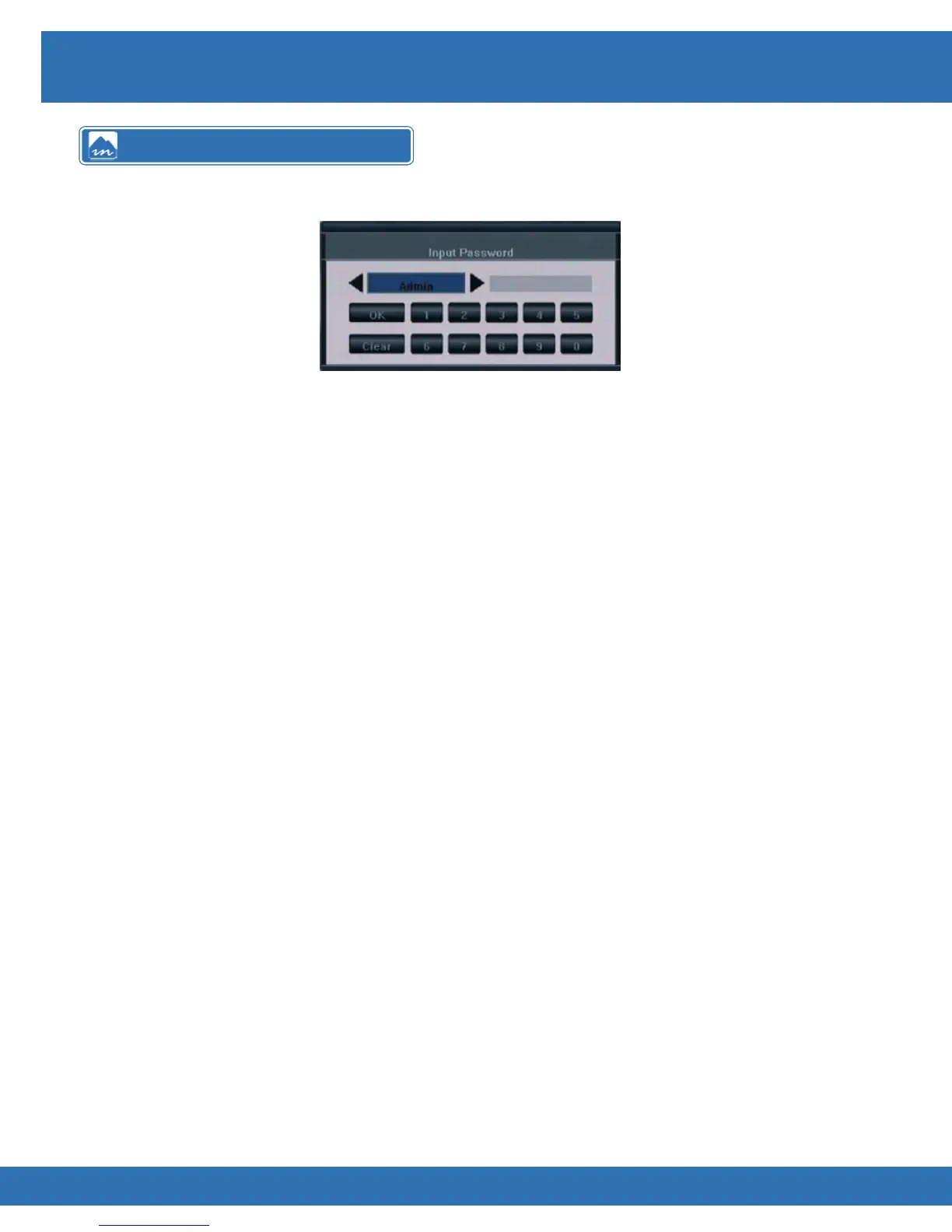
For a user to be able to use any of the DVR features the user must be logged into the DVR.
To log into the DVR use follow the steps:
Using DVR Front Panel Press OK key
Use ◄ ► keys to select username
Using the number keys input password
Press OK key to log in
Using IR Remote Press OK key
Use ◄ ► keys to select username
Using the number keys input password
Press OK key to log in
Using Remote Keyboard Press OK key
Use ◄ ► keys to select username
Using the number keys input
password (enter button must
be pressed after each digit IE: 1>enter>1>enter>1>enter etc)
Press OK key to log in
Using Mouse Click right mouse button
Click ◄ ►buttons to select username
Enter password by clicking number buttons
Click OK button
Logging into the DVR



 To Next Page