6
User Manual
INS-DVR04V2 INS-DVR08V2 INS-DVR04PV2 INS-DVR08PV2 INS-DVR16PV2
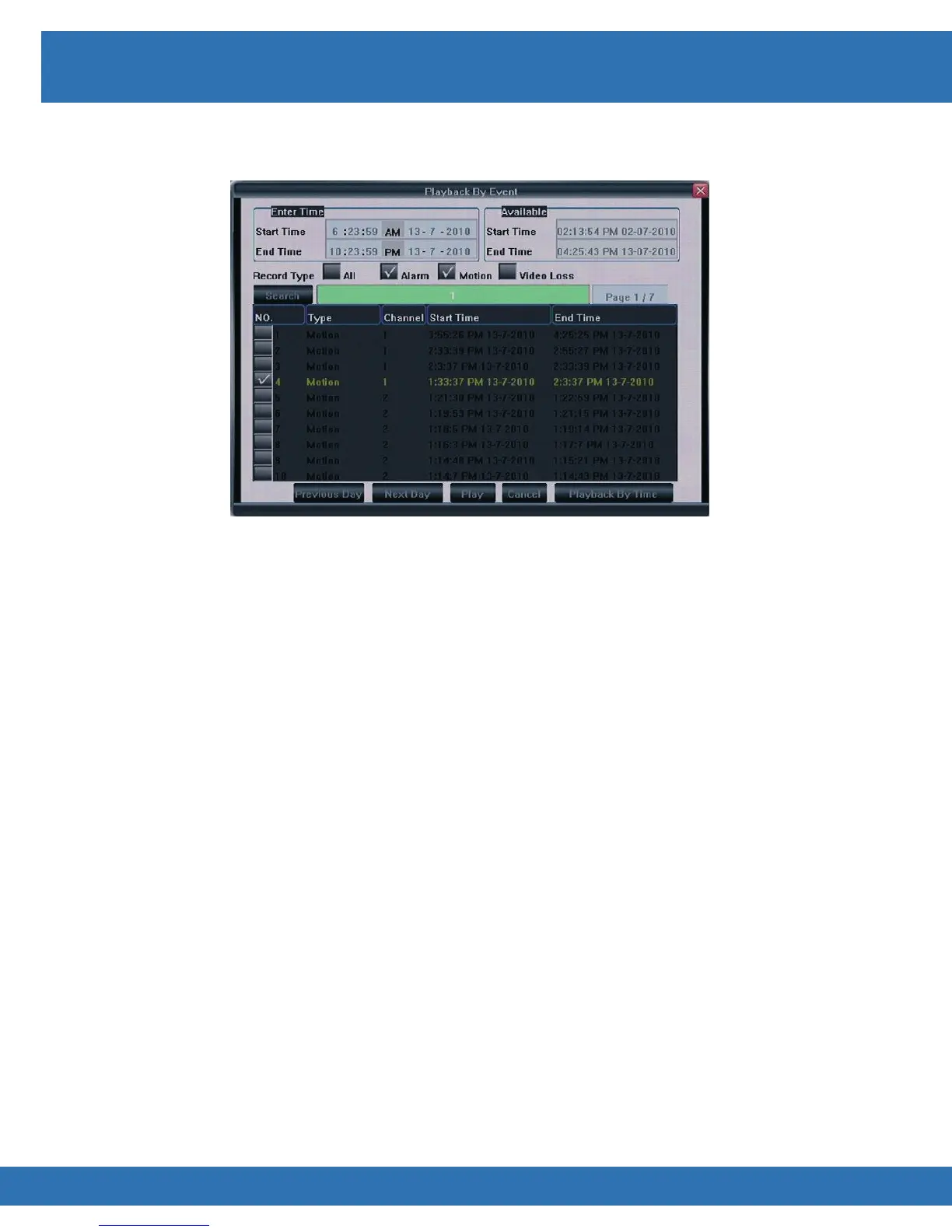
Playback Event
To access Playback By Event menu enter the Playback By Time menu and select Playback By
Event.
Maximum of 200 events listed per search
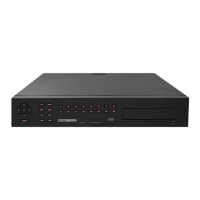
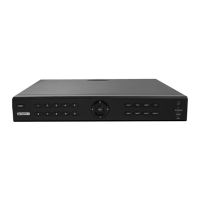
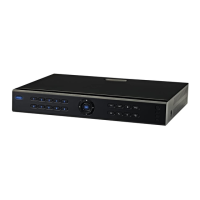
DVR Front Panel
• Press key to enter search menu
• Press ◄►▲▼ keys to navigate to Playback By Event and press OK key
• Enter desired Start and End Times using ◄►▲▼ to navigate and number keys to
enter individual values
• Select type of event to search for by selecting desired options in Record Type field
• To select or deselect an option highlight the option and press “ok”
• Highlight Search and press OK key
• Press ◄►▲▼ keys to navigate through event list
• When desired event is highlighted press OK key
•
Infra Red Remote
• Press key to enter search menu
• Press ◄►▲▼ keys to navigate to Playback By Event and press Enter key
• Enter desired Start and End Times using ◄►▲▼ to navigate and number keys to
enter individual values
• Select type of event to search for by selecting desired options in Record Type field
• To select or deselect an option highlight the option and press “Enter” button
• Highlight Search and press Enter key
• Press ◄►▲▼ keys to navigate through event list
• When desired event is highlighted press Enter key to playback event


 To Next Page