CX-CT6A
10
Computer Transmitter
11. Computer Hardware
Connection Steps
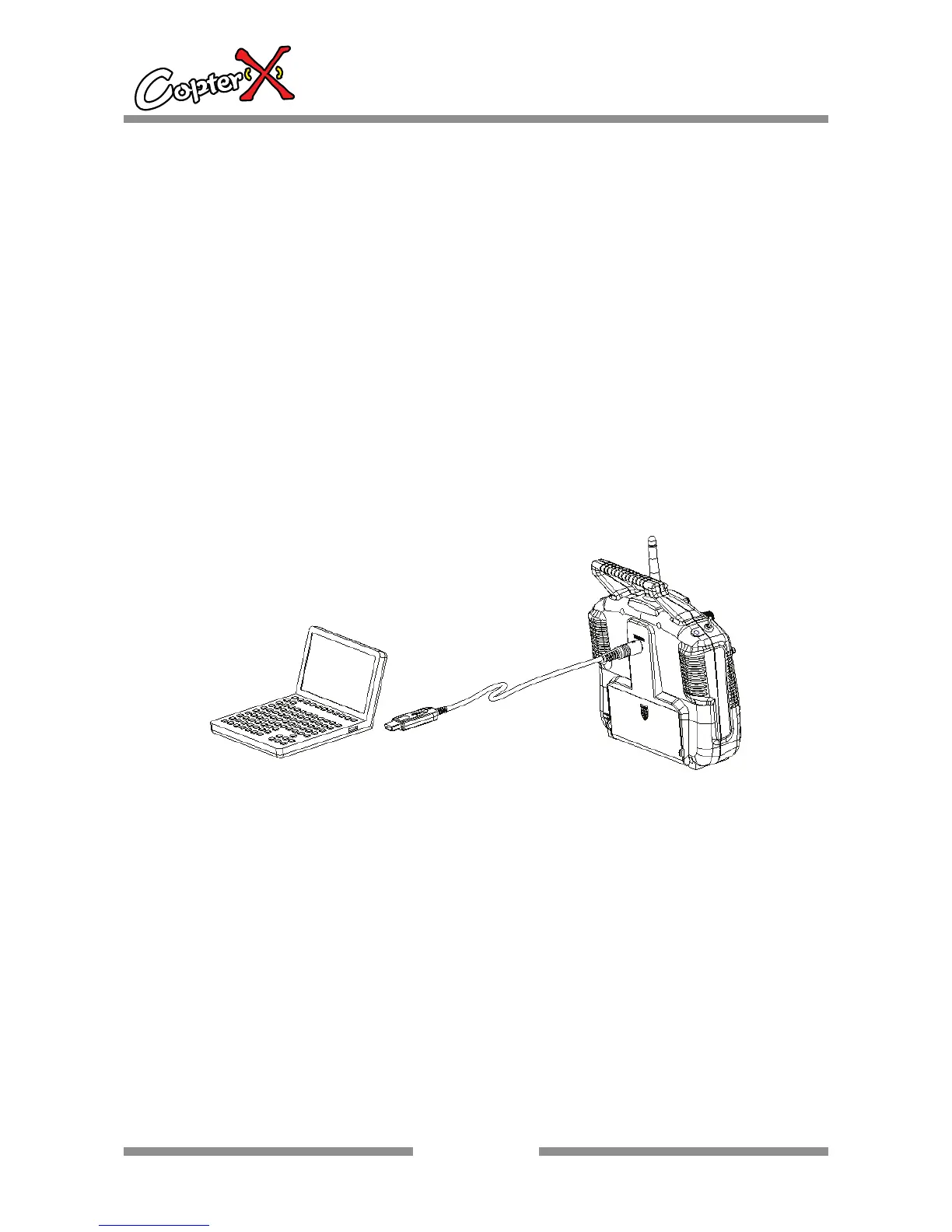
A programming line is included in this transmitter. You may use it to set up the
program as you like.
1. Install the battery to the transmitter and switch on the power.
2. Plug in the programming line to the transmitter port.
3. Plug in the other head of the programming line to PC.
4. Launch the software program T6CONFIG.EXE.
5. Click the setting buttons and select programming line port.
6. Click “GetUser” button and import the transmitter data to PC.
7. Apply programmable settings on the existing parameters.


 To Next Page