EasyManua.ls Logo

Cornell CPC-P60CSS - User Manual

Cornell CPC-P60CSS
20 pages
Print Icon
To Next Page IconTo Next Page
Loading...
Please read the Instruction manual and warranty information carefully before using and
keep it for future reference.
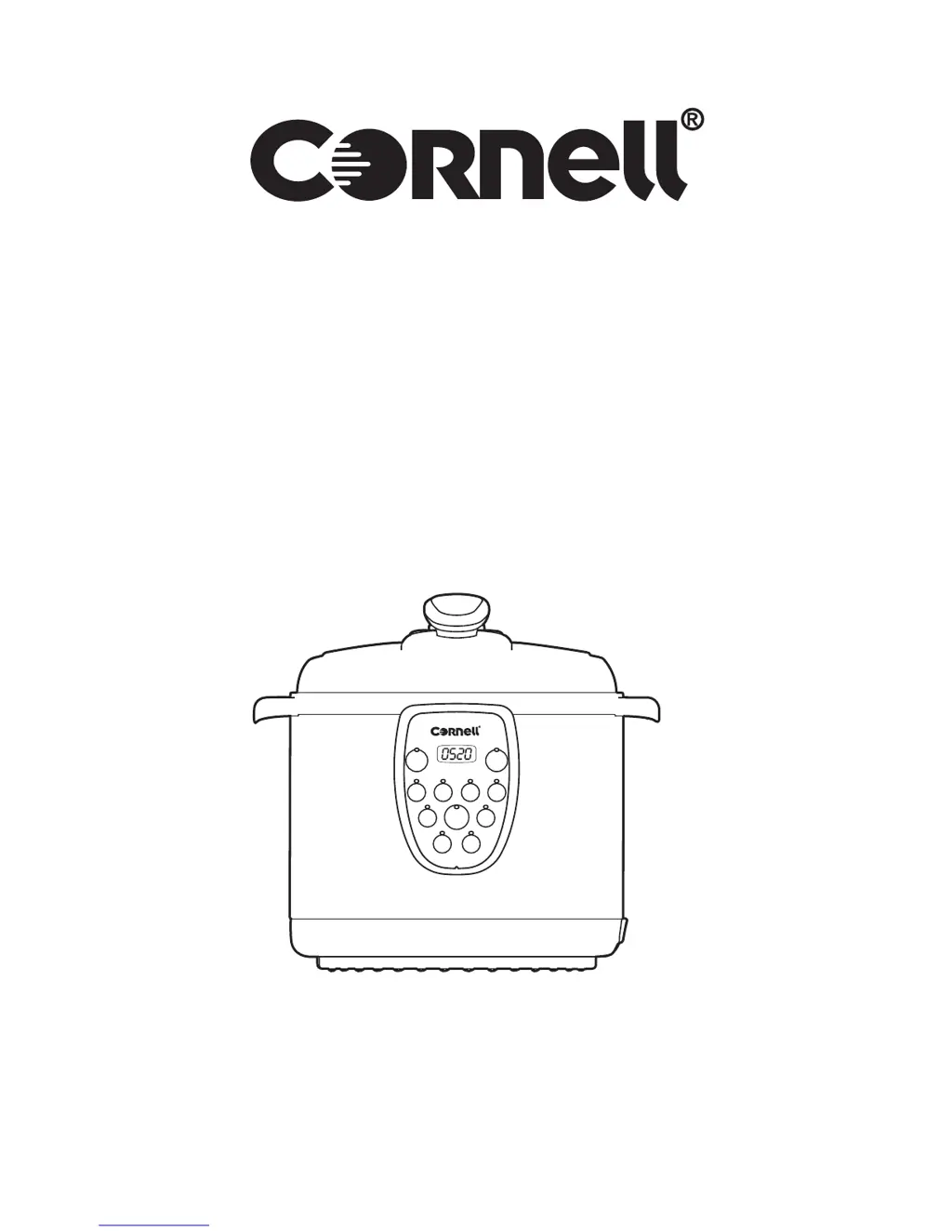
DIGITAL PRESSURE COOKER
MODEL: CPC-P60CSS
INSTRUCTION MANUAL

Questions and Answers

  • J
    Jacqueline JohnsonAug 3, 2025
    Why is steam leaking out around the lid of my Cornell Kitchen Appliances?
    • S
      Stephanie BaileyAug 3, 2025
      Steam leakage around the lid can be caused by several factors. First, check if the Seal Belt is missing and fit it in if it is. If the Seal Belt is dirty, clean it. A damaged Seal Belt should be replaced. Also, ensure that the lid is closed tightly, following the provided instructions.
  • C
    Clayton SimsAug 8, 2025
    What to do if I have difficulty in closing the lid of Cornell Kitchen Appliances?
    • M
      Mrs. Julie WrightAug 8, 2025
      If you're having trouble closing the lid, it might be because the Seal Belt is not properly fitted; make sure to fit it correctly. Another possibility is that the Floating Valve is stuck on the bar; try pushing the bar gently.
  • J
    Joseph HughesAug 14, 2025
    Why is steam leaking from the Floating Valve on my Cornell CPC-P60CSS?
    • A
      aliciacarterAug 14, 2025
      Steam leaking from the Floating Valve may be due to a dirty or damaged Seal Ring. Try cleaning the Seal Ring for the Floating Valve. If that doesn't solve the issue, replace the Seal Ring.
  • R
    Rebecca CooperAug 21, 2025
    What to do if I have difficulty in opening the lid of Cornell Kitchen Appliances?
    • I
      iwallaceAug 21, 2025
      If you're having difficulty opening the lid, it could be that the Floating Valve has not sunk. Try spanking the cooker several times to let the valve down in place.
  • M
    matthewbrownAug 27, 2025
    Why is the Floating Valve not rising up in my Cornell CPC-P60CSS Kitchen Appliances?
    • J
      James MayoAug 27, 2025
      The Floating Valve might not rise if the amount of food and water is below the minimum level. Determine the correct amount of food according to the instructions.

Summary

Impotent Safety Instructions

Package Contents and Technical Specifications

Package Contents

Lists all items included in the pressure cooker package.

Technical Specifications

Details the electrical, dimensional, and performance specifications of the cooker.

Product Diagram

Illustrates the main unit and control panel with labeled components.

Safety Features

Schematic Diagram

Provides a circuit diagram illustrating the cooker's electrical components and connections.

Safety Protections

Details the nine safety devices installed in the pressure cooker to ensure reliable operation.

Operating Instructions

Before Use

Instructions for initial setup and daily checks before operating the pressure cooker.

Lid Open;Close Guide

Step-by-step guide on how to properly open and close the pressure cooker lid.

Operation

Detailed steps for preparing food, placing the inner pot, and closing the lid for cooking.

Screen and Indicator Guide

Explains the functions and displays shown on the cooker's screen and indicator lights.

Keep Warm;Cancel Function

How to use the Keep Warm function and cancel cooking or keep warm processes.

Reminder

Notes on lid-locked detection and warnings during cooking for specific menus.

Cooking Reference

Provides a table of default and adjustable cooking times for various menu options.

Cleaning and Maintenance

Cleaning Methods

General procedures for cleaning the pressure cooker body and its components.

Lid Cleaning Methods

Instructions on how to dismantle and clean the lid of the pressure cooker.

Troubleshooting

Cornell CPC-P60CSS Specifications

General IconGeneral
BrandCornell
ModelCPC-P60CSS
CategoryKitchen Appliances
LanguageEnglish

Related product manuals