54
GETTING STARTED
Remember that powering the Dolby Headphone 7.1 USB Adaptor requires a
high power (USB 2.0 or better) port. Some USB ports on older keyboards and
monitors do not support high-power devices.
Place the headset on your head and adjust the headband for a comfortable fit.
The extra-large ear pads and deep earcups enable the Corsair VOID PRO
SURROUND Headset to fit comfortably so you can play for hours without
fatigue.
ENGLISH
ENGLISH
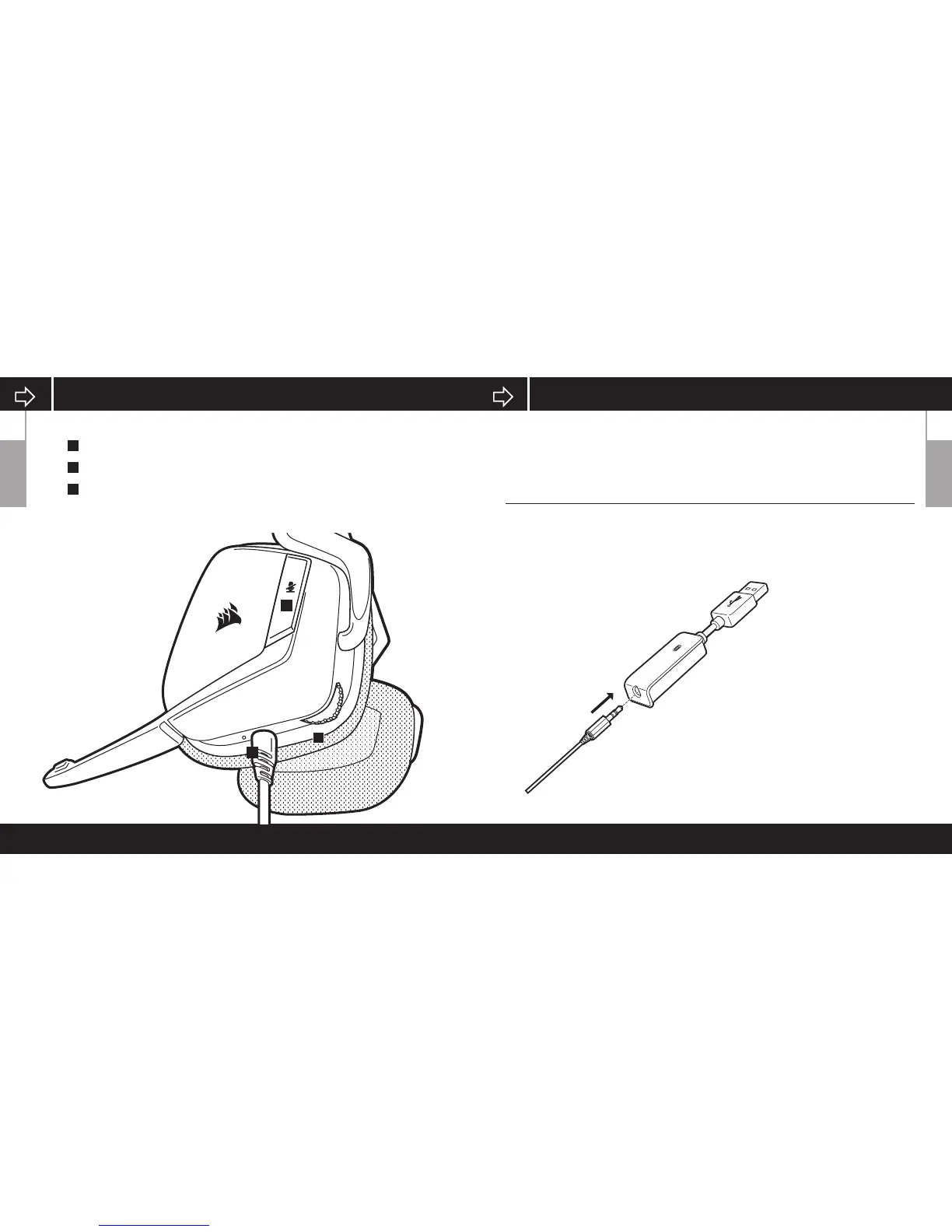
PRODUCT DETAIL (CONTROLS)
A
B
C
C
B
A
Mute button
USB Cable (Non-Detachable)
Volume Control


 To Next Page