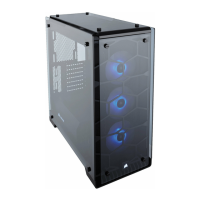
CRYSTAL SERIES 460X
65
ENGLISH
4. Installing SSDs
3. Installing HDDs
2. Installing the motherboard
1. Removing the side panels
Remove the thumb screws
and pull the side panel o.
Snap your motherboard’s I/O
shield into the cutout.
Align the motherboard with
the standos in the case.
Secure with the included
screws.
b
Step 1 – Place the drive into
the 3.5” drive tray.
Step 2 – Slide the drive
and rail assembly into the
HDD cage from behind the
motherboard as shown.
Step 2
Step 1
Slide the 2.5” drive into the
tray until it snaps into place.

 To Next Page
 Loading...