1
Introduction ...........................................................................................................
GettingtoKnowYourLAPDOG .....................................................................
Installing Corsair K65 Series Keyboard and Wired USB Mouse
RemovingMousePadandCableCompartmentCover ..................
RemovingKeyboardAdapterPlate ........................................................
InstallingKKeyboard ..............................................................................
ConnectingKeyboardandMousetoLAPDOG ..................................
ArrangingCablesinLAPDOG .................................................................
ReattachingKeyboardAdapterPlate ..................................................
ReattachingCableCompartmentCover ............................................
ReattachingMousePad ............................................................................
Installing Corsair K70 Series Keyboard and Wired USB Mouse
RemovingMousePadandCableCompartmentCover ................
RemovingKeyboardAdapterPlate ......................................................
InstallingKKeyboard ............................................................................
ConnectingKeyboardtoLAPDOG .......................................................
ArrangingCablesinLAPDOG .................................................................
ReattachingCableCompartmentCover ............................................
ReattachingMousePad ............................................................................
ConnectingYourLAPDOGtothePC .........................................................
UsingOtherUSBPeripheralsandDeviceswithLAPDOG .................
UsingLAPDOGforFast-ChargingYourCellPhone .............................
Table of Contents

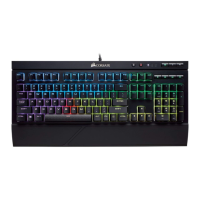

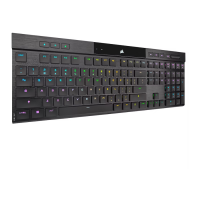
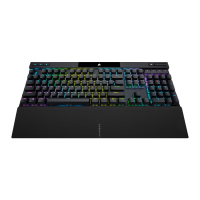
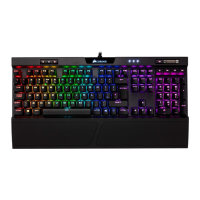


 To Next Page