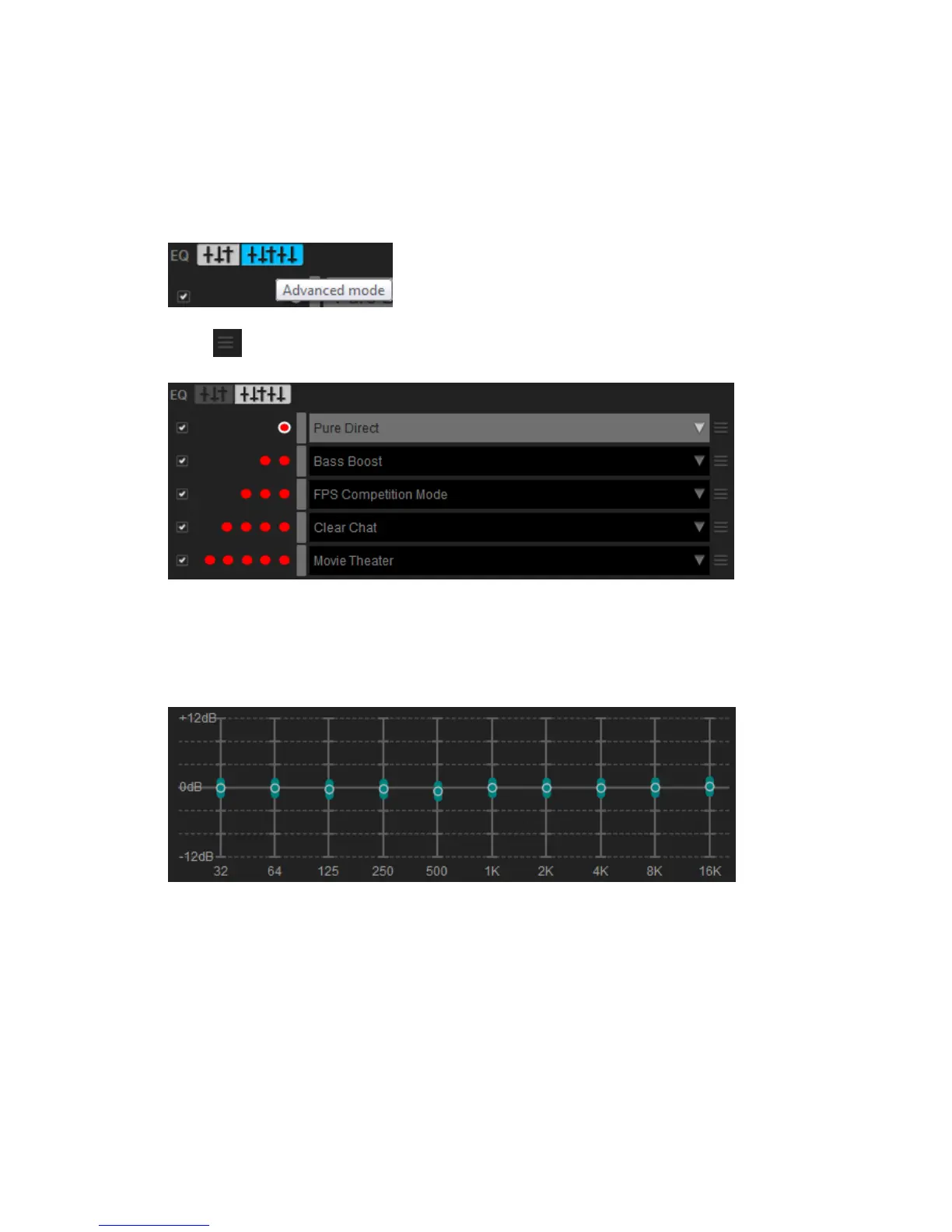
To create and assign a new EQ profile:
1. Click the “Advanced Mode” button.
2. Click to the right and click on “new” to create a new profile
3. From here, users will be able to adjust the EQ to taste. Clicking on the slider
outside the circle will move that individual slider. Clicking on the circle inside the
slider will adjust that slider and adjacent sliders.
4. New EQ profile “custom”(can be renamed) will now be assigned to Profile #1
Users can move profiles by clicking on the vertical bar next to the profile name
dragging it to any of the 5 profiles or by using the drop down menu.
Users can also disable profiles by unselecting the profiles using the check box.



 To Next Page