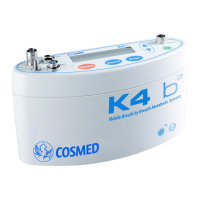
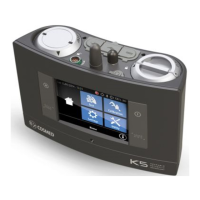
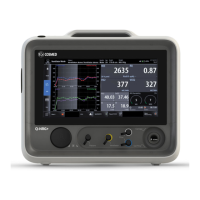
Index - 5
Operating modes 53
K4 b
2
Operating modes ..................................................................54
Holter Data Recorder................................................................54
Telemetry Data Transmission (option).....................................54
Serial (Laboratory) Station.......................................................54
Portable Unit User Interface diagram............................................55
Holter Data Recorder Mode............................................................56
Operating sequence ..................................................................56
Warming-up the system .................................................56
Enter new patient............................................................56
Calibrate and start the test..............................................56
Stop the test....................................................................57
Transferring test to PC ...................................................57
Telemetry Data Transmission Mode ...............................................58
Operating sequence ..................................................................58
Warming-up the system .................................................58
Connect the receiver unit to the PC................................58
Enable transmission .......................................................58
Enter new patient............................................................58
Enable reception on PC..................................................59
Calibrate and start the test..............................................59
Stop the test....................................................................60
Transferring test to PC ...................................................60
Serial Mode.....................................................................................61
Operating sequence ..................................................................61
Warming-up the system .................................................61
Connect the Portable unit to the PC...............................61
Calibrate the system.......................................................61
Enter patient data............................................................61
Start the test....................................................................62
Stop the test....................................................................62
Database Management 63
Exercise testing patient's database.................................................64
Enter a new patient...................................................................64
Find a patient............................................................................64
Edit patient data........................................................................64
Delete a patient.........................................................................64
Uploading tests from the Portable Unit..........................................65
Archive maintenance ......................................................................66
Reorganise the archive .............................................................66
Delete the archive.....................................................................66
Delete a test ..............................................................................66
Backup and restore...................................................................66
Backup............................................................................66
Restore............................................................................66


 To Next Page
 Loading...