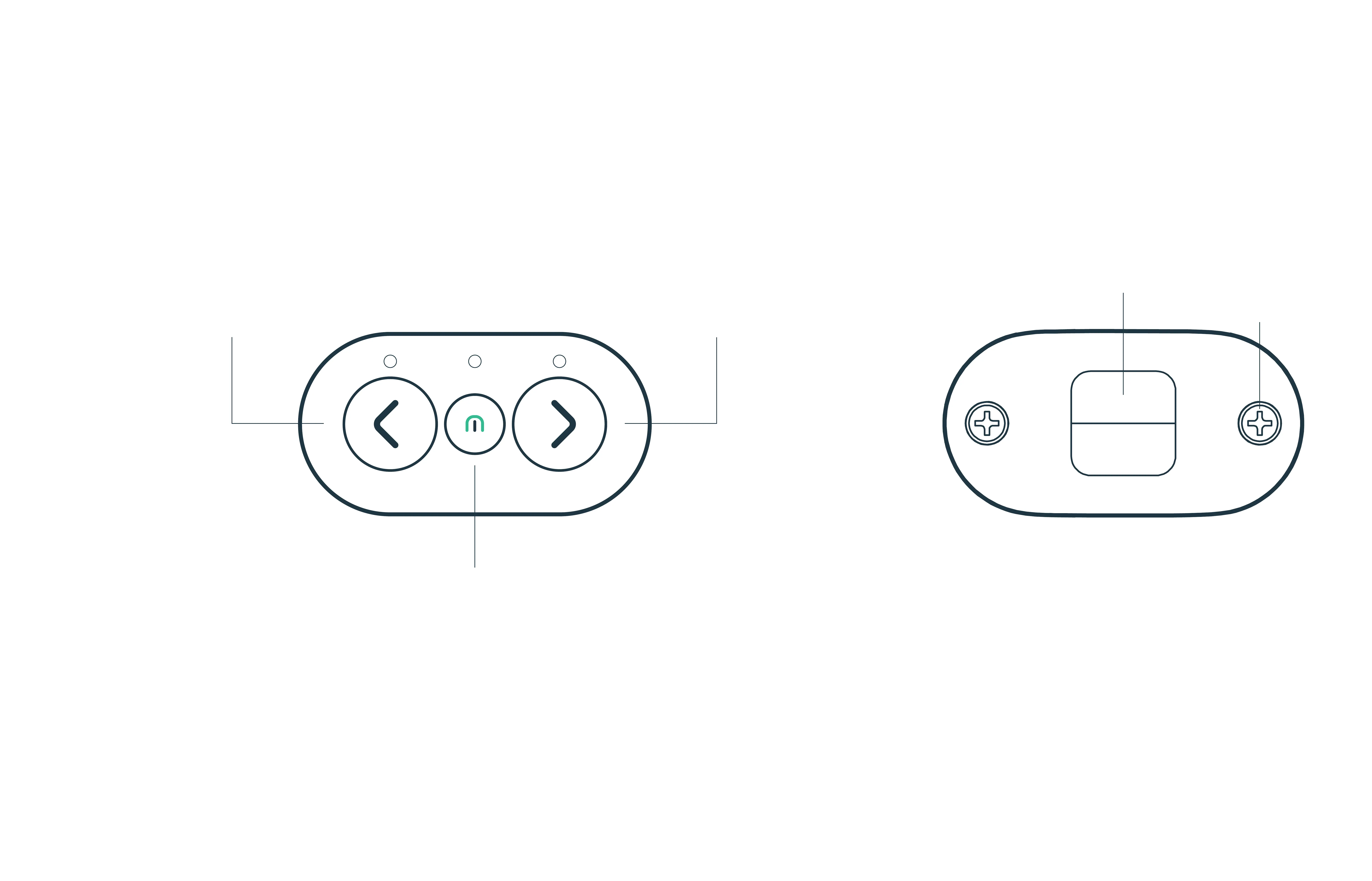
How to use the remote control
IMPORTANT: Simultaneously pressing the two indicator lights
will desynchronise the Cosmo Ride and the remote control.
Middle button:
Press quickly to change the lighting mode.
Several lighting modes are available:
Left indicator light Right indicator light
1st click:
Position light
2nd click:
Position light
& warning light
3rd click:
Warning light
4th click:
Position light off
Front side: Backside:
Your remote control works
with a CR2032 battery.
To replace the battery,
you need to unscrew both
back screws with a
cross-headed screwdriver.
Fixing clip
Screw
ON/OFF:
- To turn it on: press any of the buttons.
- The remote control will automatically turn off after 2 minutes of immobility.


 To Next Page