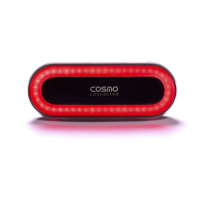
MAIN FEATURES
Turning indicator lights / Warning light* / Position light / Brake light**
The turn signals and the different lighting modes can be manually enabled/disabled via the remote control or via the mobile
application. The light brightness will adapt to the surroundings automatically.
*The use of warning light is regulated in each country, please observe the laws in effect.
**Caution, the "brake light" mode will only be activated in saddle mode.
In seatpost mode, the Cosmo Ride turns on / off in orange. In helmet mode, the Cosmo Ride turns on / off in red.
Users shall comply with local regulation, which can prohibit the use of specific light modes or mounting positions.
Cosmo Connected declines all responsibilities.
JOURNEY SHARING AND FALL DETECTION
The mobile application allows you to add up to 3 emergency contacts (Guardian Angels), with whom you can share your
journeys and who will be warned in case of fall detection if the option was selected in the configuration of the Guardian Angels
- provided you started a ride on the mobile application.
How to use the Cosmo Ride:
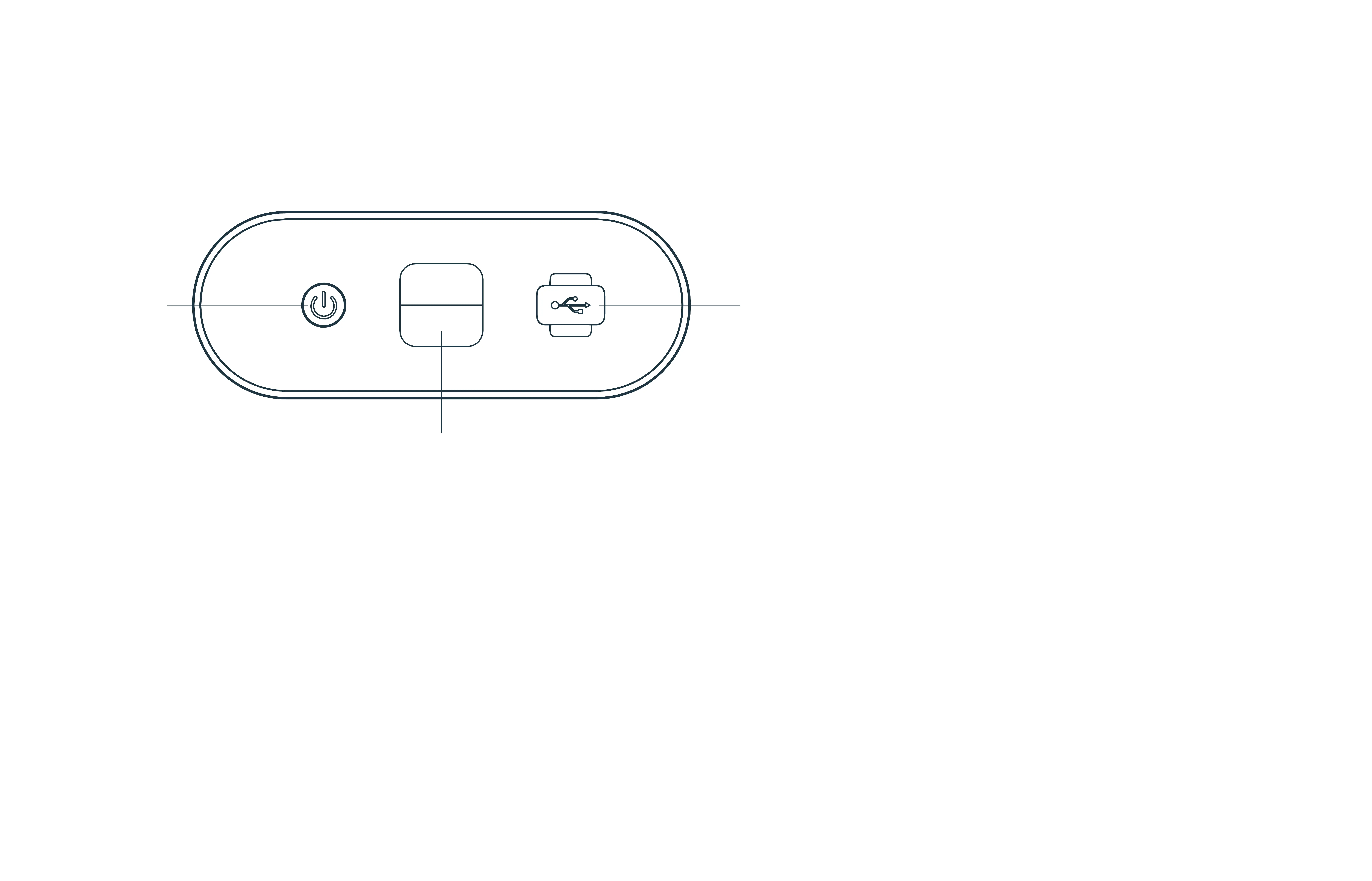
ON/OFF
touch
button
USB port
Fixing clip
Back side:
ON/OFF
To turn the Cosmo Ride on:
press 3 seconds on the ON/OFF touch
button on the back side.
To turn the Cosmo Ride off,
you can either:
- Press 3 seconds on the ON/OFF touch
button or
- Use the mobile application or
- Press 3 seconds on the middle button
of the remote control or
- Leave the Cosmo Ride turn off automa-
tically after 2 minutes of total immobility.


 To Next Page