Watch Basics
Adjust volume
You can adjust either the ringtone volume or the
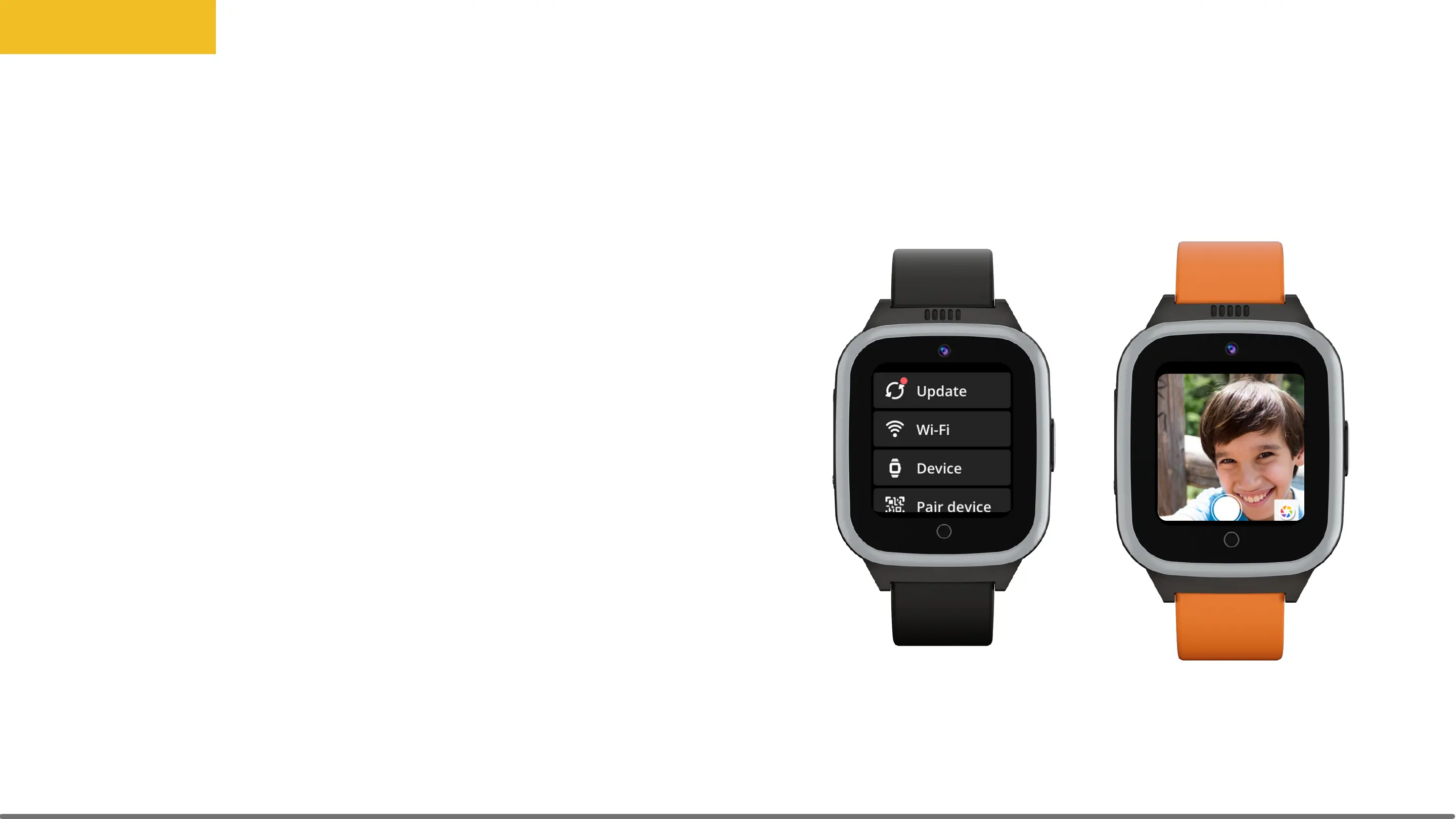
alarm volume. On the watch, go to Settings, then
tap Device. Scroll down below the brightness slider
to the volume slider.
Camera
On the watch, scroll to Camera. The watch will take
any front-facing picture. To review your photos,
go to the Album.
Basics
33



 To Next Page