EasyManua.ls Logo

Cosori C011-PB - User Manual

Cosori C011-PB
16 pages
Print Icon
To Next Page IconTo Next Page
Loading...
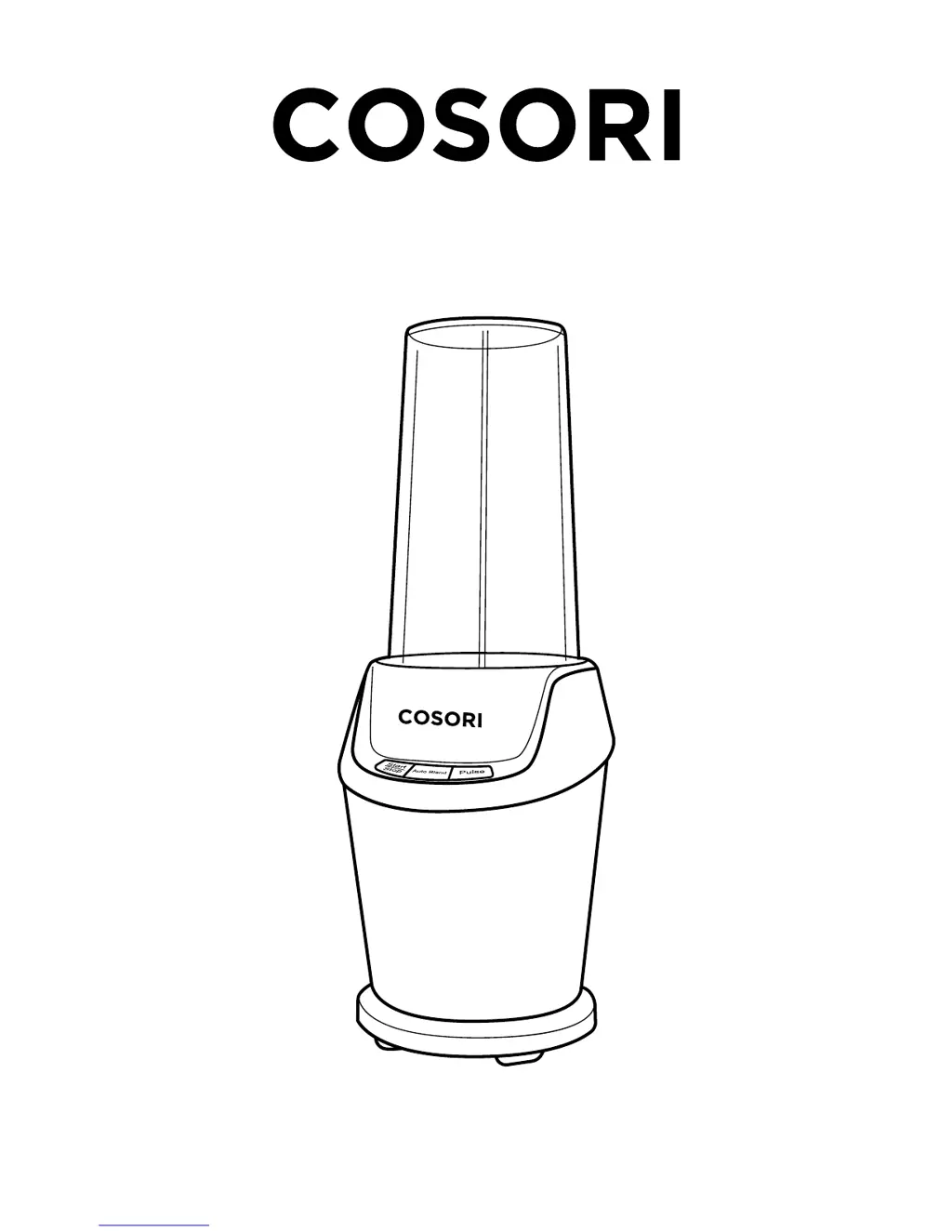
Model No.: C011-PB
High Speed Personal Blender
COSORI SUPPORT:
Mon - Fri 9:00 AM - 5:00 PM PST
(888) 402-1684 | support@cosori.com

Questions and Answers

  • J
    Jennifer BanksAug 3, 2025
    What to do if my Cosori Blender appliance cannot turn on?
    • M
      Michelle BrandtAug 3, 2025
      If your Cosori Blender doesn't turn on, first ensure the plug is correctly connected to a working power socket. If it still fails to power on, check that the blade assembly is properly aligned inside the housing.
  • R
    Ryan SimonAug 7, 2025
    Why does my Cosori Blender stop working after long periods of use?
    • M
      Mr. Timothy VasquezAug 7, 2025
      Your Cosori Blender may stop working after extended use because it has overheated. To resolve this, unplug the blender and allow it to cool down for 10-20 minutes before resuming blending.
  • K
    kcannonAug 12, 2025
    What to do if food does not mix well in Cosori Blender?
    • T
      Tracy HarrisAug 12, 2025
      If your food isn't mixing well in the Cosori Blender, you may be using the wrong setting. For foods you want chopped, pulse the ingredients. To evenly blend foods, use the ‘Auto Blend’ feature or the ‘Start/Stop’ button.
  • K
    Katie HarrisAug 17, 2025
    What to do if Cosori Blender does not turn off after pressing ‘Start/Stop’?
    • E
      Eric CarrollAug 17, 2025
      If your Cosori Blender doesn't turn off after pressing the ‘Start/Stop’ button, the unit is likely malfunctioning. Immediately unplug the blender and call customer service.
  • K
    Kimberly BrownAug 22, 2025
    Why is food unevenly chopped when blending on high speed in Cosori Blender?
    • B
      Bryan WhiteAug 23, 2025
      If food is unevenly chopped or not circulating properly when blending on high speed in your Cosori Blender, it could be due to a trapped air bubble within the mixture, or because the amount of food in the blender exceeds the MAX line. Here's what to do: 1. Stop the blender and open the container. 2. Use a rubber spatula or wooden spoon to mix the ingredients. 3. If necessary, reduce the amount of ingredients in your cup. 4. Resume blending.
  • T
    Timothy MillerAug 27, 2025
    How to prevent food from being too finely chopped or watery in Cosori Blender?
    • S
      Sarah KingAug 27, 2025
      To prevent food from becoming too finely chopped or watery in your Cosori Blender, it means that food has been blended for too long or too much liquid has been added. Use short pulses for best results.

Summary

Product Safety Information

Important Safety Safeguards

Critical safety instructions and warnings for operating the blender to prevent injury or damage.

Safe Usage and Care Practices

Guidelines for safe usage and proper handling of the blender to ensure longevity and prevent accidents.

Blender Function and Parts Diagram

Component Identification Diagram

Visual identification of all parts included with the COSORI High Speed Personal Blender.

Blender Control Panel Functions

Explanation of the buttons and their functions on the blender's control panel.

Product Setup Guide

Preparation Steps Before First Use

Steps to prepare the blender for its first use, including unpacking and cleaning.

Blender Operation Instructions

Blending Tips and Tricks

Blender Care and Maintenance

Blender Troubleshooting Guide

Product Technical Specifications

Cosori Blender Warranty Information

Cosori Customer Support Contact

Cosori C011-PB Specifications

General IconGeneral
BrandCosori
ModelC011-PB
CategoryBlender
LanguageEnglish

Related product manuals