EasyManua.ls Logo

Cosori C900-PRO - User Manual

Cosori C900-PRO
14 pages
Print Icon
To Next Page IconTo Next Page
Loading...
Model No.: C900-PRO
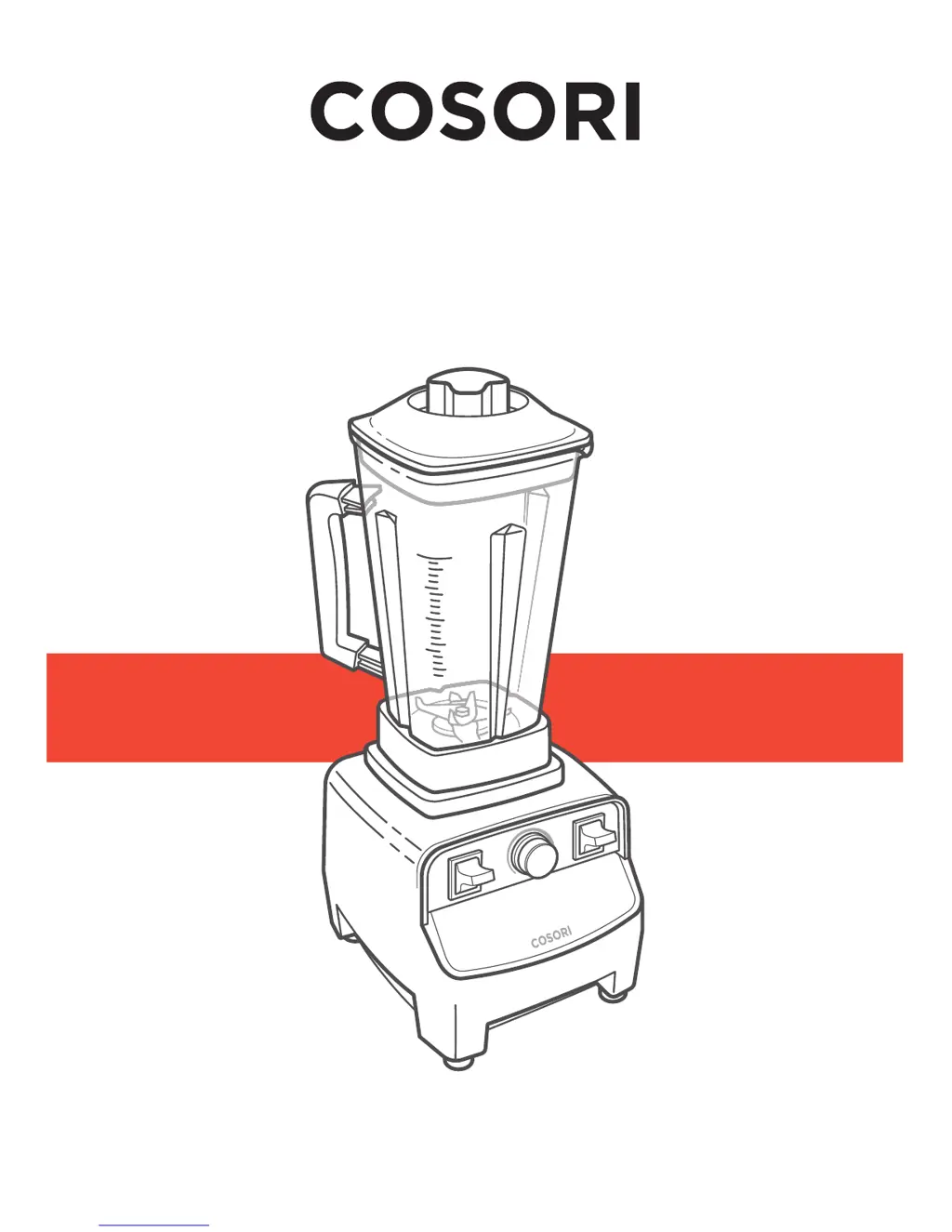
Professional Blender
User Manual
Questions or Concerns?
Mon - Fri 9:00 AM - 5:00 PM PT
support@cosori.com | (888) 402-1684

Questions and Answers

  • A
    Angela NormanAug 2, 2025
    How to turn on Cosori Blender?
    • J
      Jessica ParkerAug 2, 2025
      First, ensure your Cosori Blender is properly plugged in and the ON/OFF switch is activated. If it still doesn't turn on, try resetting the blender. If these steps don't work, the blender may be damaged or malfunctioning.
  • P
    Paul StewartAug 7, 2025
    What to do if Cosori C900-PRO suddenly turns off?
    • A
      alicia44Aug 7, 2025
      If your Cosori Blender suddenly turns off, ensure the pitcher is securely placed on the base, as the blender will automatically stop running if it's not. If the issue persists, try resetting the blender.
  • S
    Susan HillAug 12, 2025
    How to prevent food spillage from Cosori C900-PRO?
    • M
      Melissa ParkerAug 12, 2025
      To prevent food spillage while using your Cosori Blender at higher speeds, ensure the lid and measuring cap are properly secured on the pitcher. Start blending on the lowest speed setting, then slowly increase the speed.
  • D
    danieljohnsonAug 17, 2025
    What to do if Cosori C900-PRO Blender stops mixing ingredients?
    • A
      Adrian JonesAug 17, 2025
      If your Cosori Blender stops mixing or unevenly chops ingredients, use the tamper to push out any air pockets. Also, ensure that the pitcher is not filled above the “MAX” line. If it is, take out some ingredients.
  • R
    Rhonda SteinAug 22, 2025
    Why does my Cosori Blender produce a strange smell?
    • A
      Amanda MayerAug 23, 2025
      A strange smell from your Cosori Blender is normal if the motor is heating up for the first time. However, if the motor may be starting to overheat, unplug the blender and allow it to cool down for 5-10 minutes.
  • B
    briancaldwellAug 27, 2025
    What to do if blade assembly in Cosori C900-PRO is loose?
    • B
      Brian PorterAug 27, 2025
      If the blade assembly in your Cosori Blender pitcher is loose, stop using the blender immediately. The retainer nut holding blades is loose or broken. Do not try to fix the blade assembly.

Summary

Important Safeguards

General Safety

Important safety precautions and warnings for blender operation.

Plug and Cord

Guidelines for safe electrical connection and cord handling.

Getting to Know Your Blender

Blender Diagram

Visual guide identifying all parts of the blender.

Control Panel

Explanation of buttons, knobs, and switches for blender operation.

Before First Use

Setting Up

Instructions for initial setup and first-time operation of the blender.

Using Your Blender

Operation

Step-by-step guide on how to use the blender for various tasks.

Blending Ingredients

Guidance on the order and type of ingredients to add to the pitcher.

Blending Tips

Advice for optimal blending performance and avoiding issues.

Using the Tamper

Instructions for using the tamper to assist blending thick mixtures.

Care & Maintenance

Resetting the Blender

Procedure to reset the blender if it shuts off due to overload.

Troubleshooting

Guidance for resolving common blender problems and issues.

Warranty Information

Customer Support

Cosori C900-PRO Specifications

General IconGeneral
Blade MaterialStainless steel
Jar MaterialTritan
MaterialPlastic and stainless steel
SpeedVariable
Voltage120 V

Related product manuals