FG1088-A(1D)SP
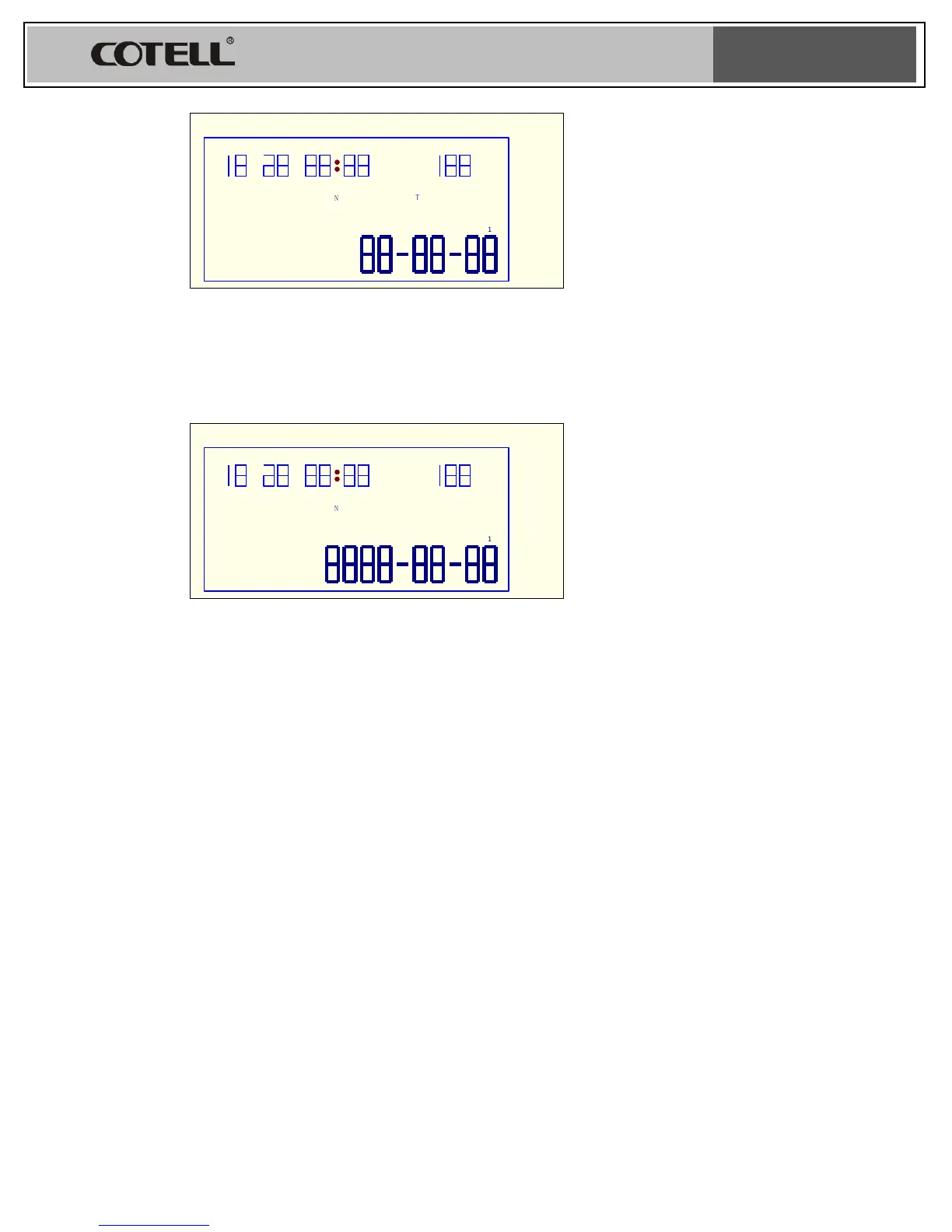
Fig 2
To set Year, month, the procedure is the same (see below fig 3)
Fig 3
L. Outgoing Prefix Setting
1. Continue to press SET/DEL several times until the LCD indicator shows ”PRE
CODE---” flickers. Press PAGE UP or PAGE DOWN to select outgoing prefix
number, press SET/DEL to confirm.
M. Incoming Call record erasure
1. Lift up the handset, press PAGE UP or PAGE DOWN to check the incoming call
records. Press SET/DEL to delete the selected telephone number. By pressing
SET/DEL continuously for 3 seconds will delete all the incoming call records.
N. Dialed Number Record Erasure
1. Lift up the handset, press REDIAL to check the dialed number record, press
SET/DEL to delete the selected telephone number. By pressing SET/DEL
continuously for 3 seconds will delete all the dialed number records.


 To Next Page