FG1088-A(1D)SP
J. Message Retrieval
FG1088A (1D) SP requires 1 of the 10 memory button to be reserved for message
retrieval button. The mail box number will be programmed into this memory location
“Message” or “MSG”.
When there is an incoming message, the message indicator will light up.
Retrieve a message using the handset
1. Lift up the handset; press the “Message” or “MSG” button to retrieve the message.
2. Once completed, place the handset back on the cradle
Retrieve a message using the speakerphone
1. Press the speakerphone button, the red LED indicates that the speakerphone is
active. Press the “Message” or “MSG” button to retrieve the message.
2. Once completed, press the speakerphone again. The red LED will turn off.
K. Time Setting
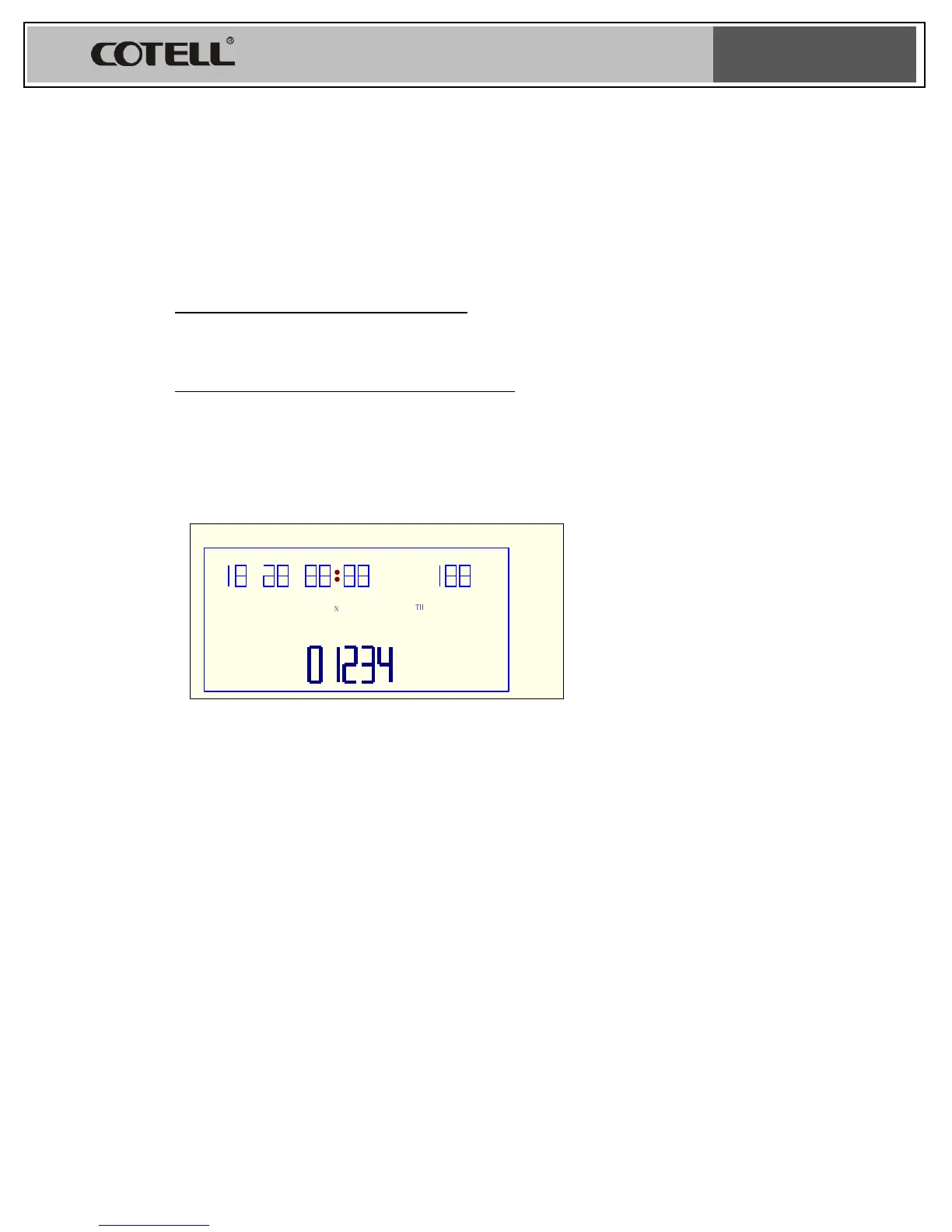
Fig 1
To set hour, minute & Second
1. On hook
2. Press STORE key
3. LCD show “01234” (see below picture 1)
4. Press 0
5. LCD show, hour, minute, second (see below fig 2)
6. Press the desired time
7. Press STORE key again


 To Next Page