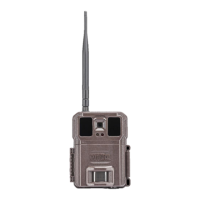
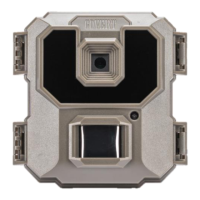
3
QuickStartGuide
1. Installaminimumof6AAbatteries,uptoa32GBSDcard,andyourprovidedSIMcard.
2. TurnthecameratoSETUP
3. ClicktheMenu(M)button,andgotothelastpageofthemenuthatshowsaQRcode
4. ScantheQRcodewithyour
smartphonecamera
5. Thiswilltakeyoutohttps://secure.covert‐wireless.com
a. EitherLogIntoyouraccount,orcreateanaccount
b. Onceloggedin,youwillseeyourcamerainformationpopulatedintheproperfields
6. Selectwhichplanyouwouldliketoaddthecamerato.
PleaseseetheincludedQuickStartGuideformoreinformation.
Tomanually
entercamerainformation
1. Openyouwebbrowsertohttps://secure.covert‐wireless.com
2. Selectthetypeofplanyouwouldliketoadd
3. EntertheIMEIforyourCovertWC30foundontheinsideofthefrontcaseofthecameraonawhitelabelandon
theouterpackage.
4. EntertheICCIDfoundonyourprovidedSIMcard.
5.
Followthepromptstoselectyourrate plan,enteryourpersonal/billinginformationandcompleteyour
purchase.


 To Next Page