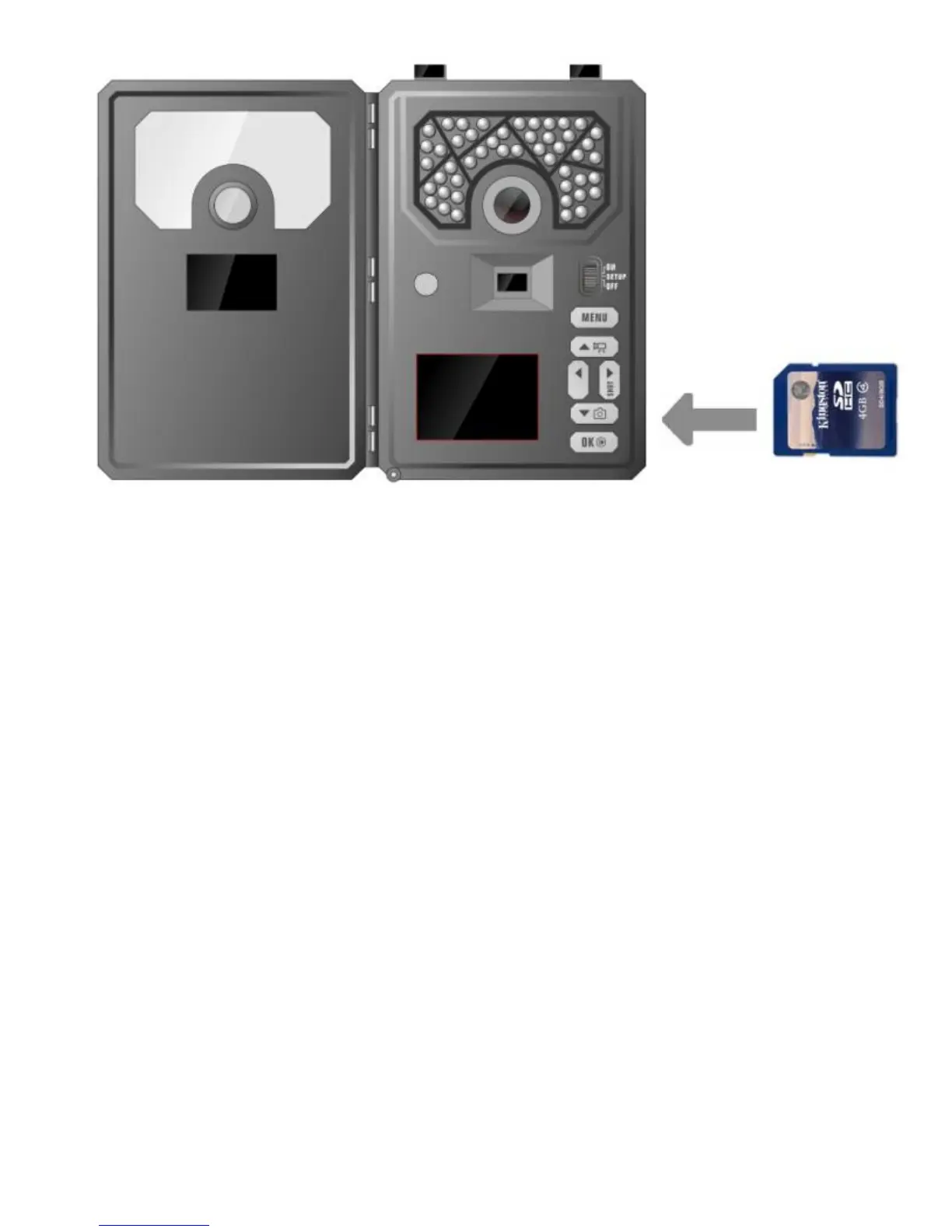
Setting Up the Wireless Network:
NET Tab:
While finding the network connection, you will see
the words Searching Signal in red on the screen.
The camera will then say Connecting to Server as it
is connecting to our web-portal. Once you see
AT&T in the top right corner, you are ready to move
on.
Quick Tip: If your camera doesn’t connect
successfully, first make sure your SIM card is active
on a Covert Wireless plan and then turn the camera
OFF then back ON. (Power Cycle.)



 To Next Page