EasyManua.ls Logo

Covert Brite Star - User Manual

Covert Brite Star
16 pages
Print Icon
To Next Page IconTo Next Page
Loading...
1
www.starweb.com.au Covert Security & Wildlife Monitoring T.C. - User Manual March.2013
Brite Star –
http://www.starweb.com.au/index.html
12 Mega Pixel + Hi Definition Video with Audio
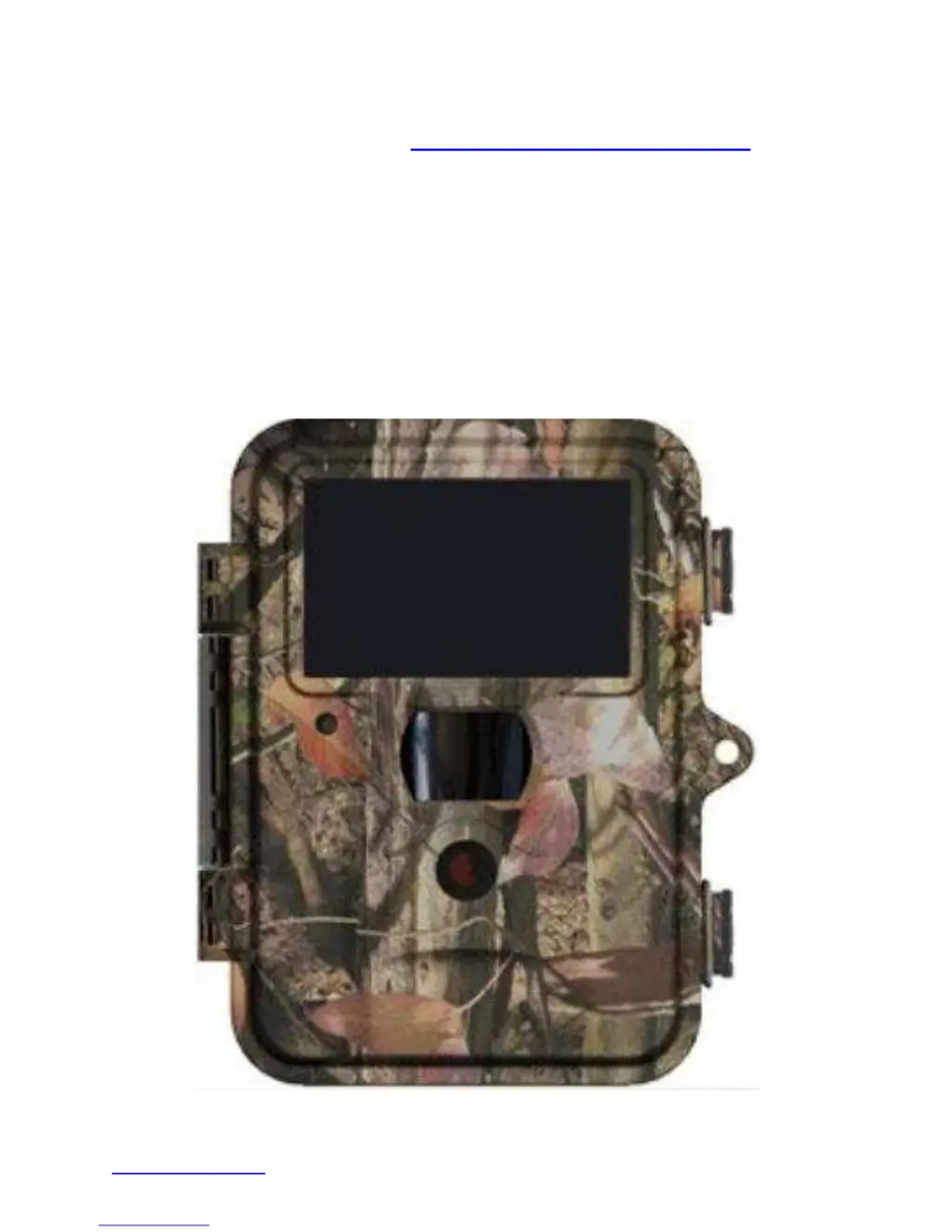
Covert Black Ops Digital Trail Camera
User’s Manual

Questions and Answers

Summary

About the Covert Trail Camera

General Description

Automated camera for covert surveillance & wildlife monitoring. Records 12MP images & HD video with audio.

Setting Up The Camera

Installing the Batteries

Instructions for installing 12 AA batteries, specifying types and handling precautions.

Loading the SD-card

Procedure for inserting SDHC cards, emphasizing power off and formatting recommendations.

Power Button

Explains the three positions of the power slide switch: OFF, SETUP, and ON.

Manually Capture Images & Record Video

How to use the camera to capture still images or record video manually.

Default Settings

Lists factory default settings for Camera, PIR, and System parameters.

LCD Live Video View Screen

Details the information displayed on the LCD screen during live view.

User Programming

The Programming Buttons

Explains how to use navigation buttons to select, edit, and save settings.

Set Date & Time

Procedure for setting the camera's date and time format.

Format - SD card

Steps to format the SD card within the camera for optimal performance.

Advanced Programming

Camera Modes

Explains the three recording modes: Video, Photo+Video, and Photo.

Photo Size

Sets the image quality for still photos, from 12 MP to 3 MP.

Photo Burst

Determines the number of photos taken per trigger, from 1 to 3.

Video Size

Sets the resolution for video recording, from 1080P to QVGA.

Video Length

Defines the duration of each video sequence, from 1 to 60 seconds.

Video Sound

Enables or disables audio recording with video.

PIR Sensor

PIR Sensitivity

Adjusts motion detection sensitivity: High, Normal, Low, or Off.

Trigger Interval

Sets a delay between triggers to avoid repeated detection of the same object.

Time Lapse

Records images or video at predefined intervals for long-term monitoring.

Start Stop (scheduled recording)

Programs camera to operate only during specified Start and End Times.

Systems Options

Time Stamp

Superimposes a Time/ Date watermark on captured images.

Flash Range

Sets the light output level of the covert Infra Red illuminator (6m or 12m).

Password

Allows programming a unique password to prevent unauthorized access.

Language

Sets the camera's display language. Factory set to English.

Beep

Enables or disables the audible beep feedback from the camera.

Overwrite

Controls whether new data overwrites old data when storage is full.

View photo; videos on the SD card

Delete Photo or Video

Procedure for deleting photos and videos from the SD card.

File Attributes

Describes file naming conventions and extensions for images and videos.

Firmware

Notes that the camera is supplied with firmware subject to international copyright.

Mounting the Camera

Mounting Best Practices

Guidance on secure mounting, avoiding damage, and optimizing camera angle.

Battery Life

Warranty

Trouble - Shooting

Covert Brite Star Specifications

General IconGeneral
BrandCovert
ModelBrite Star
CategoryScouting Camera
LanguageEnglish

Related product manuals