7
www.starweb.com.au Covert Security & Wildlife Monitoring T.C. - User Manual March.2013
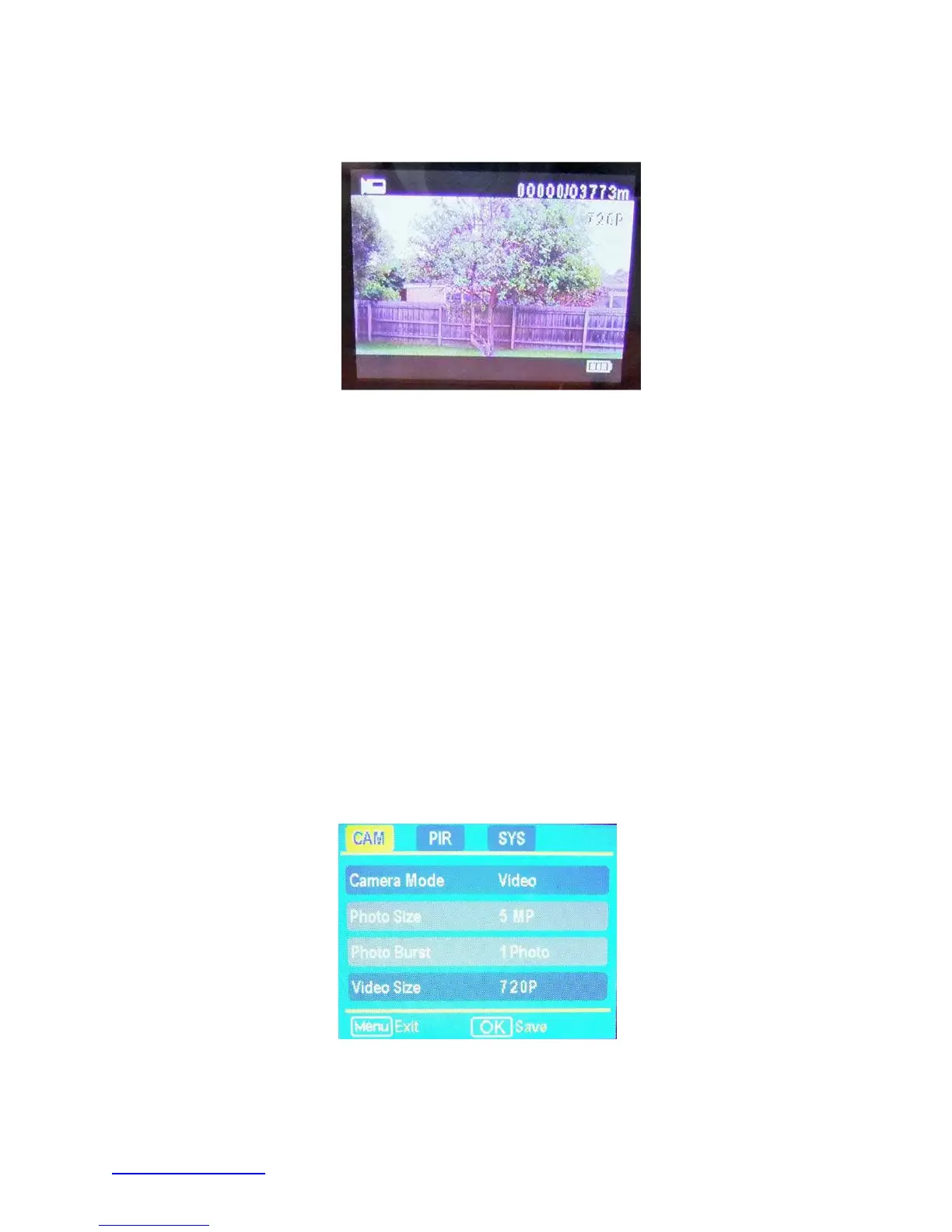
2.6 LCD Live Video View Screen
Figure 3: LCD Live Video View Screen
In Set Up mode the live video scene will be visible on the LCD screen with the following
system information superimposed on the image.
Camera Mode – top left hand corner - photo or video icon
Storage Use – top right hand corner - recorded images remaining card capacity
Image Quality – Image or Video quality setting
Battery Status –bottom right corner – icon indicates remaining battery charge
3 User Programming
With the camera in Set Up mode press the MENU button. The Main Menu Screen below
will be displayed.
Figure 4: Main Menu Screen



 To Next Page