EasyManua.ls Logo

Coway AP-1012GH - User Manual

Coway AP-1012GH
48 pages
Print Icon
To Next Page IconTo Next Page
Loading...
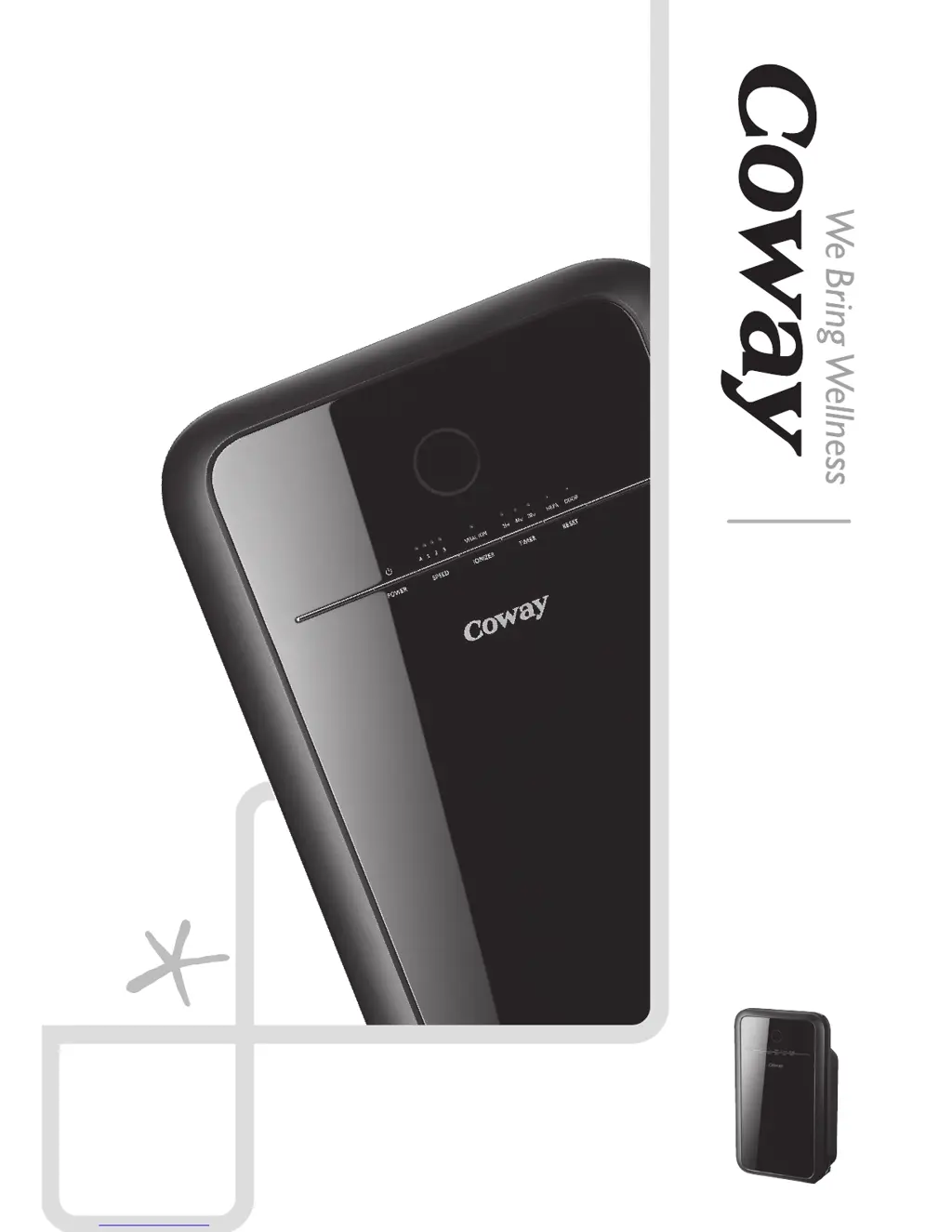
AP-1012GH
AIR PURIFIER
Before operating the unit, please read this manual thoroughly,
and retain it for future reference.
Owners
Instructions
- English
- Français
- Español

Questions and Answers

  • A
    Anita DavisJul 26, 2025
    Why does the pollution level indicator always stay the same on my Coway AP-1012GH Air Cleaner?
    • H
      hgrantJul 27, 2025
      If the color of the pollution level indicator on your Coway Air Cleaner remains constant, it could be due to a few reasons. First, the lens of the pollution sensor might be dusty, so try cleaning it. If the pollution level consistently indicates a high level, adjust the sensitivity of the pollution sensor to 'Insensitive' or 'Standard'. Conversely, if it always indicates a low level, set the sensitivity to 'Sensitive' or 'Standard'.
  • T
    Travis JohnsonAug 2, 2025
    How to fix Coway AP-1012GH Air Cleaner when no air is blowing?
    • C
      cole73Aug 2, 2025
      If your Coway Air Cleaner isn't blowing air, ensure that the power cord is connected to a 120 V~, 60 Hz electrical outlet. Press the power button and select your desired function. If there was a power outage, wait for the power to come back on. Also, make sure the front cover is closed properly.
  • V
    Victoria WilliamsAug 11, 2025
    Why does my Coway AP-1012GH have a bad smell?
    • L
      Laurie CruzAug 11, 2025
      If you notice a bad smell coming from the air outlet of your Coway Air Cleaner, the filter cleaning or replacement time may have passed. Check the filter cleaning and replacement cycles, and then clean or replace the filter(s) as needed.
  • J
    jmillerAug 17, 2025
    What to do if the airflow speed is significantly weaker than before in Coway Air Cleaner?
    • M
      Melinda GreenAug 18, 2025
      If the airflow speed of your Coway Air Cleaner is significantly weaker than before, the filter cleaning or replacement time may have passed. Check the filter cleaning and replacement cycles and then clean or replace the filter(s) if necessary.

Summary

FEATURES

Excellent Air Purification Performance

True HEPA filter traps allergens and contaminants down to 0.3 microns, reducing bacteria, mold spores, and virus-carrying particles.

Air Quality Indicator

Shows indoor air pollution level via dust sensor, indicated by color (Blue → Dark Purple → Red).

Filter Replacement Indicator

Product checks filter replacement cycle and turns on relevant indicator for user convenience.

Timer

Allows control of air purifier run time before automatic power-off.

SAFETY INFORMATION

General Safety Precautions

Important guidelines for safe operation, avoiding damage, and preventing hazards.

SAFETY INFORMATION

Warnings and Cautions

Details potential risks of physical injury or property damage from misuse or incorrect installation.

PARTS NAME

Front and Rear View

Identifies the main external components of the air purifier, including handle, air outlet, power cord, and cover.

Operation and Indication Part Overview

Explains the front panel display and its indication of room pollution levels via color-coded lights.

PARTS NAME

Control Panel Functions

Details the function of each button (Power, Speed, Ionizer, Timer, Reset) and indicator light on the control panel.

AIR PURIFICATION PROCESS

Air Purification System Stages

Illustrates and describes the three-stage filtration process: Pre-filter, Deodorization Filter, and True HEPA Filter.

PREPARATIONS

Pre-Use Checks

Crucial checks before operation, including voltage and dedicated outlet requirements.

Filter Installation Guide

Step-by-step guide on opening the cover, removing plastic packing, and installing filters in the correct order.

HOW TO USE

Operating Modes (Manual & Auto)

Instructions on operating the air purifier using manual speed selection or the automatic mode based on air quality.

Timer Operation

How to set the timer for automatic power-off (1, 4, or 8 hours) and how to deactivate it.

ADJUST AIR QUALITY SENSOR

Sensor Sensitivity Adjustment

Guide on how to adjust the air quality sensor's sensitivity levels (Sensitive, Standard, Insensitive).

CLEANING METHOD

Cleaning the Air Quality Sensor

Instructions for cleaning the sensor cover, air inlet/outlet vent, and lens every two months using a cotton swab.

Cleaning Air Inlet, Outlet, and Body

Method for cleaning vents, front cover, and product body with brushes or cloths.

CLEANING METHOD

Cleaning the Pre-Filter

Steps to clean the reusable pre-filter with a vacuum or water, emphasizing complete drying before reinstallation.

FILTER REPLACEMENT

Filter Service Cycles

Table outlining recommended cycles for cleaning the pre-filter and replacing deodorization and HEPA filters.

Filter Indicator Reset

Procedure to reset the indicator light after filter replacement by pressing the Reset button.

Forcible Filter Reset

Instructions for forcibly resetting filter cycles before the recommended time, including selecting the filter type.

TROUBLE SHOOTING

Troubleshooting Common Issues

A guide to diagnose and resolve common problems like no air, speed issues, bad smells, or indicator errors.

SPECIFICATIONS

Technical Specifications

Details of the air purifier's model, voltage, power, dimensions, weight, and other technical data.

WARRANTY INFORMATION

Three Year Limited Warranty Details

Outlines the terms, coverage, exclusions, and service procedures for the manufacturer's limited warranty.

Coway AP-1012GH Specifications

General IconGeneral
BrandCoway
ModelAP-1012GH
CategoryAir Cleaner
LanguageEnglish

Related product manuals