42
Use the RECORD Button
The Contour Program Guide gives you two options for recording a program.
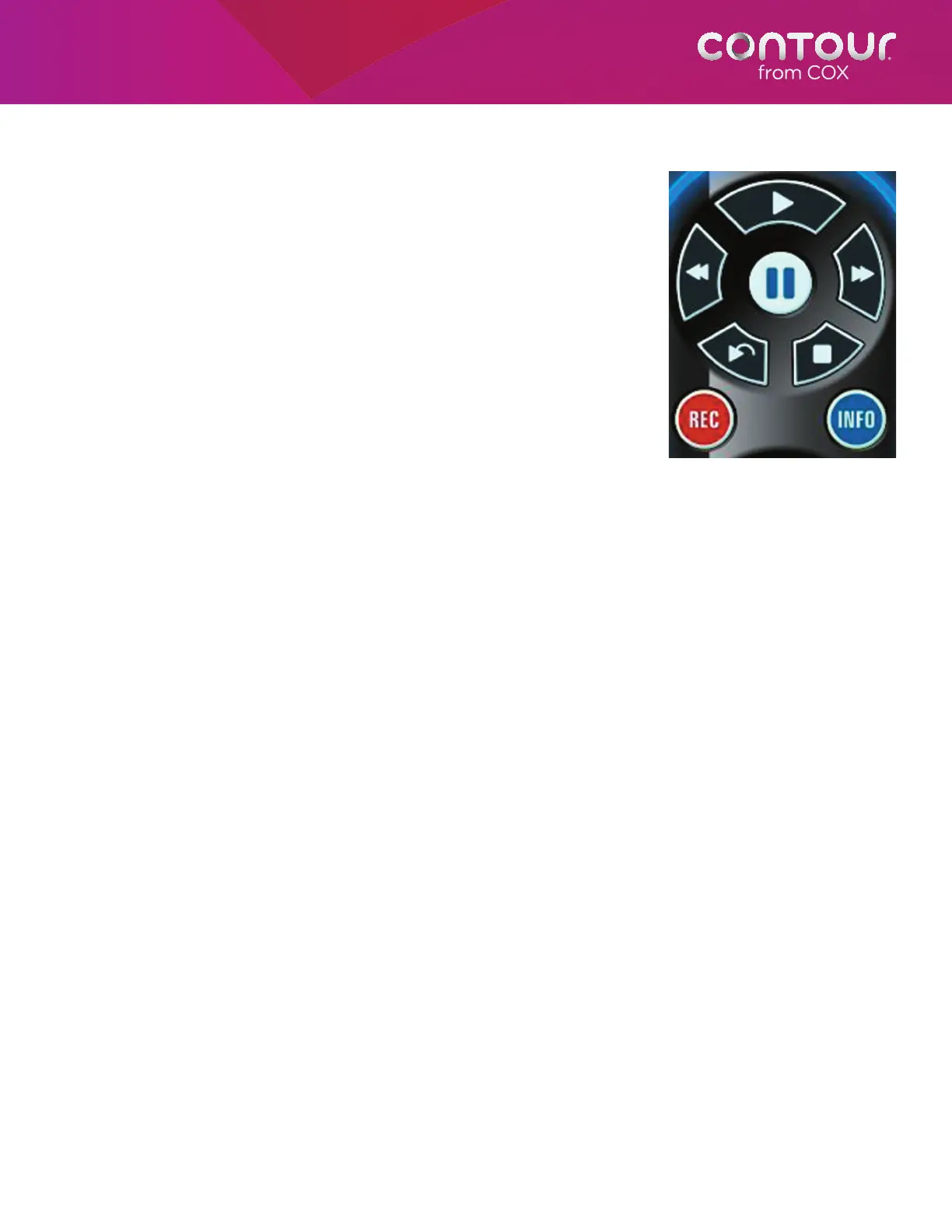
The first is to simply press the RECORD button on your remote control.
You can do this when:
• You are watching a live TV program. You will be prompted
whether you want to record an individual episode, entire series,
or set a manual recording. Because the DVR temporarily stores
any program you are currently watching, your recording will also
include any portion of the program that has aired from the time
you tuned to that channel.
• You are in the Contour Program Guide with a program
highlighted. Recording will begin at that program’s scheduled
start time, provided it is in the future. If the program is currently
airing and you are tuned to that channel, recording will begin
immediately and any portion of program that has been
temporarily stored on the DVR will also be recorded.
• You are in the Contour Program Guide with a channel highlighted.
The program currently airing on that channel will begin recording.
If you are also tuned to that channel, the recording will include
any portion of the program that has been temporarily stored on
the DVR.
• You are browsing programs in Info Banner, which allows you to easily navigate channels or programs and
quickly schedule a recording. Recording will begin at that program’s scheduled start time, provided it is in the
future. If the program is currently airing and you are tuned to that channel, recording will begin immediately
and any portion of program that has been temporarily stored on the DVR will also be recorded.
• The Actions Card is in focus. The program displayed in the Summary Card will begin recording. The highlight
bar does not need to be on Record for this to happen.
• A previously set program reminder appears. Recording will begin at that program’s scheduled start time,
provided it is in the future. If the program is currently airing and you are tuned to that channel, recording
will begin immediately and any portion of program that has been temporarily stored on the DVR will also
be recorded.
The RECORD button (with the red
circle) on the left side of your remote
lets you record programs from many
places in the guide.



 To Next Page