EasyManua.ls Logo

CP Electronics Vitesse Plus - Detector and Program Configuration; Set Time Out and Light Level; Activate Daylight Linking

Default Icon
3 pages
Print Icon
To Previous Page IconTo Previous Page
Loading...
9
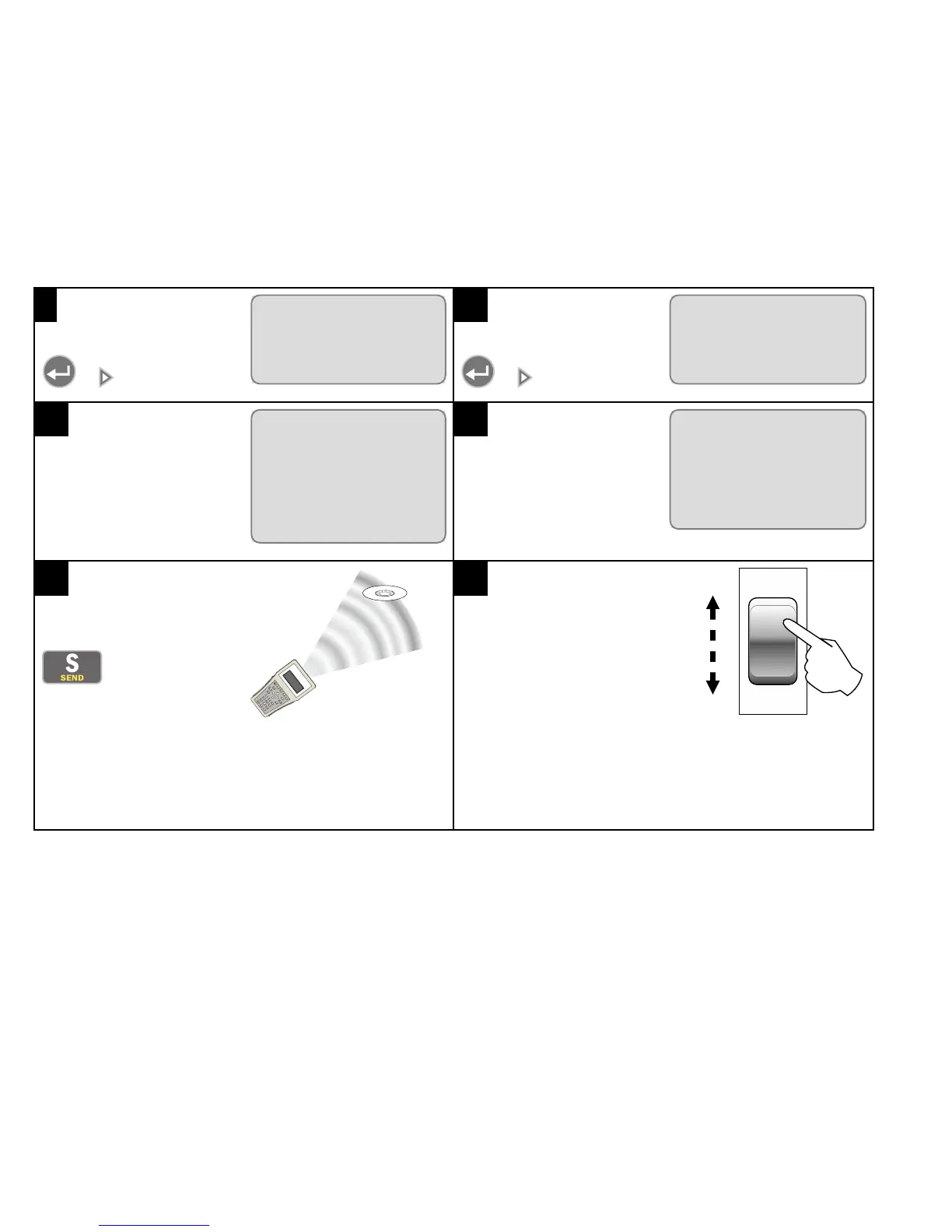
Select Detector and press
or .
VITESSE PLUS
LCM >
à
Detector
>
Scene Panel >
10
Select Program and press
or .
DETECTOR
à
Program
>
User >
Device Info >
11
Select Time Out (mins)
and enter the number of
minutes to wait (0 - 99)
before lights turn off when
absence detected.
PROGRAM
à
Time Out
(mins)
10
Light Level 600
Detection
Mode
No
12
Select Light Level and
enter the target lux value (0-
999) that daylight linking is to
maintain.
PROGRAM
Time Out
(mins)
10
à
Light Level 600
Detection Mode No
13
Point the handset directly at
the device and press
.
14
Perform this sequence
with the centre-biased
retractive switch to
activate daylight linking:
1. Dim all the way down
2. Dim all the way up
3. Switch off
4. Switch on