
 Need help?
Do you have a question about the CP Plus CP-DBP-H20-PGW and is the answer not in the manual?
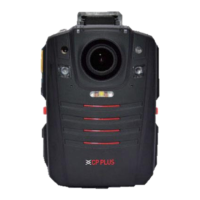
Introduces the device and details its physical layout and key components for user understanding.
Details the function and usage of each physical button on the device for operation and control.
Explains the meaning of indicator lights and screen icons for device status and operation.
Covers powering the device, image preview, voice intercom, video, and audio recording functions.
Instructions for taking photos and reviewing recorded files (videos, photos, audio).
Explains light compensation, infrared mode, and digital zoom functionality for enhanced usability.
Navigating menus, configuring video, platform connectivity, and wireless networks (Wi-Fi, 4G).
Details configurations for device functions, system preferences, 4G, and GPS features.

 To Next Page
 General