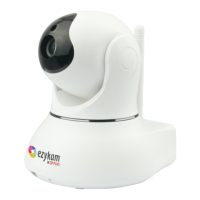
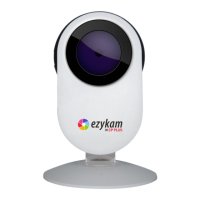
ezy4G Camera
Quick Operation Guide
EZ-R31G
Thank you for choosing CP Plus ezy4G camera.
Get Started using your new device by downloading ezyLiv app, one convenient app that manages everything
straight from your smart phone. Easily connect to 4G/5G SIM network and control multiple devices from the touch
of your fingertips.
What's in the Box
Get Ready
ezy4G Camera
Power Adapter
Srews
Scan QR Code to
Download Quick
Installation Guide
• Make sure 4G/5G SIM has valid Data Pack.
• Make sure your mobile device is running iOS 12 of higher or Android 10 or higher.

 Need help?
 General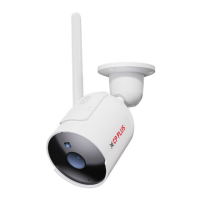

 To Next Page