EasyManua.ls Logo

CPS COLOR Corob D410 - User Manual

CPS COLOR Corob D410
44 pages
Print Icon
To Next Page IconTo Next Page
Loading...
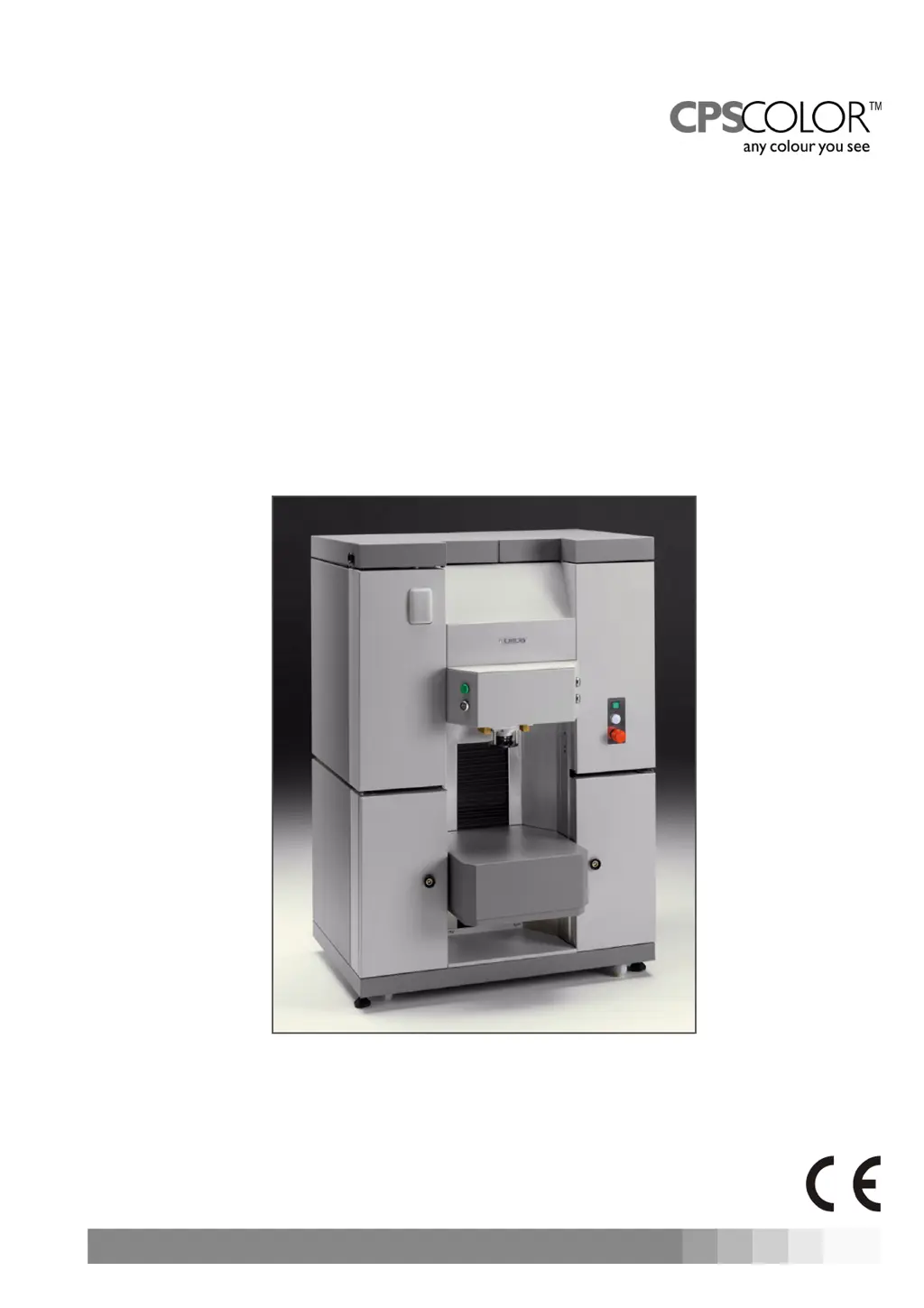
COROB™ D410
Automatic Dispenser
Users Manual
Version 1.0 - R0 (November 2006)DU006C010015500 - ENGLISH

Questions and Answers

  • P
    Patricia FordAug 1, 2025
    What to do if my CPS COLOR Corob D410 Dispenser does not turn on?
    • M
      melissa82Aug 1, 2025
      If your CPS COLOR Dispenser doesn't turn on, several things could be the cause: * A missing power supply: Check the connections at the back of the machine. * The main switch is in the OFF position: Set it to the ON position. * The emergency button is pressed: Release it. * Blown fuses: Replace any blown fuse inside the fuse compartment. * The power supply unit is in overcurrent: Wait a few minutes and try to restart the machine. If the problem continues, you should contact the authorized technical service. * Defective electrical connections: Contact the authorized technical service.
  • M
    moralesrebeccaAug 8, 2025
    What to do if the CPS COLOR Dispenser management software shows an error in the communication protocol?
    • K
      Kayla SmithAug 8, 2025
      If the management software shows an error in the communication protocol for your CPS COLOR Dispenser, here are a few potential causes and solutions: * The machine is OFF: Turn the machine on and restart the management software. * The machine is disconnected from the computer: Check the connections at the back of the machine. * The computer serial port is wrongly configured or defective: Use the configuration and calibration software to ensure the serial port used to communicate with the machine is correctly configured. You may need to repair the computer serial port. * The serial cable is damaged: Replace the communication cable using manufacturer's original spare parts. * The serial connection is defective: Contact the authorized technical service.
  • C
    carterspencerAug 15, 2025
    Why is colorant dripping from some nozzles on my CPS COLOR Corob D410?
    • G
      goodmankevinAug 16, 2025
      If colorant is dripping from some nozzles of your CPS COLOR Dispenser, it could be due to the valve of the pumping unit not working correctly. To resolve this, dispense approximately 100 cc of colorant from the affected pumping unit using the management software. If the problem involves multiple circuits, repeat this process for one circuit at a time to recycle the dispensed colorant. If the dripping continues, contact the authorized technical service.
  • D
    Deborah BlakeAug 25, 2025
    What to do if the green punching lamp blinks on my CPS COLOR Corob D410?
    • T
      Taylor SmithAug 25, 2025
      If the green punching lamp is blinking on your CPS COLOR Dispenser, it could be due to: * Punching has failed because the can lid was missing: Move the semiautomatic shelf down until the photocell is no longer covered by the can, the green punching lamp will stop blinking; load a can with lid then repeat the punching operation. * A mechanical problem caused the punching device to not return to its initial position: Move the semiautomatic shelf down until the photocell is no longer covered by the can, the green punching lamp will stop blinking; repeat the punching operation. If the problem persists, contact the authorized technical service.

Summary

Safety

Warnings on the Use of Colorants

Provides safety precautions and warnings related to handling colorants.

Residual Risks

Details potential risks during operation and their preventive measures.

Safety Devices

Identifies and describes the machine's integrated safety features.

Shipping, Handling and Unpacking

Installation Guide

Instructions for the proper installation of the machine.

Start-Up

Control Devices and Connections

Identifies and describes the machine's control panel and connection ports.

Electrical Connection and Start-Up

Steps for connecting the machine to power and initiating start-up.

Emergency Stop Function

How to use the emergency stop button in critical situations.

Using the Dispenser

General Warnings

Essential safety rules for operating the dispensing machine.

Running the Machine

Overview of steps to operate the machine using management software.

Loading the Can - Lift Manual Shelf

Instructions for loading cans onto the manual lift shelf.

Dispensing Process

Details on how the dispensing process is initiated and executed.

Refilling the Canisters

Step-by-step guide for refilling colorant canisters.

Troubleshooting

Common problems encountered and their solutions.

Ordinary Maintenance

General Warnings

Safety precautions before performing any maintenance operations.

Technical Specifications

CPS COLOR Corob D410 Specifications

General IconGeneral
BrandCPS COLOR
Canister MaterialPlastic
Simultaneous DispensingYes
ModelCorob D410
Pump TypePiston
MaterialPlastic

Related product manuals