5
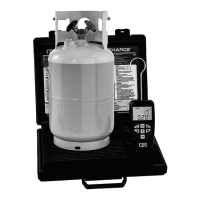
1. Place refrigerant tank on scale
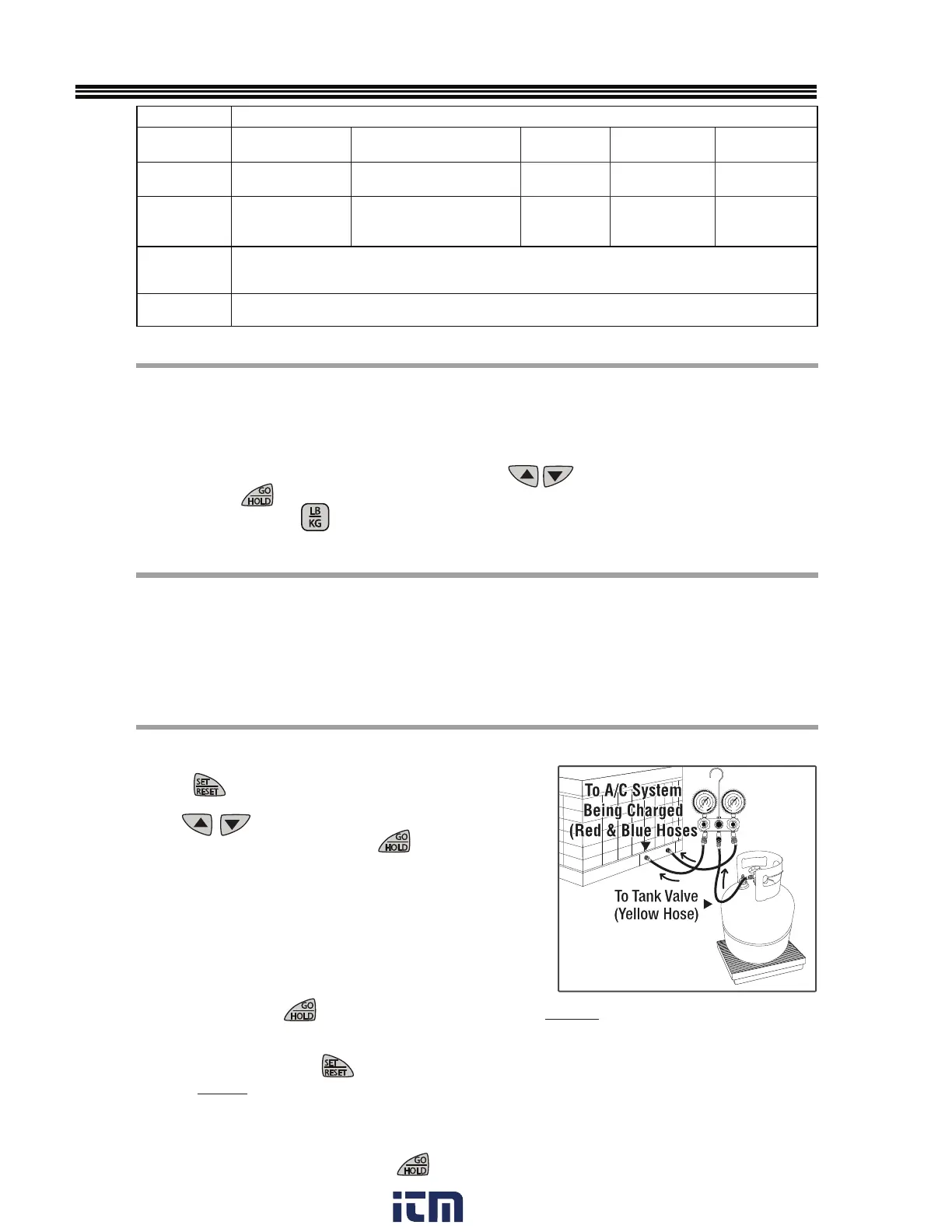
2. Connect equipment per DIAGRAM A (CHARGE).
3. Press
to scroll through the menu and choose
CHARGE “Chg”.
4.
Use
to input desired weight (charge
amount to be tracked), then press
.
5. Once tank and manifold valves are opened, the charge
(tracking) session will begin. The display will sho
w a
small “c” indicating“charge” and how much refrigerant
has been charged into your system (removed from the
refrigerant
tank).
6. During charging, screen characters will eventually flash
at an increasing rate, showing that the programmed
charge amount is closer to being reached.
• HOLD - Pressing
while charging will PAUSE charge tracking, allowing the user
tighten hoses, change tanks if necessary, but continue later without losing track of the NET
amount charged.
• SET/RESET - Pressing
during charge operation will stop/cancel the charge from
being tracked. The normal WEIGH Mode will resume.
• NOTE: So that the actual charged vs. tracked amounts align, remember to physically
stop charging by closing tank and/or manifold valves before pressing HOLD.
• GO/HOLD - After any adjustments are made, the accumulated amount being tracked
can be resumed by pressing
LCD DISPLAY ABBREVIATIONS
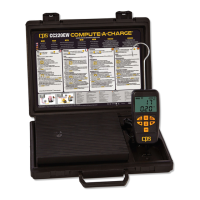
A. Remove scale from storage case and place on level, rigid surface.
B. Install one or two (included) 9V batteries in back of control.
C.
Press power (icon) to turn scale ON.
D. APO (Automatic Power Off). 5 minutes = default setting [you may also select 10, 15, 30, 60
mins, or turn APO OFF].
E. DISPLAY RESOLUTION: Default is 0.2 Oz (5g). Press
until desired value
found. Press
to select. See specifications table for other selectable values.
F. WEIGHT UNITS: Press
to select.
1. Place refrigerant tank on scale
2. Default mode is “SCL” (weigh).
3. View GROSS weight on display.
4. Remove tank from platform after weight observed.
5. Display will flash if maximum weight capacity (220 Lb/100 kg) exceeded.
SCALE SETUP
CHARGE MODE (“CHg”)
SCALE (WEIGH) MODE (“SCL”)
DIAGRAM A (CHARGE)
DISPLAY ABBREVIATIONS
MODES TO
SELECT
SCL= Scale CHg = Charge rEC = Recover rES = Resolution
APO = Auto-
matic Power OFF
WHEN IN
CHARGE MODE
c = Charge (track-
ing) in process
F = Final programmed charge
achieved
WHEN IN
RECOVER MODE
t OFF: Ensure tank
NOT on scale
t ON: Place tank ON scale
r = Recovery
(tracking) in
process
o = Tank
overfilled
n
= Net gain
of one or more
tanks
WHEN IN
CHARGE OR
RECOVER MODE
h = Hold (pause) refrigerant tracking
WHEN IN ANY
MODE
OL= Overload (Reduce load immediately)
w ww. . com
information@itm.com1.800.561.8187


 To Next Page