THEORY OF OPERATION
OTHER FUNCTIONS
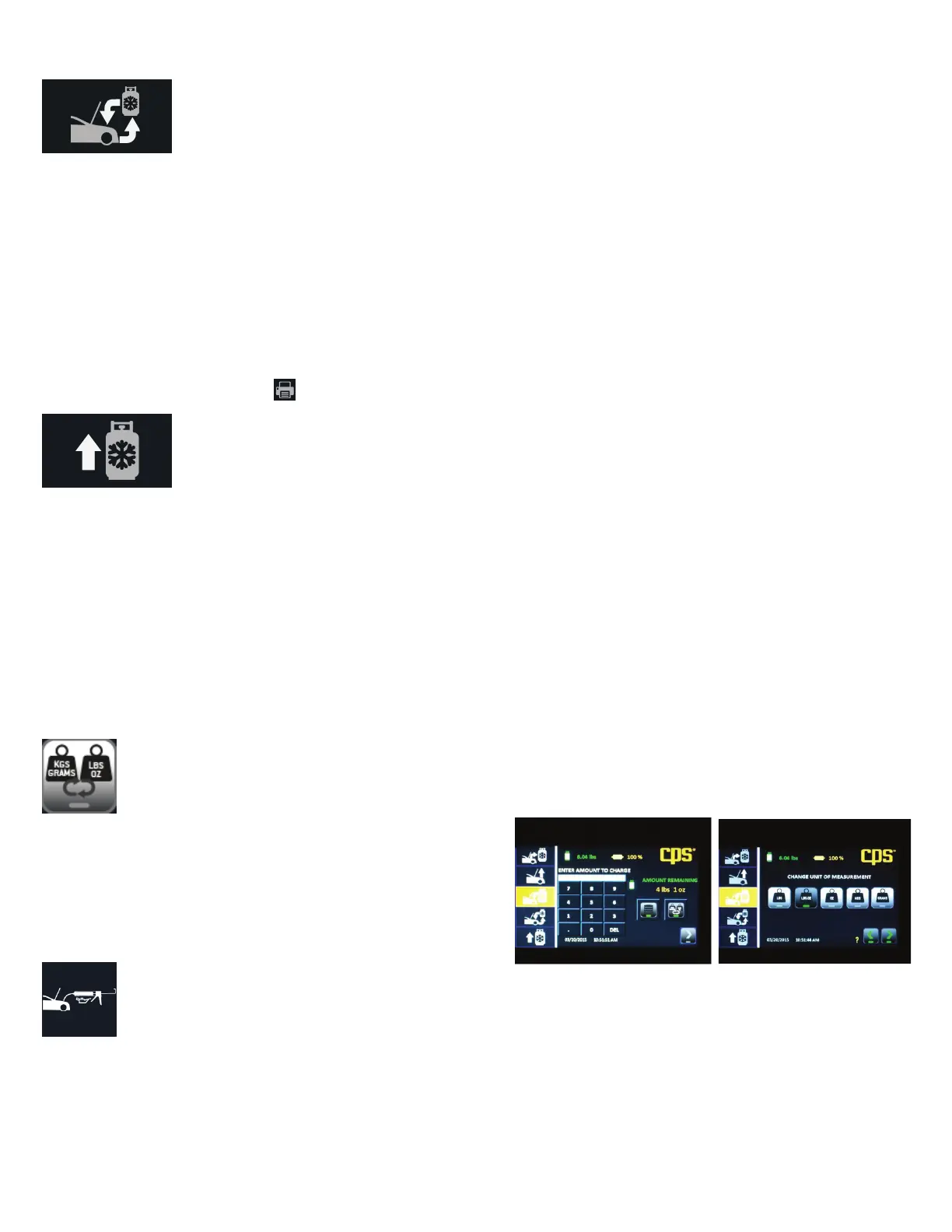
Change Units
This function will be displayed when setting the charge amount. It allows
you to change from the defaulted unit of measure to that on the J639 tag
on the vehicle. For instance, the machine default was set to lbs:oz and the
vehicle tag provides refrigerant capacity in grams. Use this feature to
change the unit of measure to grams for this charge only.
Add Oil
This icon appears the end of the charge operation and is a reminder to add back the amount of oil that was removed during recovery. If you
had entered the amount of oil after charging, that amount will also appear with the icon. If not, check the oil discharge bottle to determine the
change in volume since the last recovery. Add this amount back to the system.
8
Full Cycle
Select “Full Cycle” to recover, recycle, vacuum, leak check and charge the vehicle AC system. The display will prompt you to enter the vehicle
charge amount. As in the “Charge” sequence, the database may be used to retrieve the charge amount for most vehicles sold in North America.
The full cycle process begins with a refrigerant purity test and the vehicle system. This is required for SAE2843 for R1234yf only. Note that if
you have purchased the FX1234W, you will need to have an external identier connected to the machines USB port at start up. If the system
passes the purity test, the machine will proceed with recovery.
The Full Cycle process continues after recovery with pre-charge vacuuming and leak testing. Leak testing is required under SAEJ2843 for
R1234yf systems. The system is rst vacuumed. After vacuuming, the 5-minute vacuum test is performed. If vacuum is held, the unit will pro-
ceed to adding 15% of the selected charge amount to the system. Using a SAE J2913 approved leak detector, inspect the evaporator(s) for leaks
and answer the displayed questions. If the system passes leak detection, the machine will continue charging the remaining 85%. If the leak
tests fail, the machine will recover any refrigerant and return to the Home screen. After the leak is repaired, the process can be run again. The
results may be printed by pressing the icon visible on the Home screen after Full Cycle is complete.
Tank Rell
Select “Tank Rell” to add refrigerant to the internal storage tank. It is suggested that at least 4.5 lbs or 2 kg of refrigerant be available in the
storage tank to begin any operation. If less is observed, choose this operation to add refrigerant to the internal tank. This operation transfers
refrigerant in the liquid state to the internal storage tank. The Refrigerant amount transferred in this mode is not counted toward the lter life.
Start with hoses disconnected and couplers closed. Press “Tank Rell” and follow the on screen instructions.
Caution: If hoses were connected be fore instructed, the machine will post a warning and instruct that the couplers be closed and the hoses
removed. Not doing so will result in refrigerant loss at the user’s expense.



 To Next Page
 Loading...