Sensors can be setup as an emergency sensor or as a
normal sensor. An emergency sensor is a sensor that is
supposed to be always on (meaning: never disarmed).
This sensor will always trigger an alarm even if the CP2
PIR motion sensor alarm is disarmed. When the sensor
is triggered, you can stop the alarm by pressing any of
the three buttons on the PIR motion sensor alarm.
TOadd sensors please follow this simple procedure:
Enter pairing mode by long pressing the Pairing
button (10)) (orthe Mode button in case Of
setting up an emergency sensor). The detector light
will light up continuously.
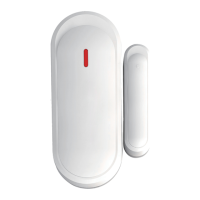
Activate your sensor. With a door & window sensor,
just remove the magnet away from the sensor to
activate it. A PIR sensor can be activated by waving
your hand in front of it.
You will hear two beeps indicating a correct pairing
occurred.
Short press the Pairing button (10)) (orthe Mode
button in case Of an emergency sensor).
(10)
Multiple sensors can be paired with a PIR motion
sensor alarm.
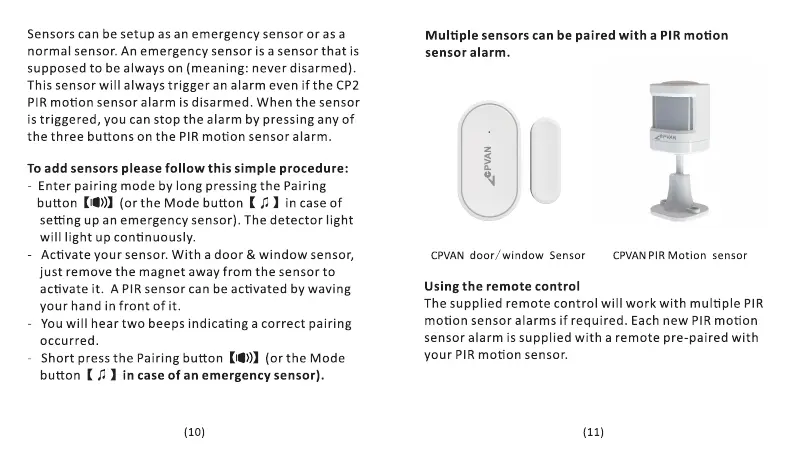
CPVAN door/ window Sensor
Using the remote control
CPVANPIR Motion sensor
The supplied remote control will work with multiple PIR
motion sensor alarms if required. Each new PIR motion
sensor alarm is supplied with a remote pre-paired with
your PIR motion sensor.
(11)


 To Next Page
 Loading...