CRADLEPOINT CBA750B | USER MANUAL Firmware version 5.0
© 2013 CRADLEPOINT, INC. PLEASE VISIT HTTP://KNOWLEDGEBASE.CRADLEPOINT.COM/ FOR MORE HELP AND RESOURCES PAGE 85
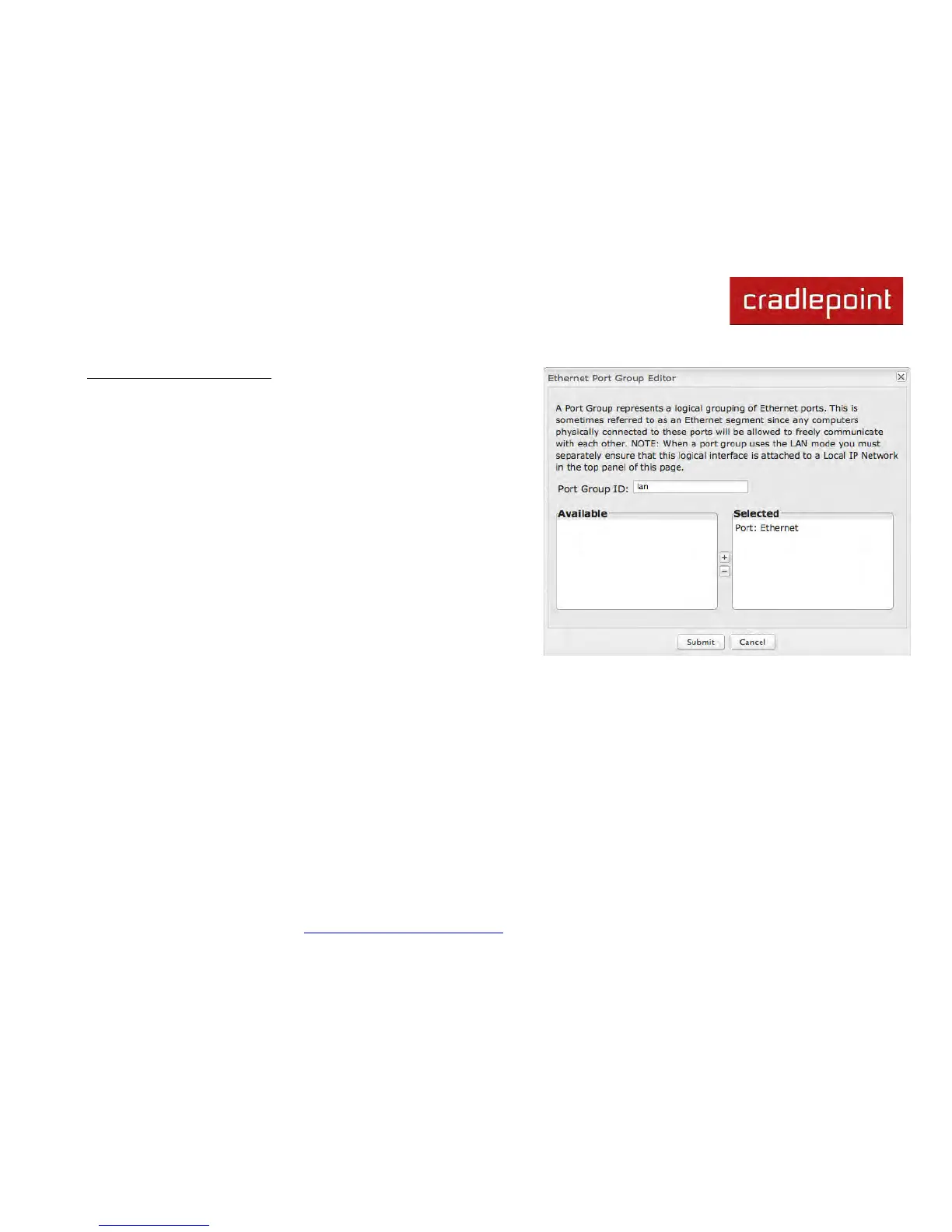
Ethernet Port Group Editor
A Port Group represents a logical grouping of Ethernet ports. Any
computers physically connected to ports in a group will be allowed to
freely communicate with each other.
Since the CBA750B has only 1 Ethernet port, this feature will rarely
be necessary. The only use is to switch the port to a different local
network.
NOTE: You must separately ensure that this logical interface is attached to a Local
IP Network in the top panel of this page.
Port Group ID: The Group ID field provides a reference to this port
group to be used in other parts of the router configuration. For
example, this ID is referenced in the Local IP Networks configuration
to attach this group of Ethernet port group with a network
configuration. Use a simple short text phrase to describe a group,
such as "main", "guestport", etc.



 To Next Page