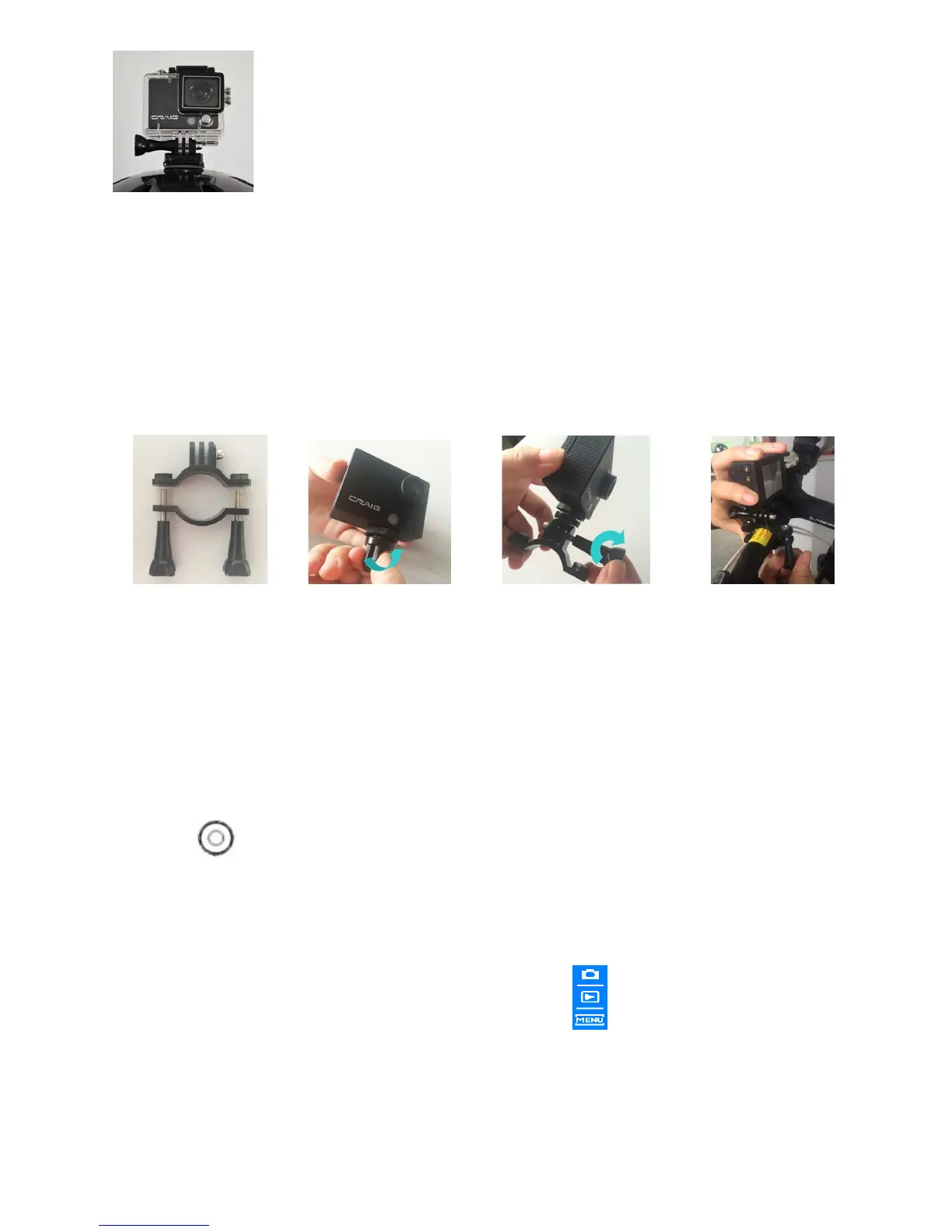
Fig. 5
Mount the camera on the handle of bicycle/motorcycle with the supplied assembly’s kit
as the figures below:
(Take out the unit from the water proof case as the previous procedures before
assemble.)
Fig. 1 Fig. 2 Fig. 3 Fig. 4
OPERATION
General:
1. Press the Button on the top of unit to power on. The display and the Blue Indicator
(on front of unit) will illuminate.
2. Press the Mode Button on the front of the unit repeatedly to select the desire mode as desire
as below. Or, touch the display. The selection window “ ” will pop up. Touch the desired
button to enter.


 To Next Page