EasyManua.ls Logo

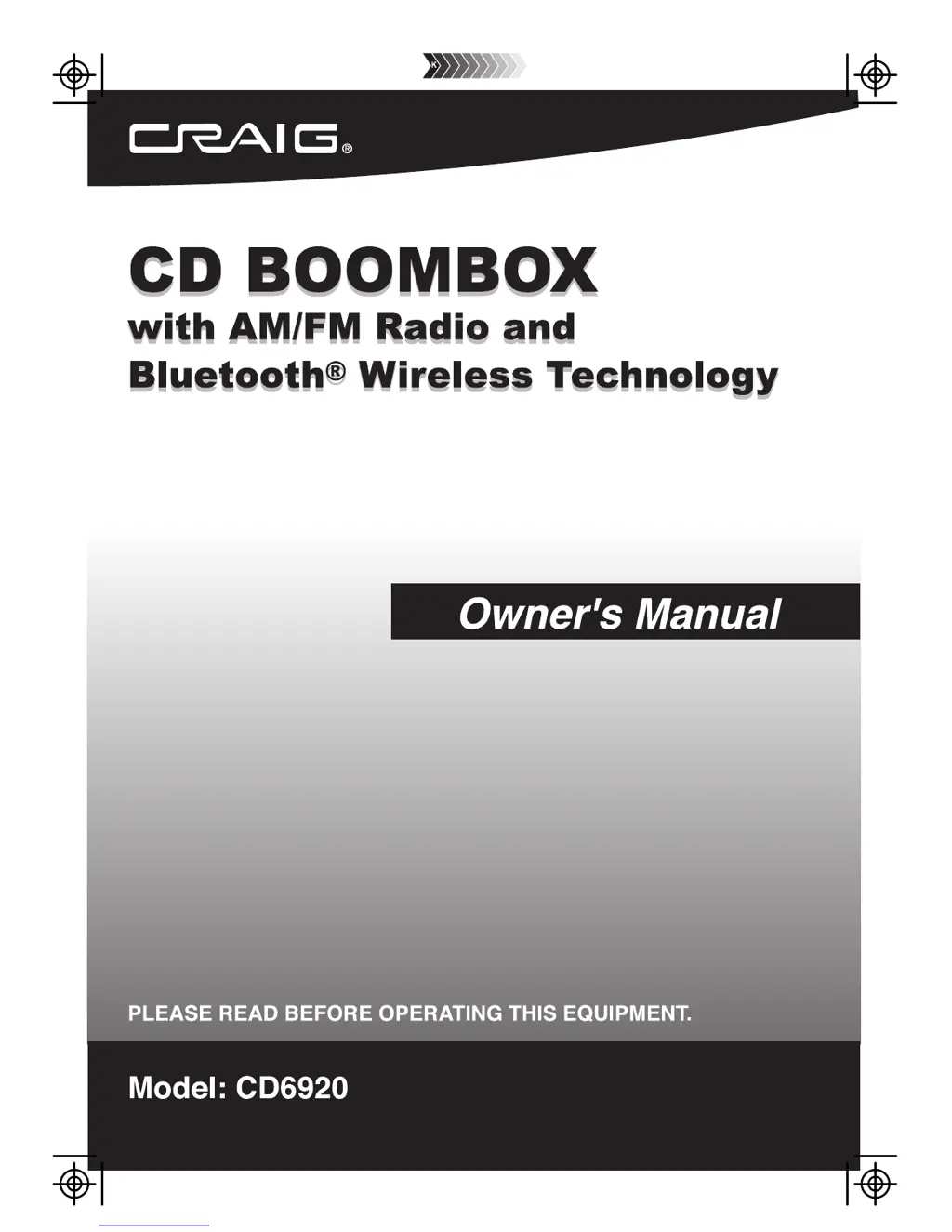
Craig CD6920 - User Manual

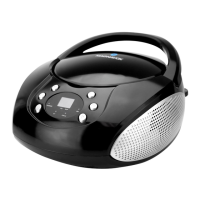
Craig CD6920
12 pages
Print Icon
To Next Page IconTo Next Page
Loading...
Size: 148.5(W) x 210(H)mm (A5)

Questions and Answers

  • A
    amandawuAug 2, 2025
    Why does the Craig Portable Stereo System sound distorted at high volume?
    • S
      Susan PorterAug 2, 2025
      If the sound from your Craig Portable Stereo System is distorted at a high volume, it's likely that the volume is set too high. Try reducing the volume level to resolve this issue.
  • D
    Dana BakerAug 8, 2025
    What to do if CD skips while playing in Craig CD6920 Portable Stereo System?
    • T
      Troy MonroeAug 8, 2025
      If your Craig Portable Stereo System CD skips, the disc may be dirty or scratched. Try wiping the CD with a clean cloth or using another disc.
  • D
    david45Aug 14, 2025
    Why is there no sound on AM or FM on my Craig CD6920 Portable Stereo System?
    • S
      santanatimothyAug 14, 2025
      If you're not getting any sound on AM or FM radio with your Craig Portable Stereo System, make sure the Function Selector is in the “RADIO” position. Also, check that the volume isn't set to the minimum. Another possible cause is an audio connection cable inserted into the LINE IN jack; if so, unplug the cable.
  • I
    Ian JonesAug 20, 2025
    What to do if Craig Portable Stereo System CD does not play?
    • E
      erik55Aug 20, 2025
      If your Craig Portable Stereo System isn't playing CDs, first ensure the Function Selector is set to the CD position. Also, make sure the CD is loaded correctly, with the label side facing up. The disc may also be dirty or scratched, so try another disc.
  • J
    Johnny MackAug 26, 2025
    How to fix noise or distorted sound on AM/FM radio on Craig Portable Stereo System?
    • V
      Vanessa HeathAug 26, 2025
      If you are experiencing noise or distorted sound on AM or FM radio with your Craig Portable Stereo System, try retuning to the AM or FM broadcast station. Also, reposition the unit to find the best reception.

Summary

Important Safety Instructions

Electrical and Laser Safety

Covers precautions for electric shock, laser hazards, and radiation exposure from controls.

General Usage Guidelines

Details on avoiding water, heat, ensuring ventilation, and proper use of power cords and plugs.

Environmental and Servicing Precautions

Safety measures for lightning, servicing, power sources, object entry, liquids, and antenna grounding.

Product Care and Service Requirements

Guidelines for replacement parts, safety checks, mounting, damage, and CATV system installation.

Preparation for Use

Power Sources

Details on operating the system using AC power or batteries.

AC Operation

Instructions for connecting and using the AC power cord.

Battery Installation

Steps for correctly installing the required 'C' size batteries.

Battery Precautions

Safety guidelines for handling and using batteries to prevent damage or injury.

Care and Maintenance

Caring for Compact Discs

Guidelines for handling, cleaning, and storing compact discs to ensure playback quality.

Cleaning the Unit

Instructions for safely cleaning the exterior finish and plastic parts of the device.

Location of Controls

Front;Top Controls

Identification of buttons and indicators on the front and top panels.

Rear Controls

Identification of ports and connectors on the rear panel.

Bottom Controls

Identification of the battery compartment and other bottom-mounted features.

Operation

Bluetooth Operation

Instructions for pairing and operating the unit via Bluetooth.

Radio Operation

Steps for tuning and listening to AM and FM radio stations.

Antenna Information

Details on the built-in AM/FM antennas and improving reception.

CD Playback

Instructions for loading and playing compact discs.

Repeat and Programmed Playback

How to repeat tracks or program a custom playback sequence.

Line In Connection

Using the LINE IN jack to play audio from external devices.

Troubleshooting

Radio Issues

Solutions for noise, distortion, or no sound on AM/FM radio.

CD Player Issues

Solutions for CDs not playing or skipping during playback.

Volume Issues

Solutions for sound distortion when the volume is set high.

Limited Warranty

Warranty Terms

Details the 90-day warranty period, exclusions, and conditions for claims.

Service and Contact Information

How to obtain service, including email and phone contact details.

Craig CD6920 Specifications

General IconGeneral
BrandCraig
ModelCD6920
CategoryPortable Stereo System
CD PlayerYes
BluetoothYes
FM RadioYes
AM RadioYes
USB PortYes
Audio InputYes
Cassette PlayerNo
Headphone JackYes
Power SourceAC or Battery
Media TypeCD