12
selection.
Press repeatedly to select the playback source.
REPEAT
MENU
0-9 and 10+ Buttons
Press repeatedly to select and set the repeat mode as desire.
Use to enter the numbers.
menu page.
ENTER
OSD
SD/USB
AUDIO
SLOW
Direction Buttons
During playback, press the SLOW
Repeatedly press this button and the speed will reduce to 1/4, 1/8, 1/16 and
resume normal playback. To resume normal playback, press the Play/Pause
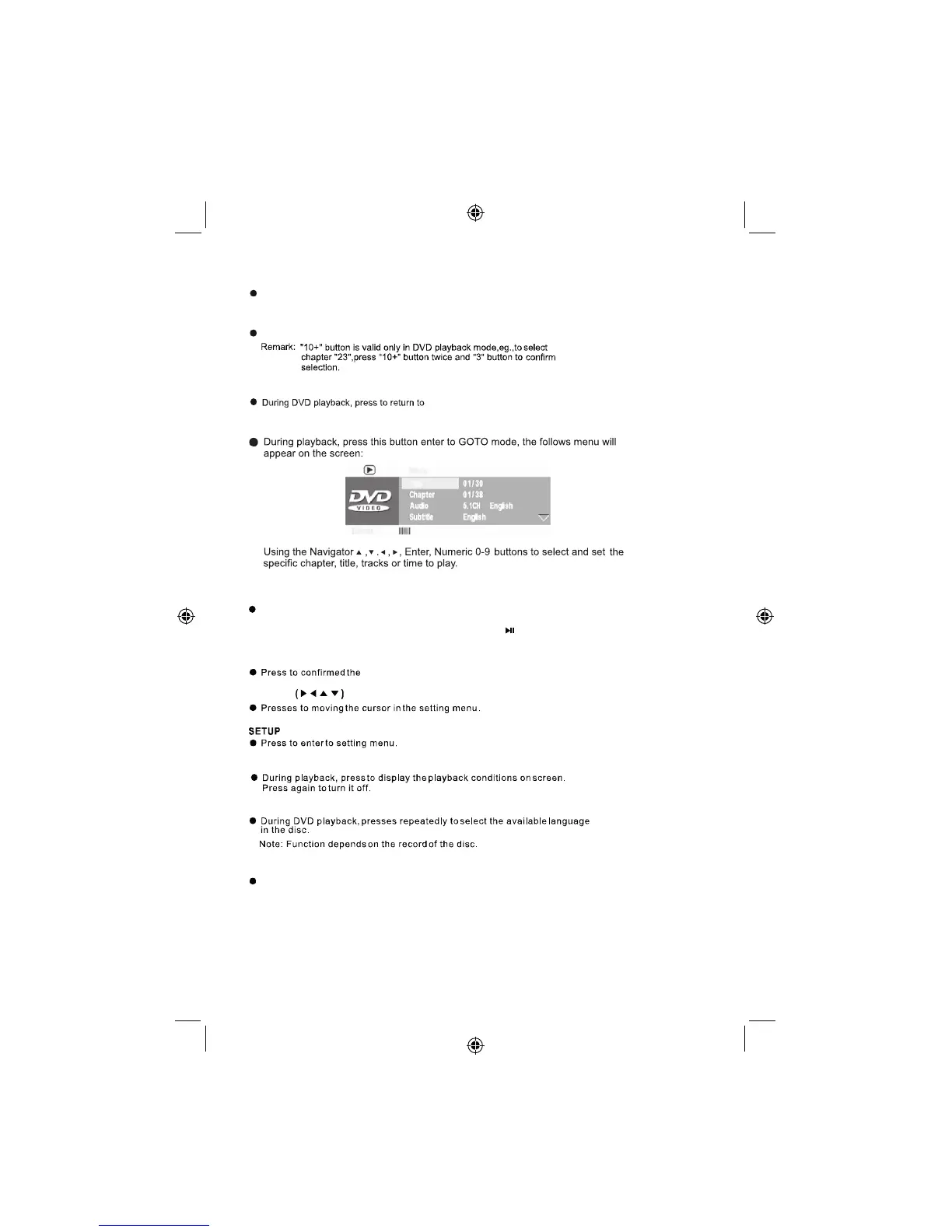
GO TO
button.
utton to reduce the playing speed to 1/2.
B



 To Next Page