19
AUDIO SETUP
Speaker Setup: To set or reset the Downmix mode to LT/RT
GENERAL SETUP
TV Display: To set the aspect ratio of the screen to match the aspect ratio of the playing movie.
Angle Mark: To turn ON/OFF the angle marks shows on the screen when multi-angle of current
disc available.
To set or reset the language of on screen menu.
Screen Saver: To turn ON/OFF the screen saver.
Last Memory: To turn ON/OFF the last memory function.
PANEL QUALIT Y SETUP
To set and reset the picture quality of screen such like Sharpness; Brightness, Contrast, Hue and
Saturation.
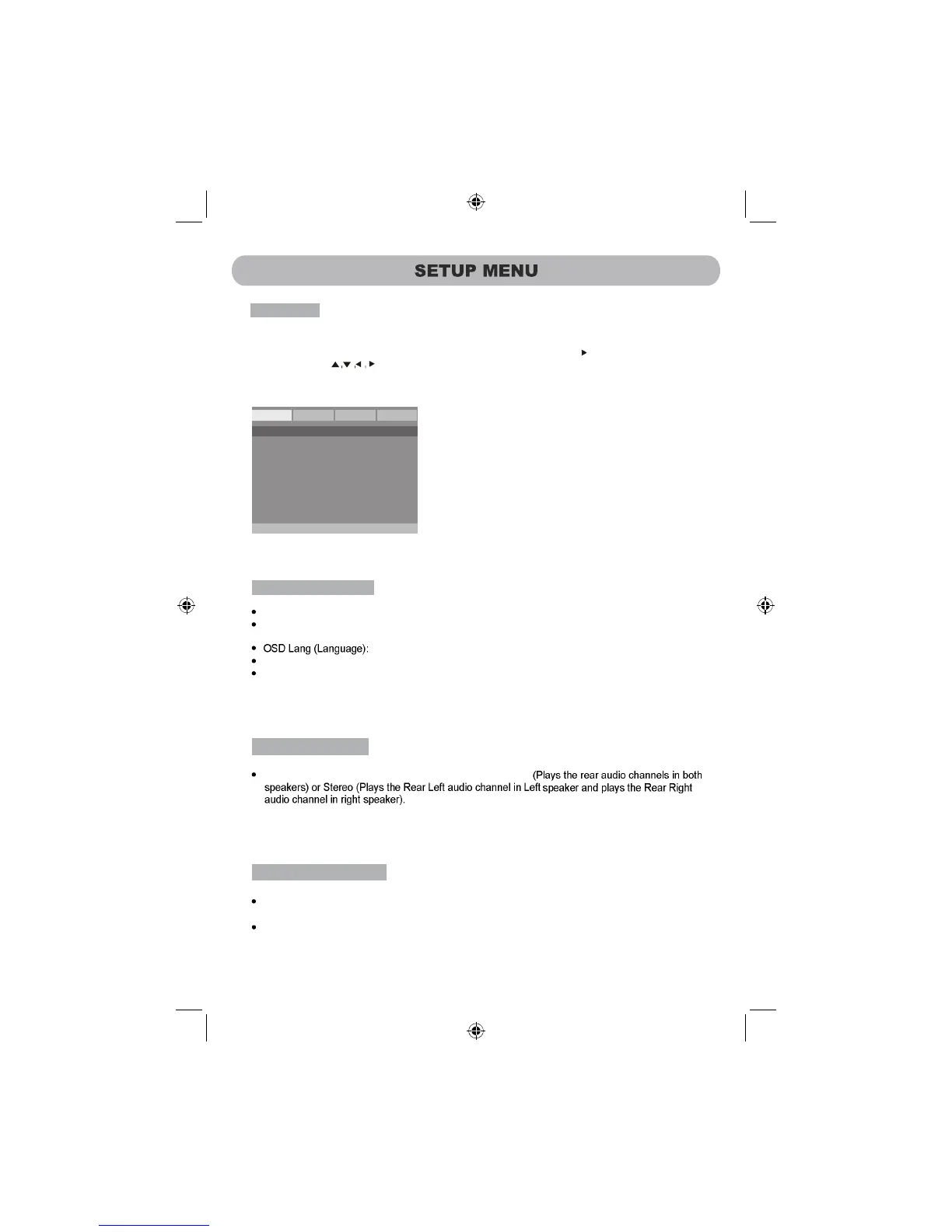
Setup Menu:
Press the SETUP Button, the setting menu will appear on the screen as below. Using the Direction
Buttons to select and highlight the setting you need to set. Press the Direction Button to enter.
Press the direction Button to set. Press the OK Button on the unit or the ENTER Button on
to
the Remote Control
confirm the selection. Press the
SETUP Button to save the settings and exit.
SETUP
TV Display
Angle Mark
OSD Lang
Screen Saver
Last Memory
PS
On
ENG
On
Off
General
Audio
Video Preference
Panel Display: To set or reset the aspect ration of the screen to match the playing movie.



 To Next Page