SETU P M ODE
MENU
D/SD /USB
STOP
PLAY/ PAUSE
NEXT
PREV
FFFR
17
Main unit:
1. Recharged or connect the unit to AC/DC Adaptor; Car Adaptor as previous produce.
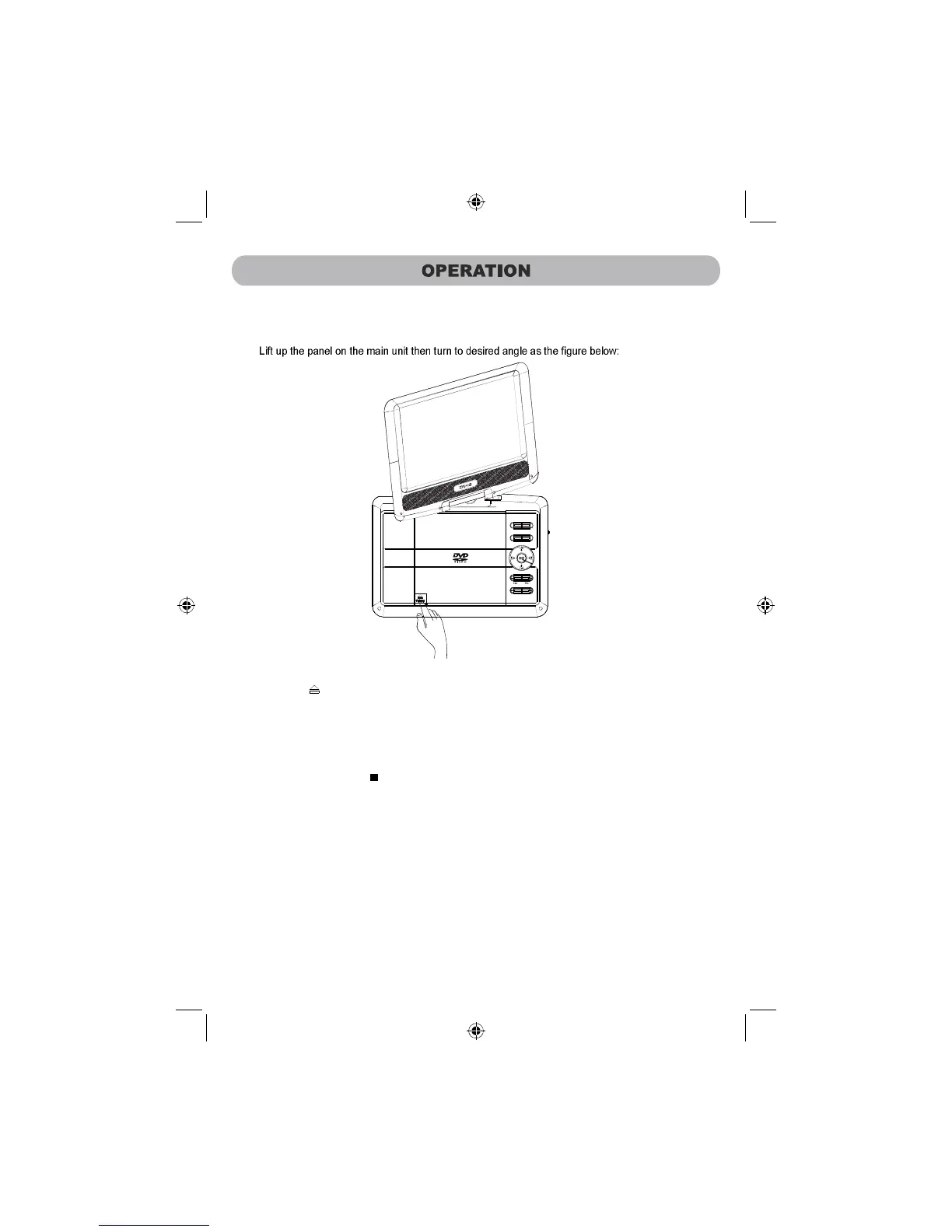
2.
3. Press the “ ” OPEN Button to open the disc door. Insert the disc to the center spindle with
label side face up.
4. Power on the unit by slide the POWER ON/OFF switch on the right of unit to ON position.
The blue power on indicator will turn on and the unit will start playback automatically.
5. For saving battery power while listening music, press the MODE
Button on the unit to
turn off the display. Press again to turn it back.
6. To power off, press the “ ” STOP Button to stop then slide the POWER ON/OFF switch to
OFF position.
press the button to open the disc door



 To Next Page