3. During playback:
~ Press the “ ”or “ ” Button repeatedly to skip tracks.
~ Press the “ ” or “ ” Button to fast searching the desired track
Button on the Remote Control to
.
~ Press “ ” Play/Pause Button to pause. Press again to resume.
4. When finished, press the “ ” STOP Button to stop. Press the POWER Button on the Remote
Note: For saving battery power. If long period of time will not use, power off the unit by slide the
POWER ON/OFF Switch to OFF position.
18
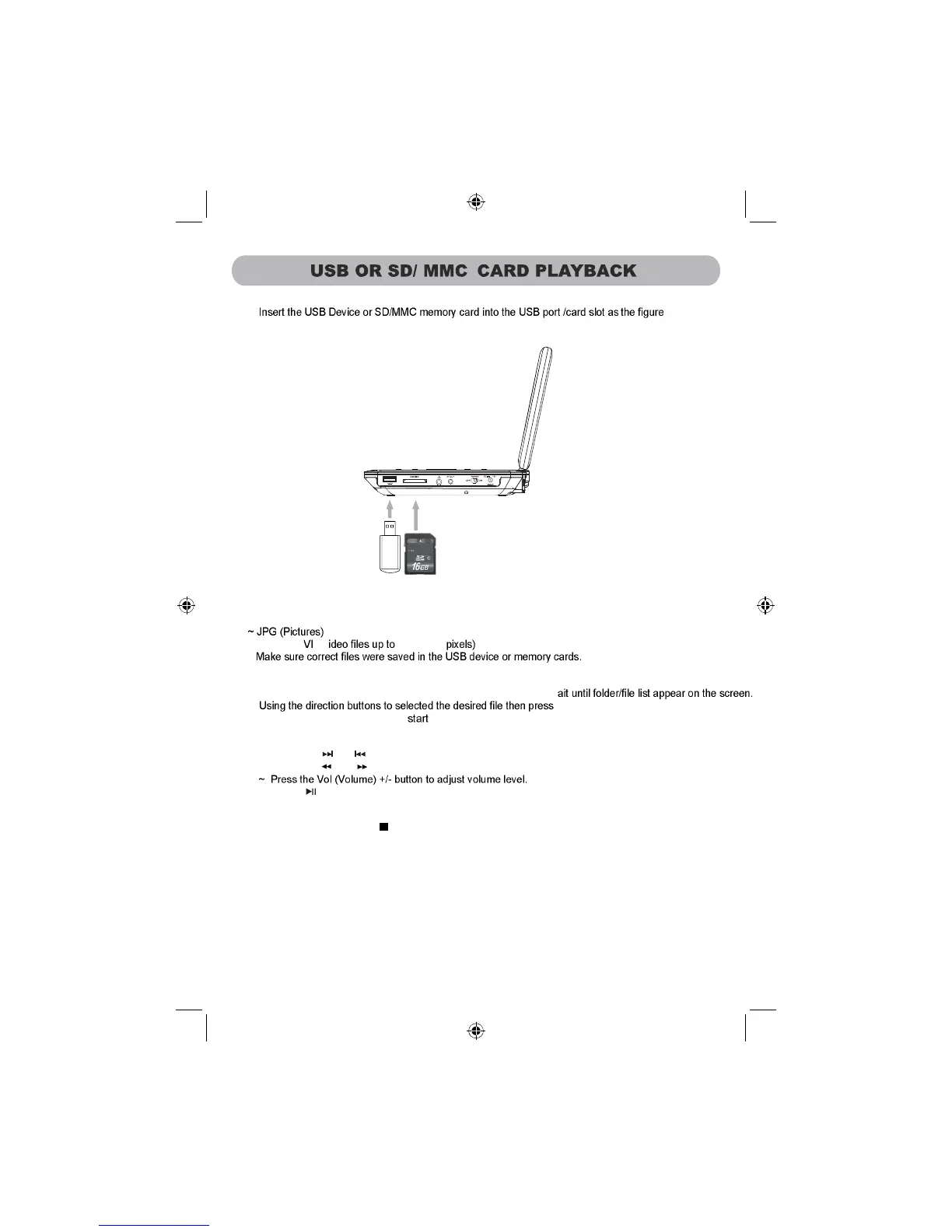
1.
below:
NB: The unit supported to playback:
~ MPEG2; A V
2. Power on the unit, wait until "No disc" appear on the screen or disc start playback. Press the SD/
USB Button repeatedly to select the desired playback source. W
playback.
9~
800X
00
(
6
Control to power off (Standby) the unit.
~ Press the MENU Button to return to File (Folder) list.
the OK Button on the unit or the ENTER
s



 To Next Page